


Known Participant
April 22, 2024
Answered

Where are the old versions of apps

  • April 22, 2024
  • 2 replies
  • 913 views

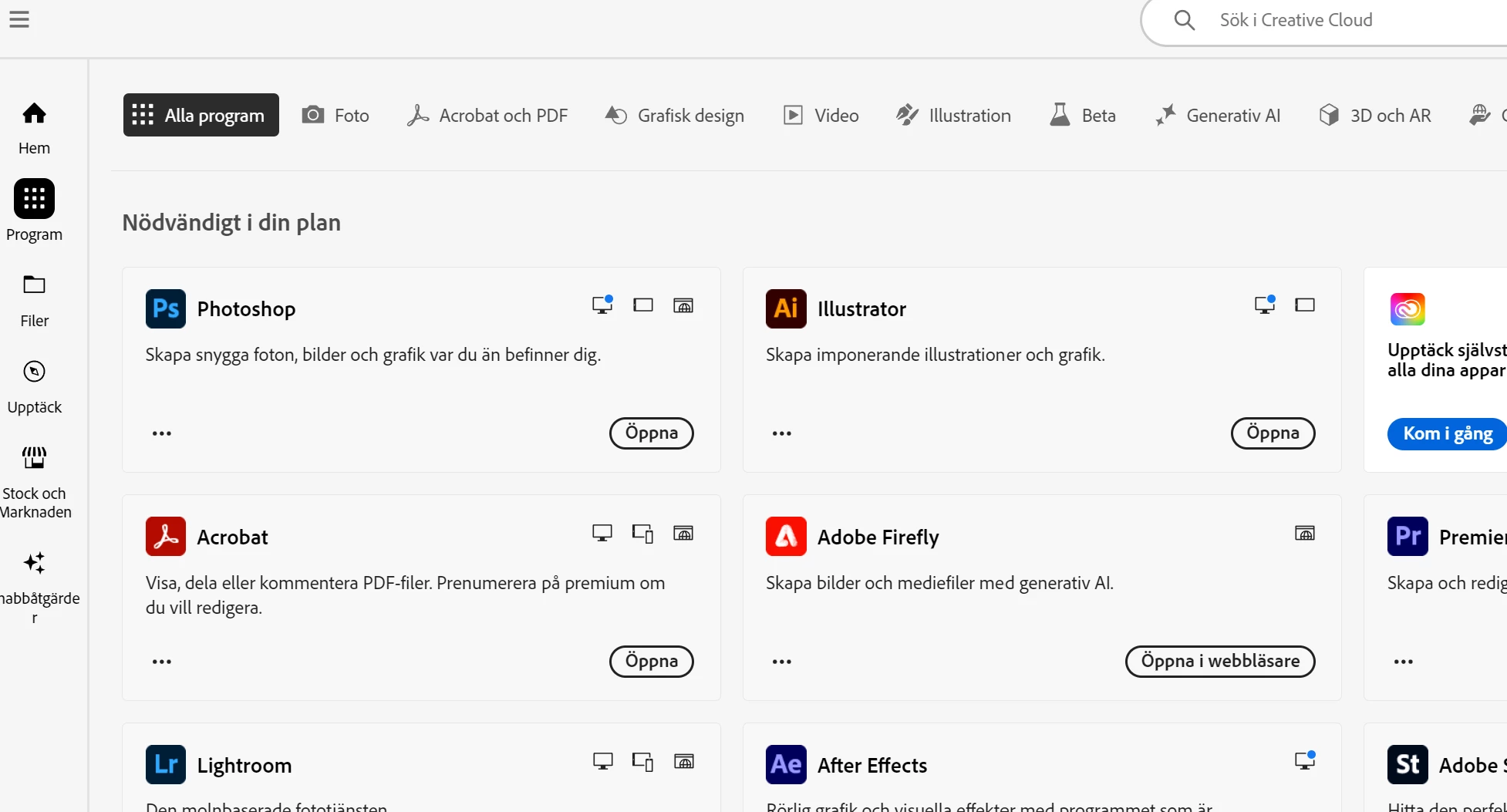
In the desktop app for Creative Clouds there used to be old versions of each software available for download. But, for some reason now there are no old versions available and I can't arrange so that I get a list view over my softwares in subscribtion. The softwares are viewable as "cards" but not info how to find old versions.

How can I see old available versions in the desktop app?
 

Correct answer Kalvyn Rasquinha

@Daniel_9185 , if you click on the "three dots" on the card, you should see an option saying "Other version"

2 replies

Kalvyn Rasquinha
Community Manager
Kalvyn RasquinhaCommunity ManagerCorrect answer
Community Manager
April 23, 2024

@Daniel_9185 , if you click on the "three dots" on the card, you should see an option saying "Other version"

robins44927806
Participating Frequently
July 25, 2024

True for all except Acrobat for some reason.

kglad
Community Expert
Community Expert
July 25, 2024

everything acrobat is different.

kglad
Community Expert
Community Expert
April 22, 2024

you can install the latest and 1 version prior versions using the cc desktop app. you must have a subscription because previous versions are not available with trials. other versions are revealed after clicking file preferences>apps>tick show older apps (at panel bottom).