


WORKAROUND for 2 accounts and one computer
Hey everyone,
Are you like me, having a license for an Adobe app that you've bought yourself and suddenly you end up with a team that wants you to share another app, so you can work from home, or be part of a project, then finding yourself confused as you end up not being able to use your own app together with the teams app due to the restrictions in the Creative Cloud app, that is wanting your to switch users between apps and making the other app useless?
Well I have a little workaround for you until Adobe realises that they need to allow for several logins in their Creative Cloud app so you can run their apps seamless, regardless of who paid the license.
I'm not sure if it's this easy for PC's, but it works like a charm if you're a Macintosh users like me.
I just set up a second user on my Mac, and on that second user I log in to the teams CC account to run their apps (in my case InDesign). On my main user on the computer I log in to CC to run the app I use the most (in my case Photoshop).
This way I can fairly quickly edit a photograph in Photoshop that needs fixing before print, while editing a page for a magazine in InDesign, without having to log out of Creative Cloud between the apps. I just swich users with a my one finger on my MacBook Pro and it's done.
I use the shared folder on the computer to share the files that needs fixing, and it's easy to replace with the newly edited image.
Less cumbersome, especially when you have two-way verification activated, as otherwise you have to log out and log back in to Creative Cloud for switching apps with your phone buzzing with verification codes.
With this method you only need to do it once for every Creative Cloud user on your computer.
I hope this helps. And don't forget to send in a request to Adobe to implement an easy way to juggle two (or more) Creative Suite accounts and apps: https://www.adobe.com/products/wishform.html
Happy Holidays!
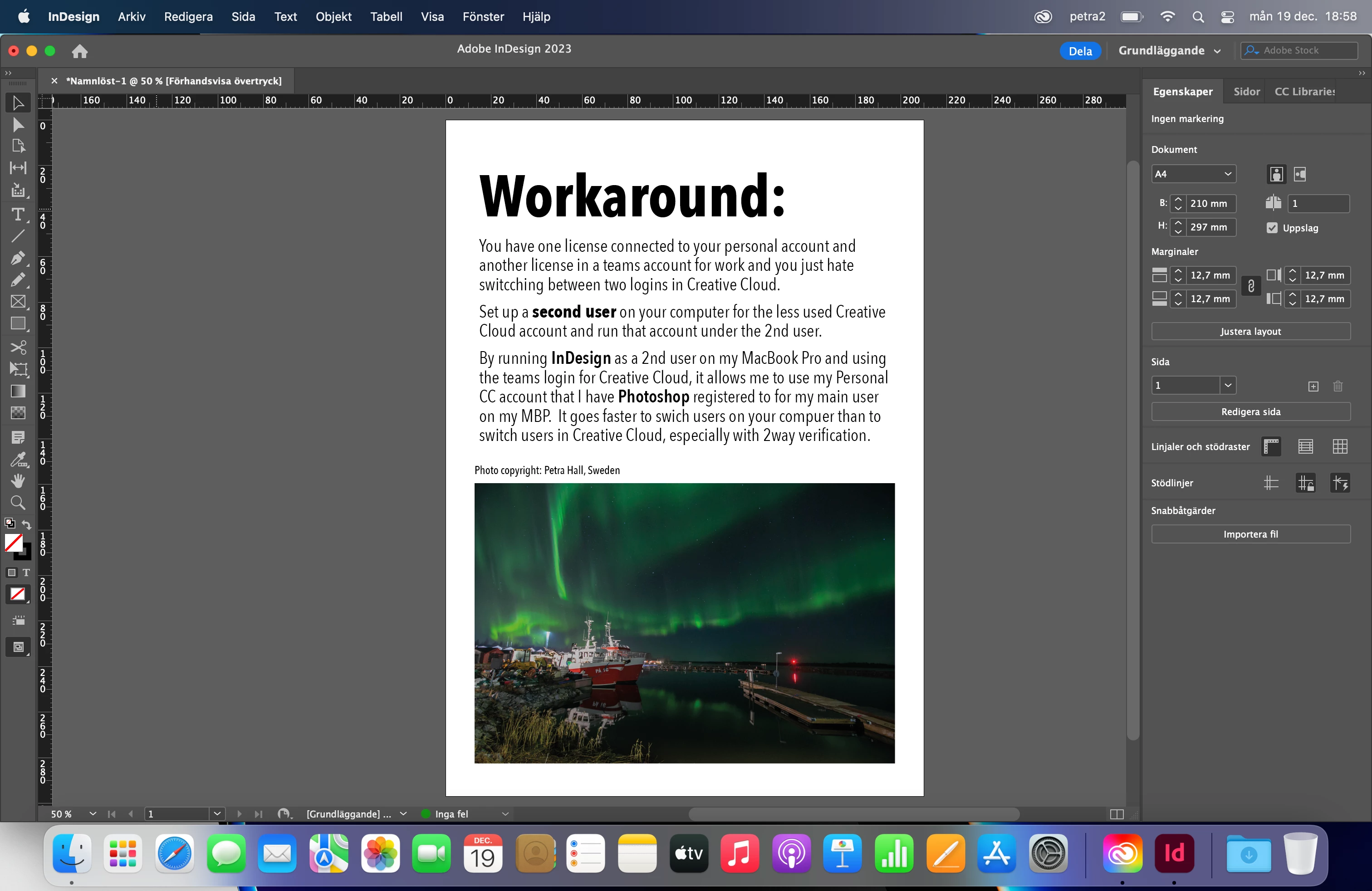
Yes, the image of the auroa borealis is real and it's photographed more or less from my backyard. 🙂
 AdChoices