

100% CPU Usage when renaming CC file folders
I've got about 250GB in my CC storage.
I thought I'd go about organising these folders better but can't move or even rename folders without my computer grinding to a halt.
If I rename a folder or move folders into a parent folder my explorer and Sync CPU usage jump to around 50-60% usage. Total CPU usage often sitting at 100%.
It will often just sit there doing this for many minutes until I restart the computer. This means every folder move or folder rename takes minutes to complete, isntead of seconds.
Not only that, my business partner's computer also slows down as it starts syncing the folder rename. So 2 computer out of action while Adobe CC syncs a folder name!
I'm on a Windows 10 machine
i7 7900
2070rtx
64gb ram
CC is synced to a M.2 SSD
Here is my CC app info
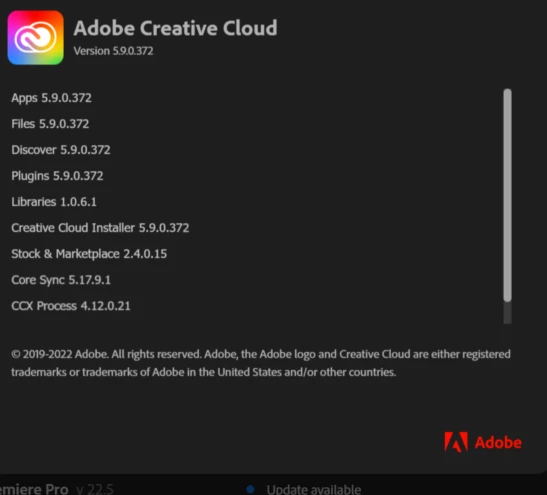

I've read other threads about this but it is still happening and nothing I do seems to resolve the issue.


 AdChoices