Scott Falkner
Community Expert
Community Expert
Jul 26, 2020 11:22 PM UTC
Question

35.7 MB of Cloud files that I cannot locate

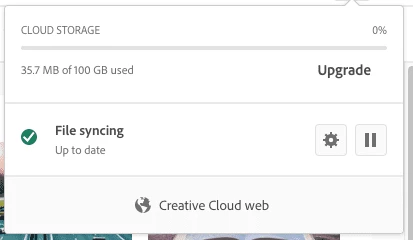
According the the Creative Cloud app my Cloud Storage is using 35.7 MB…
 

According to the Files section I have no content in Synced files, Cloud documents, and Mobile creations…
I also have no files in the Creative Cloud Files folder…
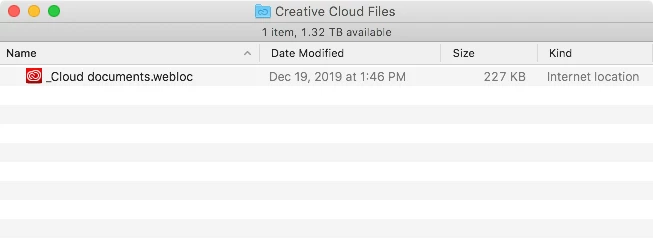
 

So where are those 35 MB of files? How do I delete them if I want the space?

This topic is closed to new replies. Start a new post to keep the conversation going.

1 reply

Inspiring
Aug 1, 2020 5:14 AM UTC

Hi Scott,


Could you please check the "Archive" section of Creative Cloud and see if it is empty.


Check this link to know, how to manage your files.


http://helpx.adobe.com/creative-cloud/help/sync-files.html


If the issue persists, please click the link below to contact Adobe staff to help : https://helpx.adobe.com/contact.html 

Be sure to remain signed in with your Adobe ID before accessing the link below


Thank you.

Translate