

Question
Add-on Creative Cloud Libraries Installation Error
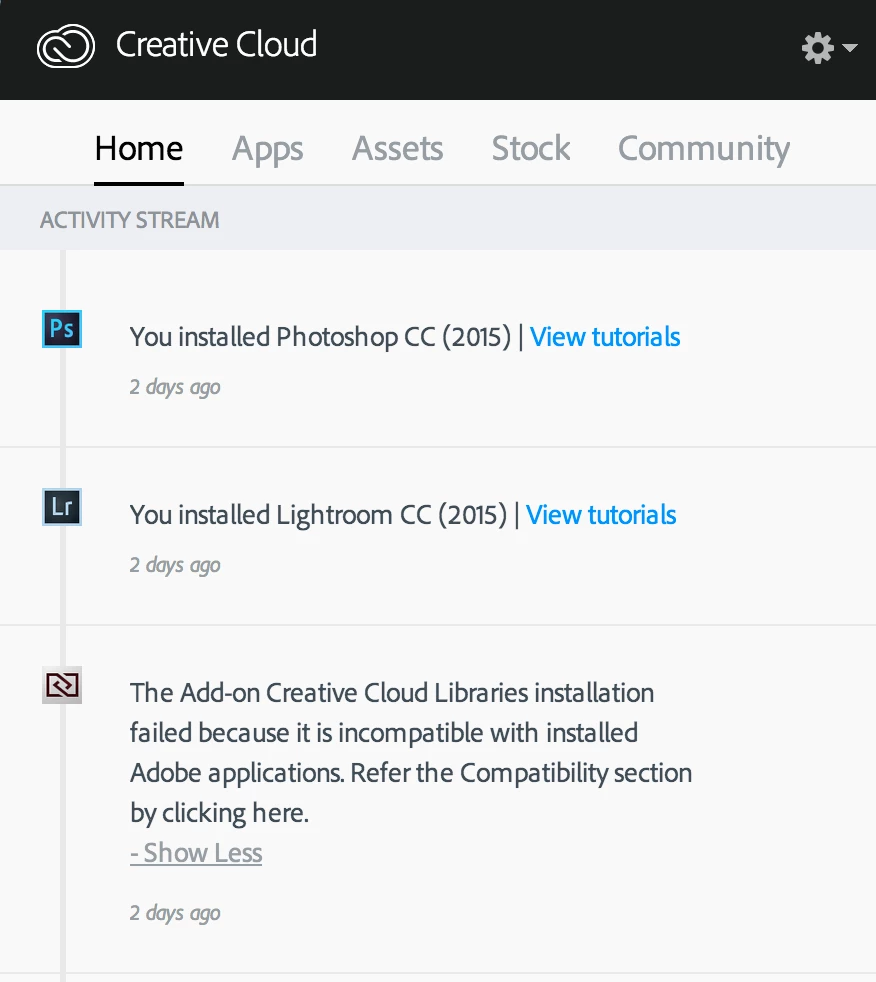
I transitioned to a brand new MacBook Pro and re-installed Creative Cloud, Photoshop, and Lightroom. During the Creative Cloud installation, I got the following error:
"The Add-on Creative Cloud Libraries installation failed because it is incompatible with installed Adobe applications. Refer the Compatibility section by clicking here:"
(See Screen Shot).
How do I verify that I have a "complete" CC install? Both Lightroom and Photoshop work with no issues.
 AdChoices