Participant
January 18, 2022
Answered

Adobe account help

  • January 18, 2022
  • 2 replies
  • 844 views

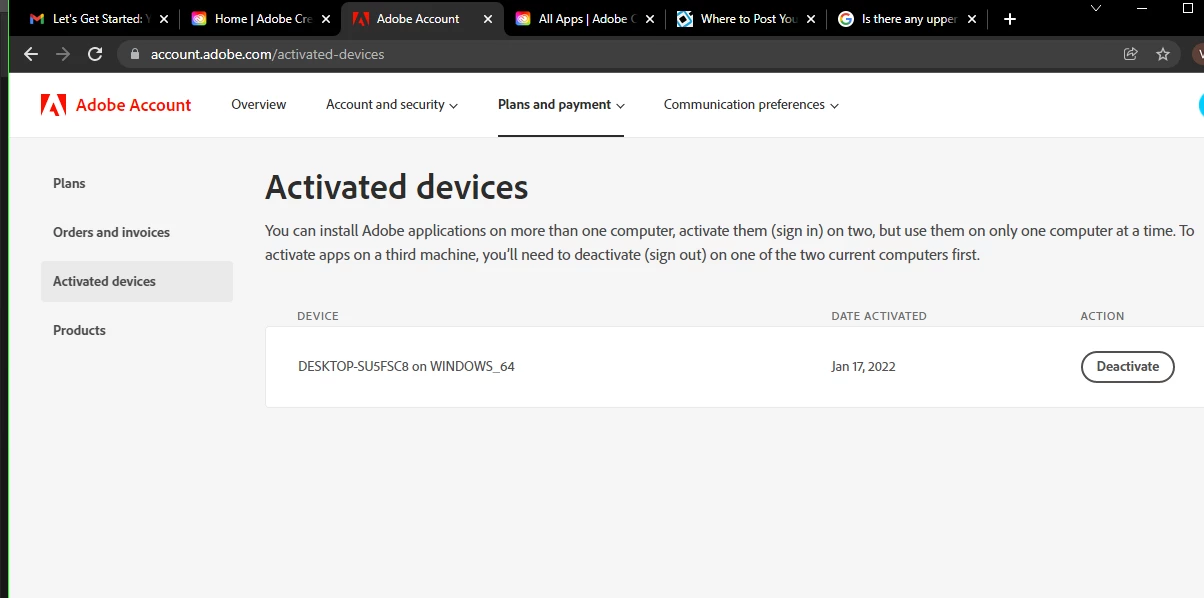
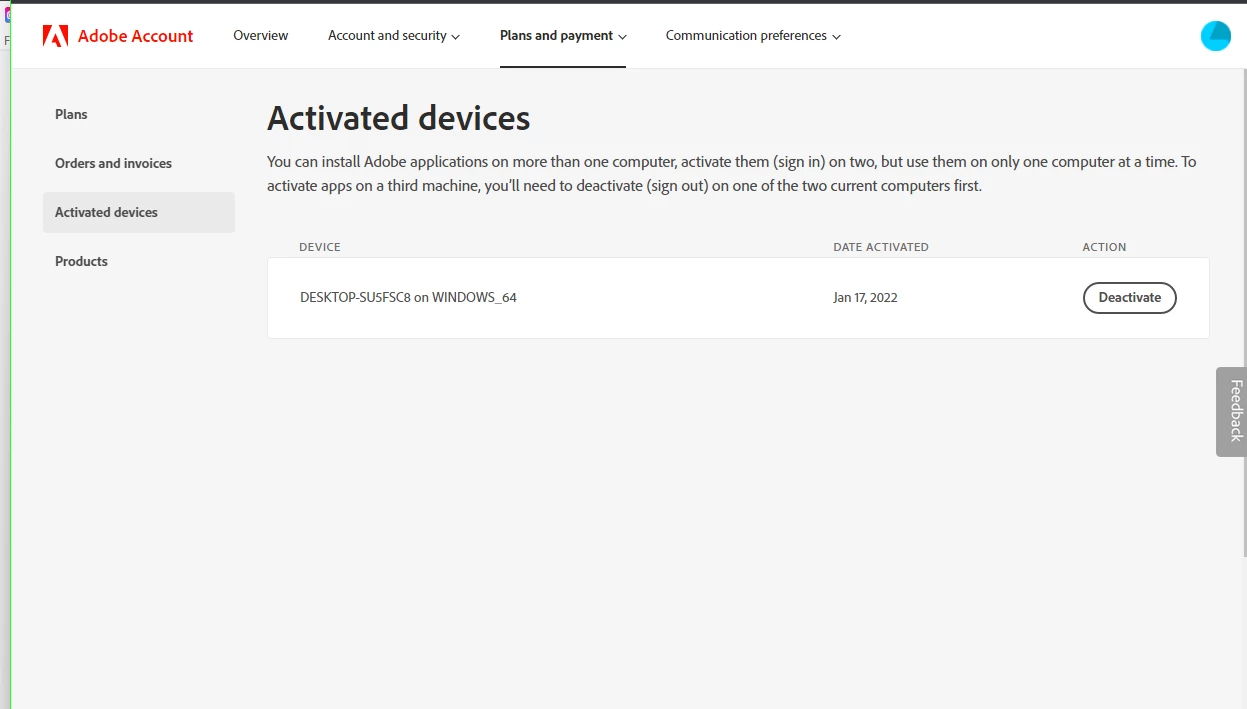
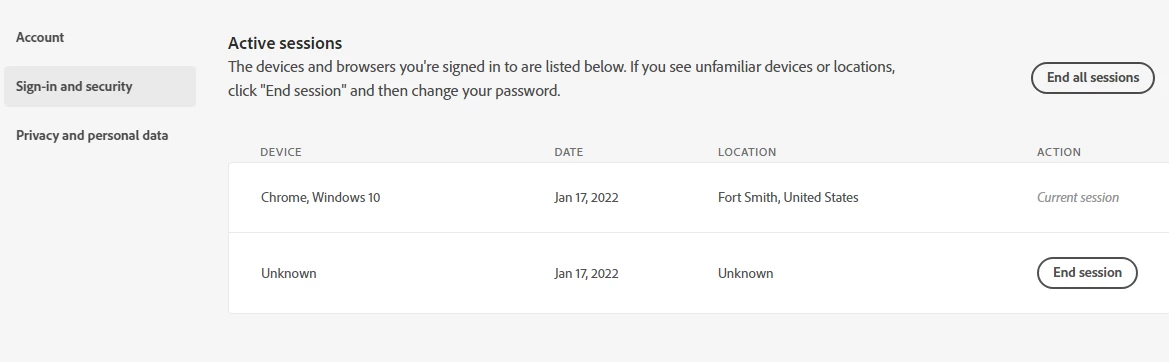
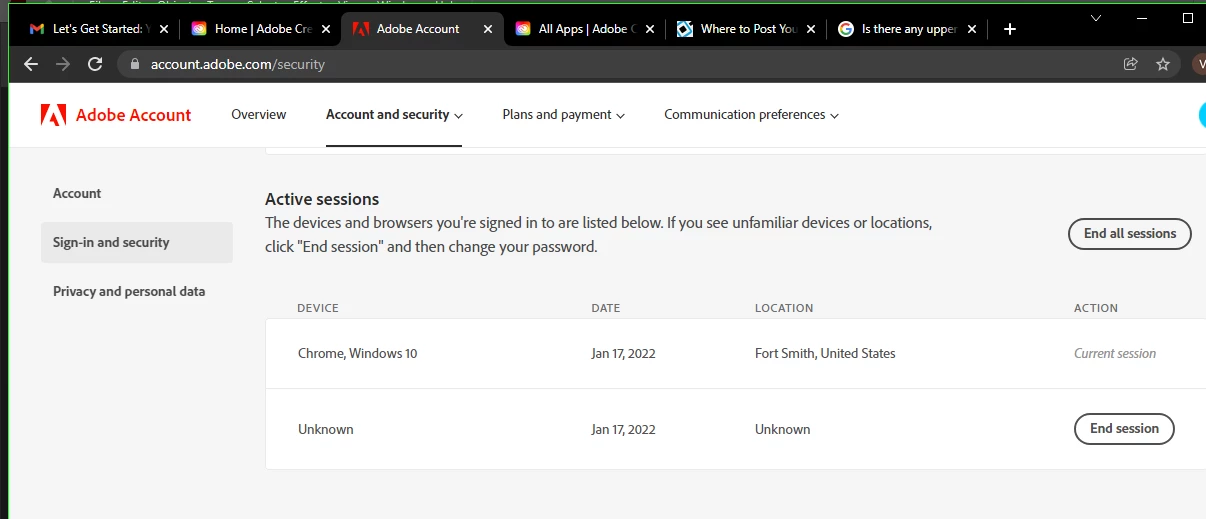
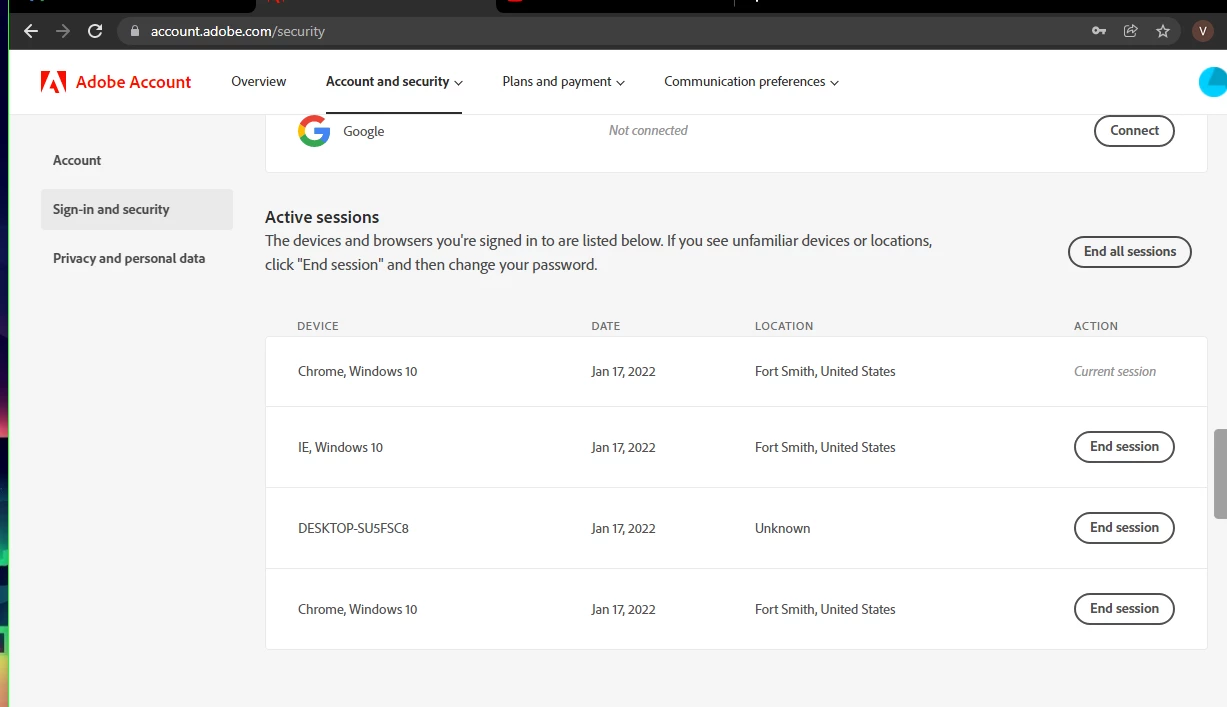
Over the last few days I have become aware of some odd behaviour in my adobe account and I am concerned that either my account or my computer might have been hacked. Under my signed in activity and register devices. I have tried calling customer support and they transfer me to the Technical department and I was told to call back in three hours because the technician couldnt  see the information, he honestly suonded like he had no idea of what to do, well I called back and to no surprise they didn't answer. I have changed my Adobe password multiple times and enabled 2 step verification. I have also scanned my computer with various antivirus and antimalware software without anything significant being detected. Has anybody else experienced anything like this? I don't know what's going on here and would be grateful for any advice.
This topic has been closed for replies.
Correct answer David__B

Hi Amethyst_Vixen,

It looks like you're only signed in on one device but multiple browsers. Is it the browsers that you're concerned about? Do you use multiple browsers on your device? I agree with Kglad about ending all sessions and then try launching only your default browser and signing in there and see if the others appear.


Best,

Dave

2 replies

David__B
Adobe Employee
David__BCorrect answer
Adobe Employee
January 18, 2022

Hi Amethyst_Vixen,

It looks like you're only signed in on one device but multiple browsers. Is it the browsers that you're concerned about? Do you use multiple browsers on your device? I agree with Kglad about ending all sessions and then try launching only your default browser and signing in there and see if the others appear.


Best,

Dave

Participant
January 19, 2022

Yes, I am signed in different browsers, thank you very much Dave for letting me know. I seriously believed that my account had been hacked because I expected to see the actual names of the browsers, instead of the above names I mistook them for devices, my mistake. I really appreciate it. 

David__B
Adobe Employee
Adobe Employee
January 19, 2022

You're welcome, glad I could help.

kglad
Community Expert
Community Expert
January 18, 2022

what happens after you deactivate that unknown device and end its session?

Participant
January 19, 2022

@ Kglad-When I would end the session, soon after I would be signed out of my account and if I had any adobe program running they would close without asking me to save my work. So I would sign-in again and I would see the same names of the same devices I had previously removed.