Participant
May 11, 2022
Question

Adobe Creative Cloud desktop app file syncing error

  • May 11, 2022
  • 1 reply
  • 648 views

Hi, 
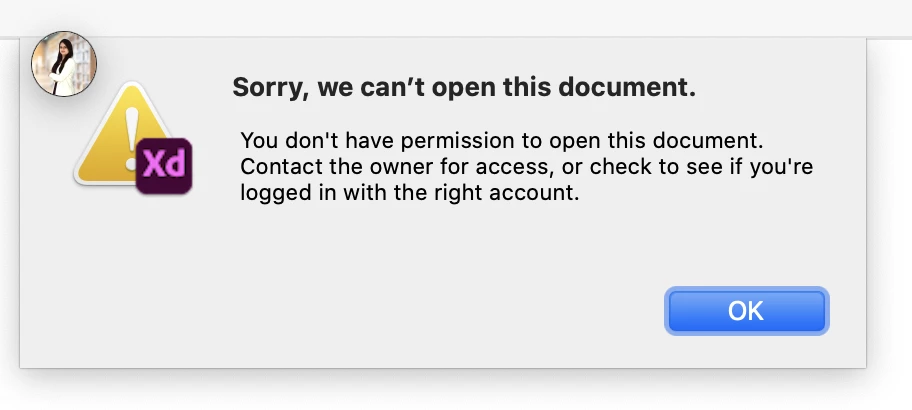
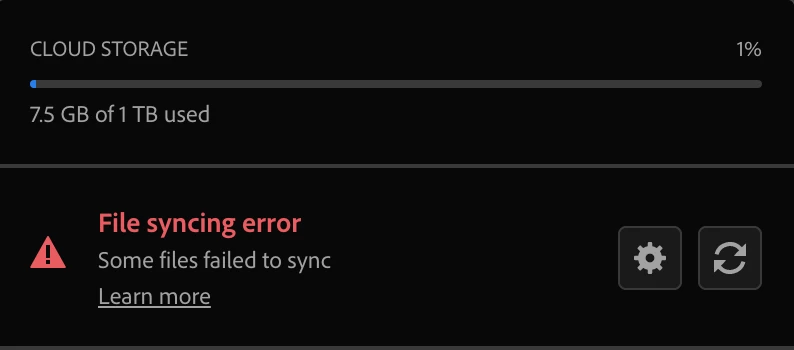
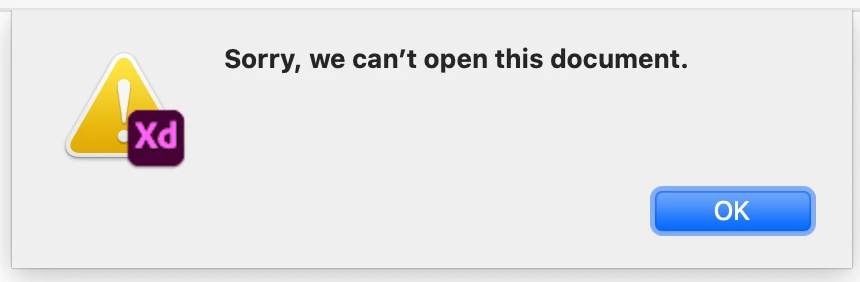
I am getting Adobe Creative Cloud desktop app file syncing error or its continually showing syncing, because of that I cannot access Adobe XD files saved or shared on Creative Cloud.
Screen Shots shared. Kindly support or help it’s urgent and important.
 

This topic has been closed for replies.

1 reply

Neelamk
Legend
May 12, 2022

Hi Vini,


We are sorry for your difficulties as you are unable to use the Creative Cloud Application due to syncing error. To investigate the issue, could you please let us the OS version of your system and the Creative Cloud app version. 

Also, launch the creative cloud app, make sure it is in the foreground, press ctrl+alt+r and check if it syncs.

You may refer to the below article to troubleshoot the issue.

https://helpx.adobe.com/in/creative-cloud/kb/arent-my-files-syncing.html

Please let me know the details and also if the troubleshooting helps.


Regards,

Neelam

Participant
May 16, 2022

Hi Neelam, 
Below mentioned are required details. I am still facing the issues. I am using macOS Catalina Version 10.15.7. 

I have enough space left in adoble creative cloud. 
On XD its showing synced and backed up but when i open any files owned / shared still giving me same error. 


Tried the below mention solution also from trubleshoot link but still XD is not working. I am facing this issue from May'22 only, it was working fine till Apr'22.

Some files failed to sync.

This error can occur due to several reasons. It usually occurs when you are about to exceed the maximum limit of files and folders you can store in your Creative Cloud account. To fix this error, empty the Deleted folder in the Creative Cloud website and permanently remove deleted files or folders that you no longer need.

If you still see the error, identify files and folders you don't need in the cloud and then move them to a local storage device.