

Question
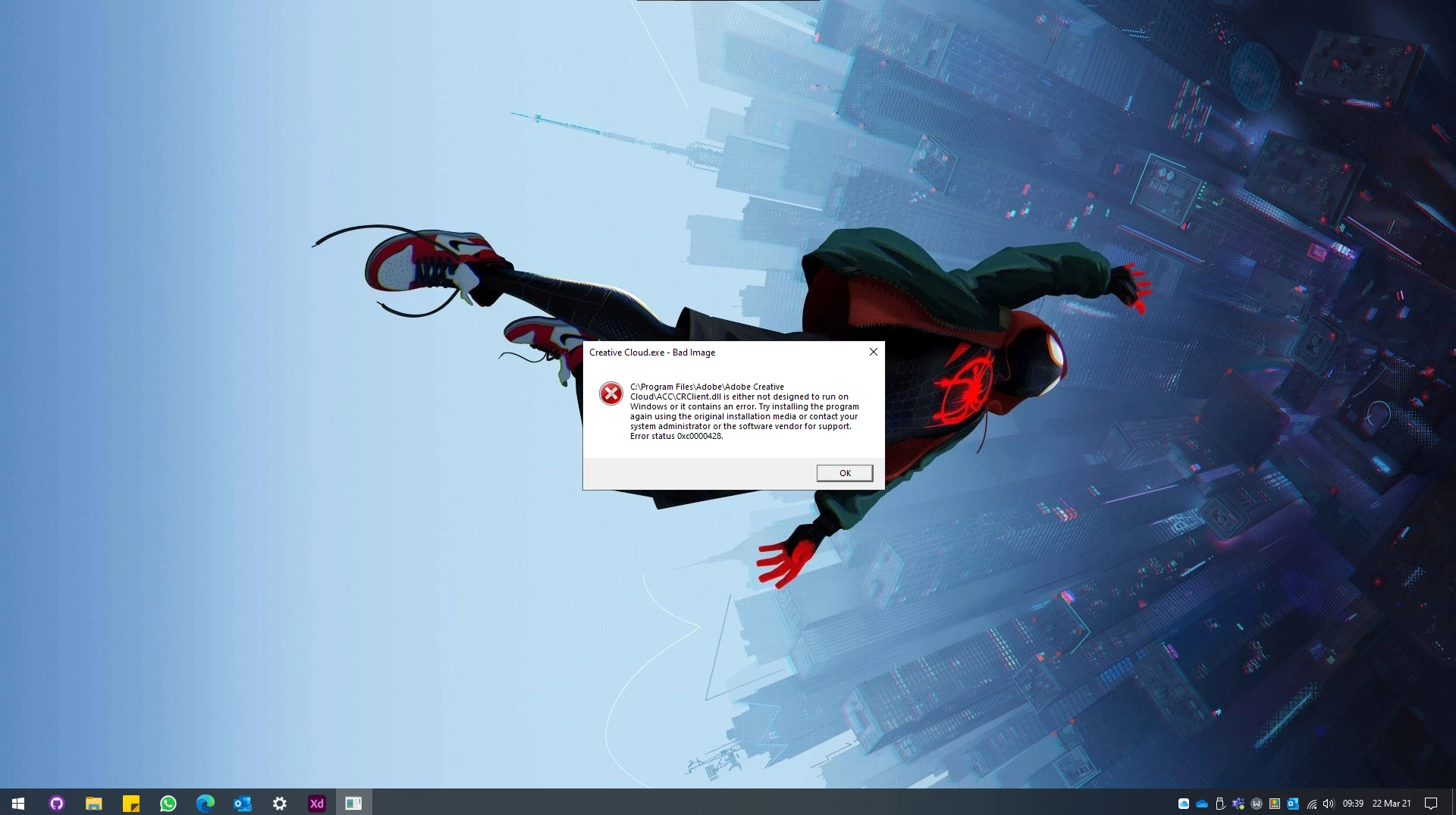
Adobe Creative Cloud fails to open Bad Image - Error Status 0xc0000428
I have been runing into a issue with Creative Cloud on the Desktop. I have tried the Adobe Creative Cloud Cleaning Tool Twice now. The first time I only cleaned creative cloud desktop app, the second time I cleaned all and as I need the progams to work I have now lost programs such as indesign and adobe illustrator.
I recieve the error code 0xc0000428 when trying to open the redownloaded creative cloud app.
I was wondering if there was another way to install programs without creative cloud.


 AdChoices