
kenziem96186948
Participant
December 13, 2021
Question

Adobe creative cloud links not working

  • December 13, 2021
  • 1 reply
  • 879 views

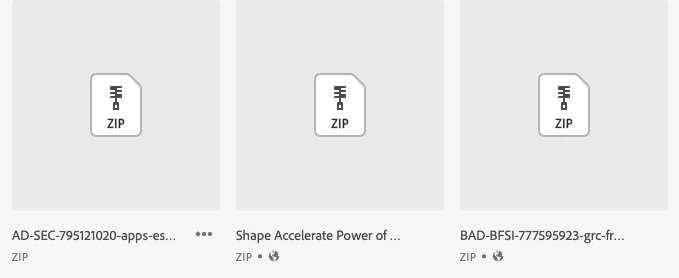
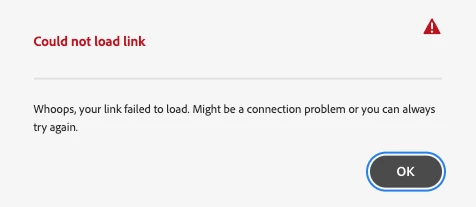
Hello, I've been using creative cloud links at work for a year now with no issue. I compress my folder & add it to the creative cloud and share the link out. Now when I upload my folder I click share link & an error comes up that says it can't provide a link. The folders I usually upload are 150 mb or less. I've noticed that the links that work have the little globe and the links that don't work don't have the globe. Has anyone else experienced this issue? Thanks!
 

This topic has been closed for replies.

1 reply

David__B
Adobe Employee
Adobe Employee
December 13, 2021

Hi Kenziem96186948,


I'm not sure if these will help but maybe a few things to test.

  • Check whether you're able to create links for prior zips which worked previously
  • Check whether the issue is size related try diving the files into two zips and see if you can share these successfully
  • Is it possible to try uploading the problematic zips (renamed) again to see if this makes any difference?
  • Test creating the link from a different device
  • Try downloading the problematic zip yourself to see if that works


Hope that helps,

- Dave