October 23, 2022
Question

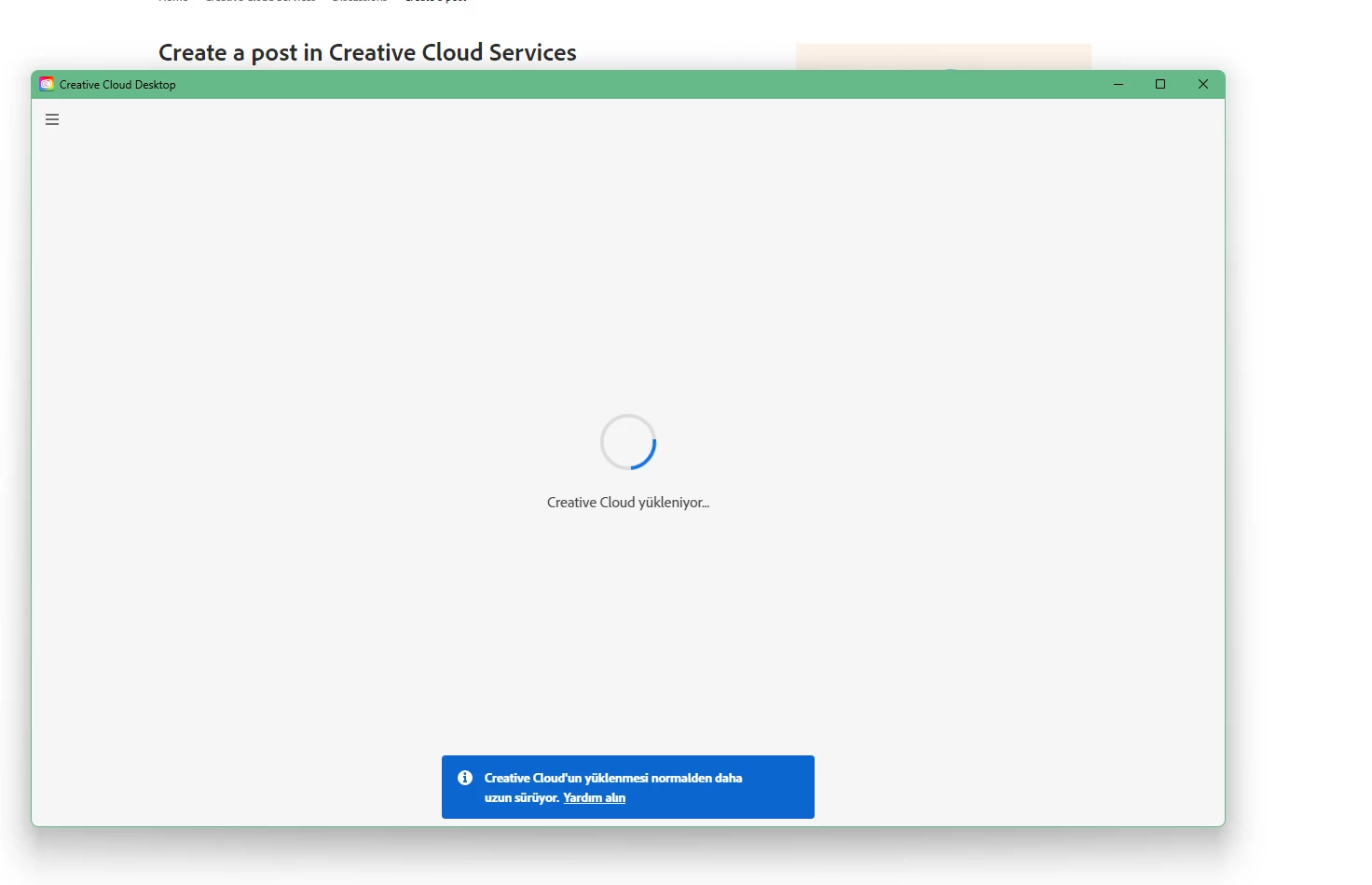
adobe creative cloud loading forever
  • October 23, 2022
  • 1 reply
  • 3282 views

hello, it stays like this, what is the solution so far, I have done all the operations such as remove, delete, update

This topic has been closed for replies.

1 reply

kglad
Community Expert
Community Expert
October 23, 2022

restart your computer.  recheck cc.


if it's still not loading,


reset the cc desktop app: make sure it's in the foreground, then press:

Win: Ctrl + Alt + R
Mac: Cmd + Opt + R

if that fails, try to repair
https://helpx.adobe.com/download-install/kb/creative-cloud-install-stuck.html

if that fails go ahead and uninstall using the correct uninstaller from https://helpx.adobe.com/creative-cloud/help/uninstall-creative-cloud-desktop-app.html#sa_src=web-messaging and then reinstall

if that fails, do a clean cc install following each applicable step:

uninstall every cc app including preferences, https://helpx.adobe.com/creative-cloud/help/uninstall-remove-app.html

then uninstall the cc desktop app, again using the correct uninstaller, https://helpx.adobe.com/creative-cloud/help/uninstall-creative-cloud-desktop-app.html#sa_src=web-messaging

clean your computer of cc files per http://www.adobe.com/support/contact/cscleanertool.html

check for, and if available, update your os

repair all ms visual c++ versions that can be repaired.

update your ms visual c++, if it can be updated

restart your computer (don't skip this)

reinstall the cc desktop app, https://creativecloud.adobe.com/apps/all/desktop?action=install&source=apps&productId=creative-cloud

if you're unable to download the cc desktop app at this stage, use the "alternative download links" at the bottom of the page at https://helpx.adobe.com/download-install/kb/creative-cloud-desktop-app-download.html

use the desktop app to install your cc programs/trials

October 27, 2022

I have followed all the steps you said, the problem continues

Peru Bob
Community Expert
Community Expert
October 27, 2022

Please go to Adobe Customer Service (Make sure to sign in to your Adobe account first and allow popups and cookies on your browser. You may not be able to see the chat window if using a VPN.):
https://helpx.adobe.com/contact.html?rghtup=autoOpen will automatically open the chat window.
Type "Agent" in the chat box to bypass the chatbot and be connected to a person.

You may also be able to contact Adobe by phone:
https://helpx.adobe.com/contact/phone.html

or Twitter:
https://twitter.com/AdobeCare