Participating Frequently
March 6, 2019
Question

Adobe Creative cloud says that i do not have any space left.

  • March 6, 2019
  • 2 replies
  • 1730 views

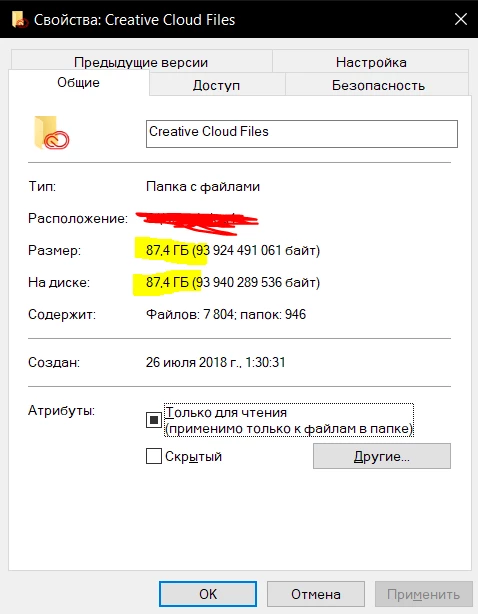
Adobe Creative cloud says that i do not have any space left, however the windows shows that creative cloud folder is only 87.4 gb.

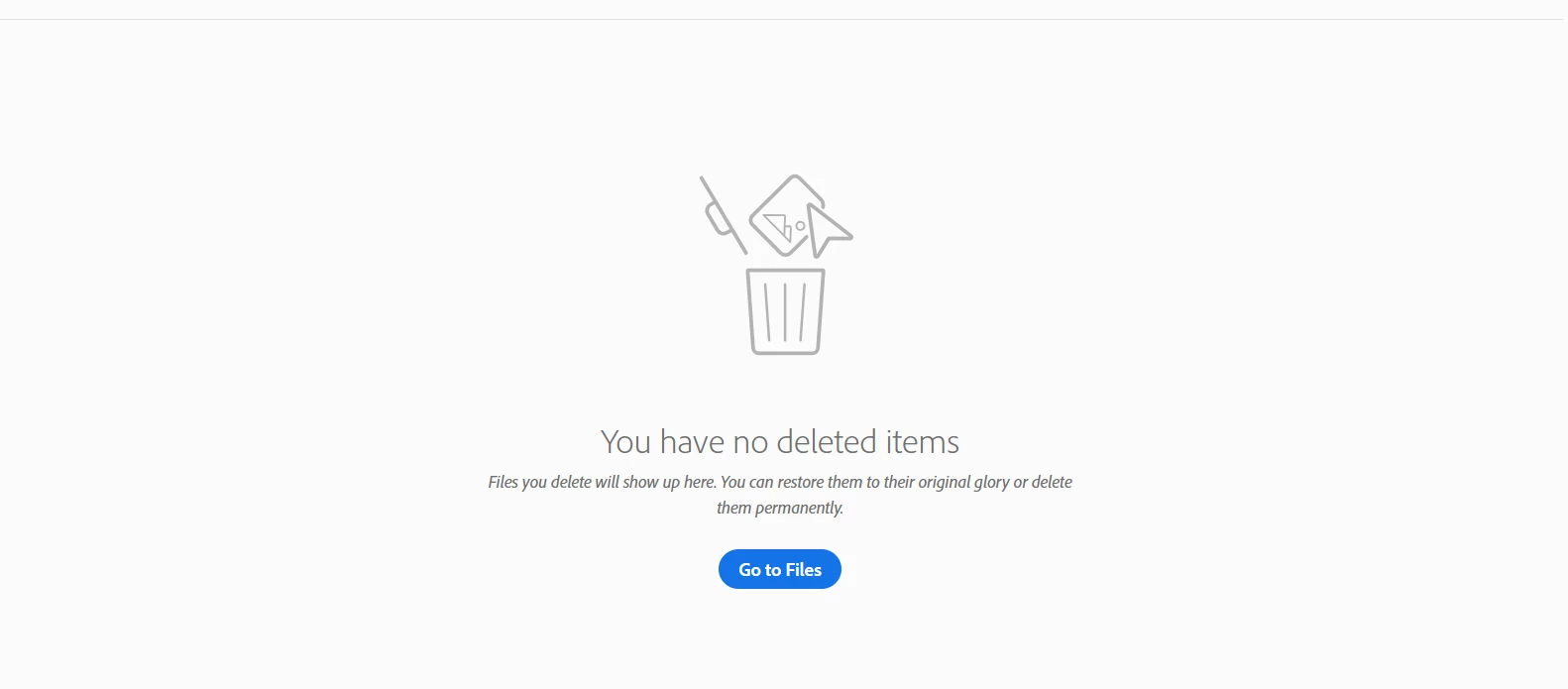
I have tried already to delete everything from a creative cloud bin. How do i fix it?
This topic has been closed for replies.

2 replies

David__B
Adobe Employee
Adobe Employee
March 6, 2019

Hi Oleg,

If you've uploaded Lightroom files they also count towards your total cloud storage used as well as Document Cloud files. I also know there is a small portion of usage for files within the Creative Cloud files folder which is needed for indexing when uploaded, 20-200k nothing like 12.4GB. Please check Lightroom and Document Cloud for files. If that is not it, then there is most likely some kind of issue with your account.

Best,

- Dave

Participating Frequently
March 6, 2019

Well, in Lightroom i have only 33 normal photos, that could be maximum 200 mb and the document cloud is fully free

P.S. Document cloud is not fully free - there are a few documents, but once again it's not enough for 12.4 gb 

Kevin Stohlmeyer
Community Expert
Community Expert
March 6, 2019

Go to the website portal for your CC files.

Deleted items go to a "Deleted" page and require you to do a second permanent delete.


When your folder synced - it did remove them from your local computer folder, but they are still waiting for the confirmation delete in the cloud instance.

It's a safety feature in case of accidental deletes locally.

Participating Frequently
March 6, 2019

As i said in text and show in the last screenshot i did exactly as you are suggesting 

Kevin Stohlmeyer
Community Expert
Community Expert
March 6, 2019

Have you tried clearing caches?