
Question
'Adobe' folder in my Documents wasting iCloud storage
Is there a way to stop CC apps creating and writing to folders in my Documents folders on a Mac? (No - I don't want to get a Windows PC, before that nonsense starts)
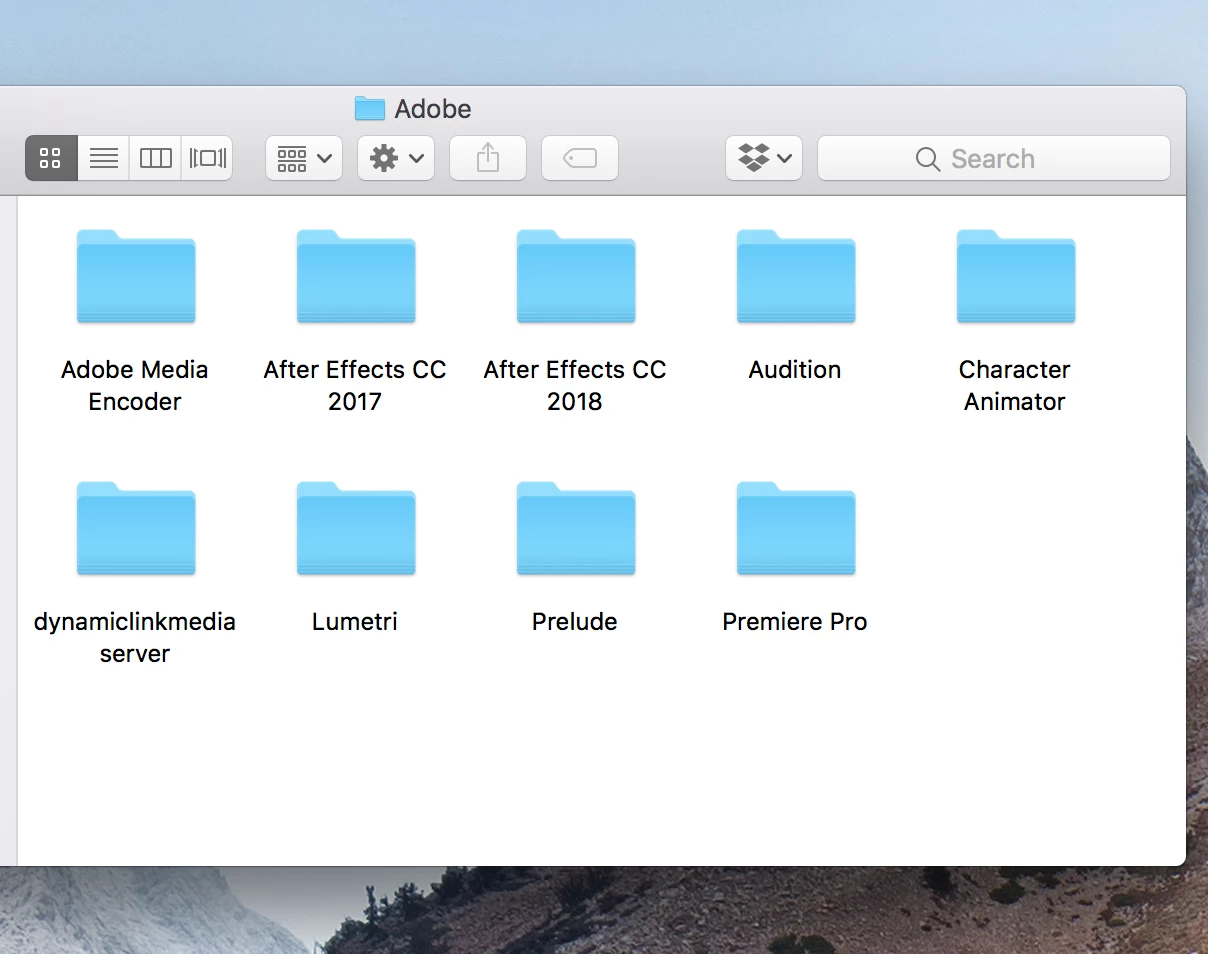
This folder is automatically sync'd to my iCloud account and wasting space.
The preferences in the Adobe CC app allow me to choose the locations for the Apps and also for the Creative Cloud Sync files.
But no preferences for these annoying folders - how do I stop Adobe from filling my Documents with rubbish?
Thanks in advance


 AdChoices