Participant
October 12, 2021
Question

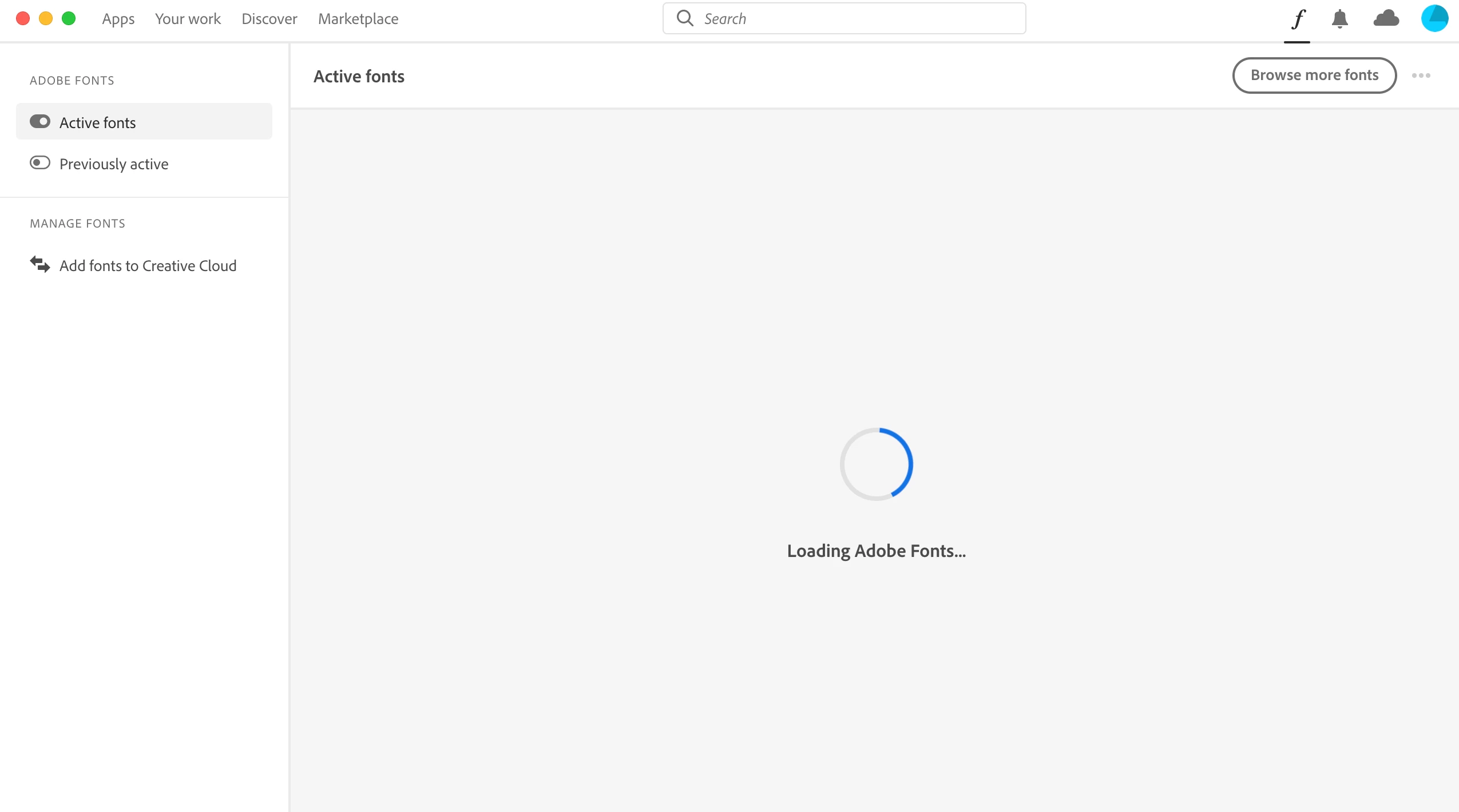
Adobe font page + Cloud activity page stuck on loading

  • October 12, 2021
  • 1 reply
  • 310 views

I'm having trouble using adobe fonts. I searched for solutions and saw a post that had the same problem with me. I think it has to do with using M1.

Anyways, according to the post I saw, to fix this problem I have to install Adobe's cleaner tool and in this process I have to check the sync status.

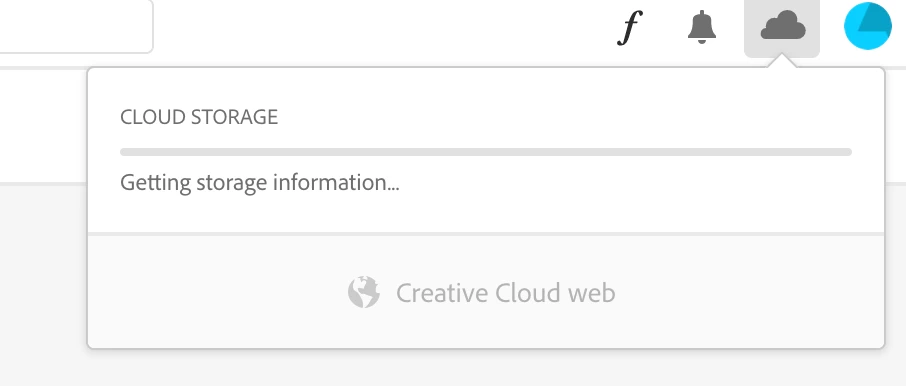
But the problem is, when I click the cloud acitivty icon to in the Creative Cloud desktop app I'm unable to see cloud storage and sync status beacuse it keeps on loading. 

Does anyone know how to solve this issue? Btw I've already tried reinstalling the Creative Cloud desktop app.
 

This topic has been closed for replies.

1 reply

Jeffrey_A_Wright
Community Manager
Community Manager
October 12, 2021

Yoo, you can download and run the CC Cleaner tool from https://helpx.adobe.com/creative-cloud/kb/cc-cleaner-tool-installation-problems.html.  There are no requirements to open the Creative Cloud desktop app as part of the uninstall process.


Are you only encountering problems syncing fonts?  Are files and libraries syncing successfully?  Have you added your own fonts to the sync process?

Participant
October 15, 2021

Thanks. I'm only having trouble with syncing fonts. I've added my fonts to the sync process. I think my fiels adn libraries are syncing right.