Participant
September 1, 2024
Answered

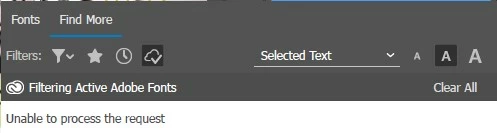
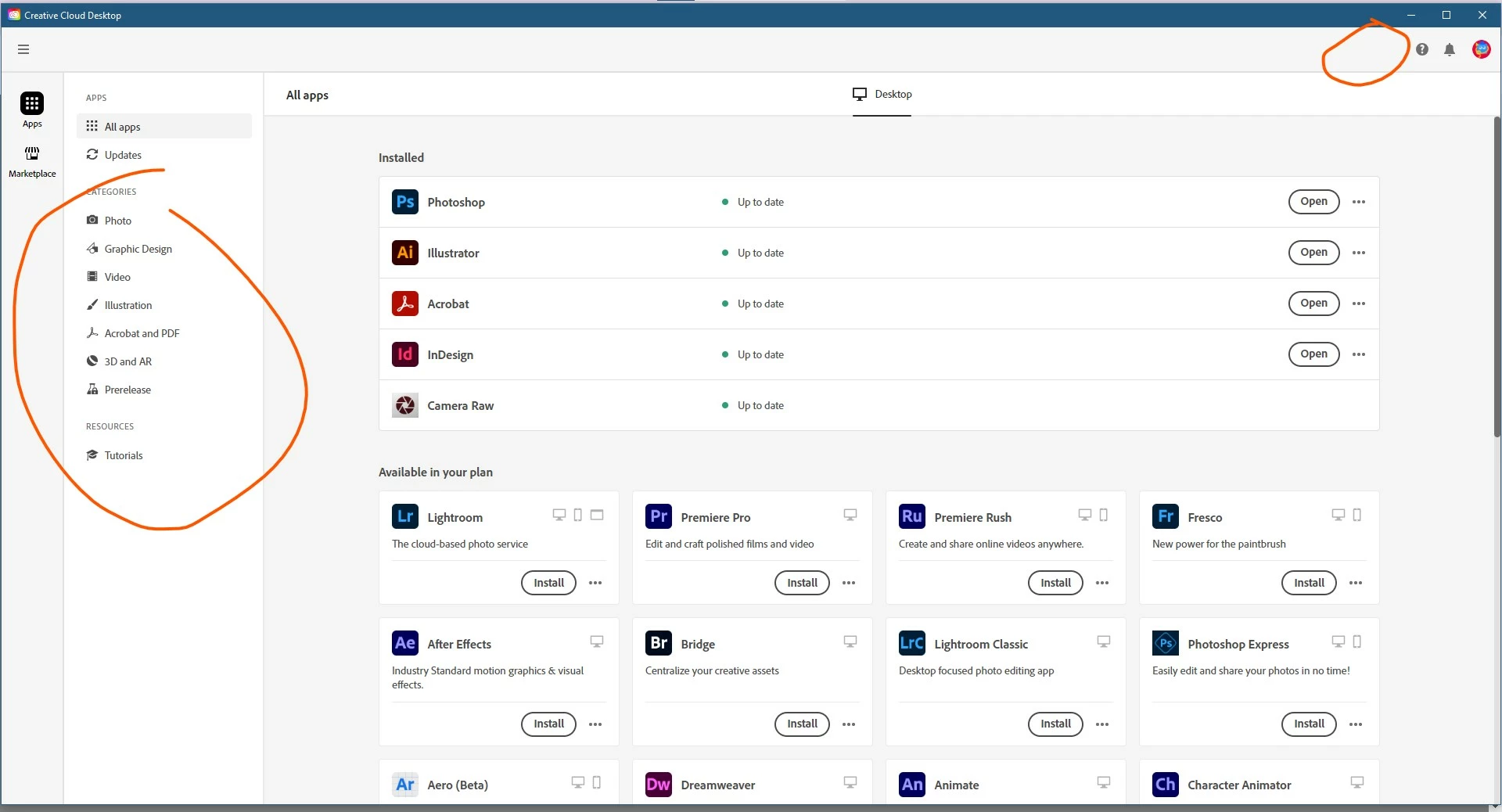
Adobe Font Tab are not showing on Creative Cloud App

  • September 1, 2024
  • 1 reply
  • 594 views

Hi! Can someone help. I just recently purchased a Creative cloud subscription. I tried the install and uninstall and also used CC Cleaner but still not showing. 


Correct answer Ideasprout

Thanks @kglad but this process works now.

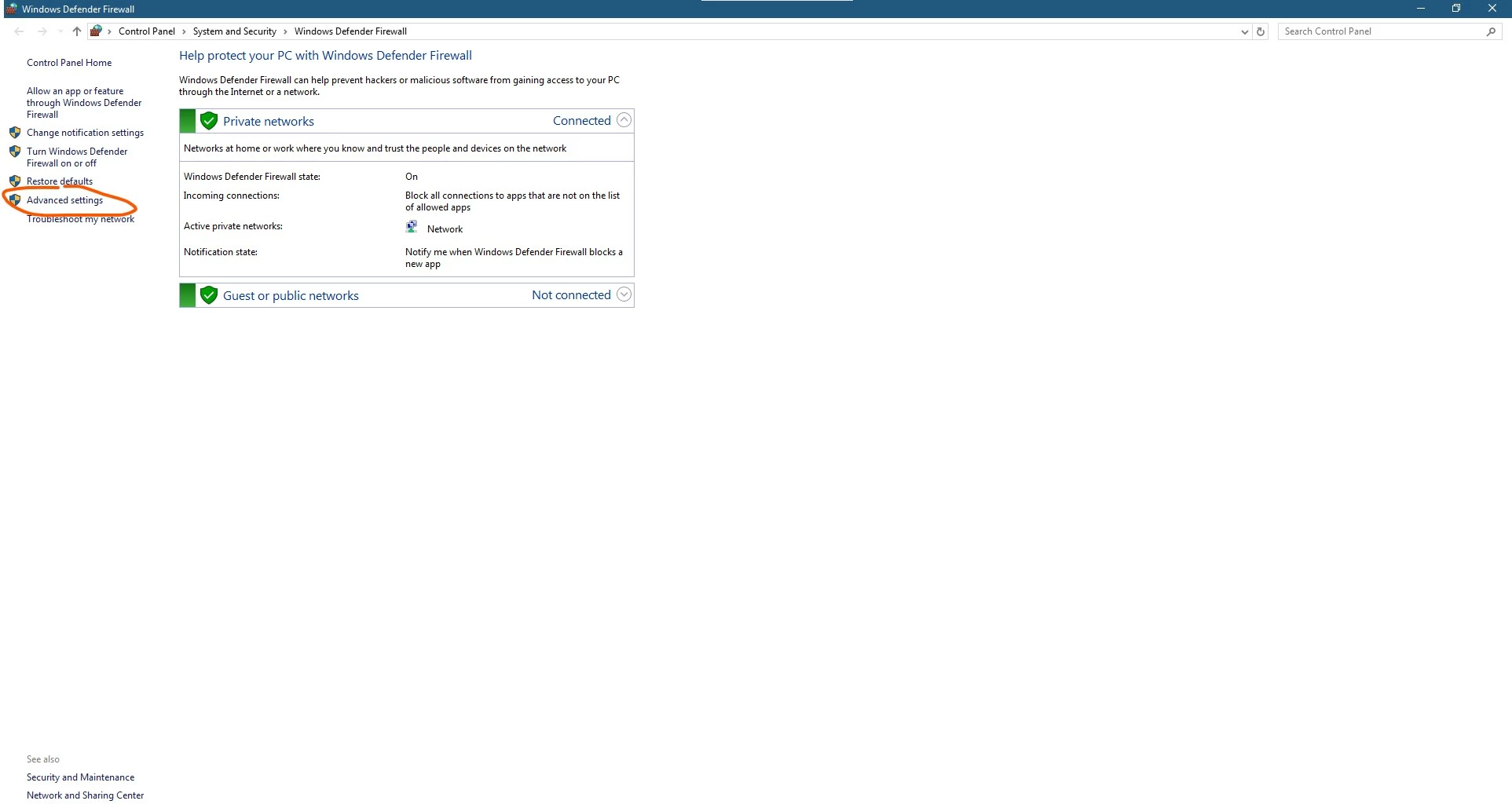
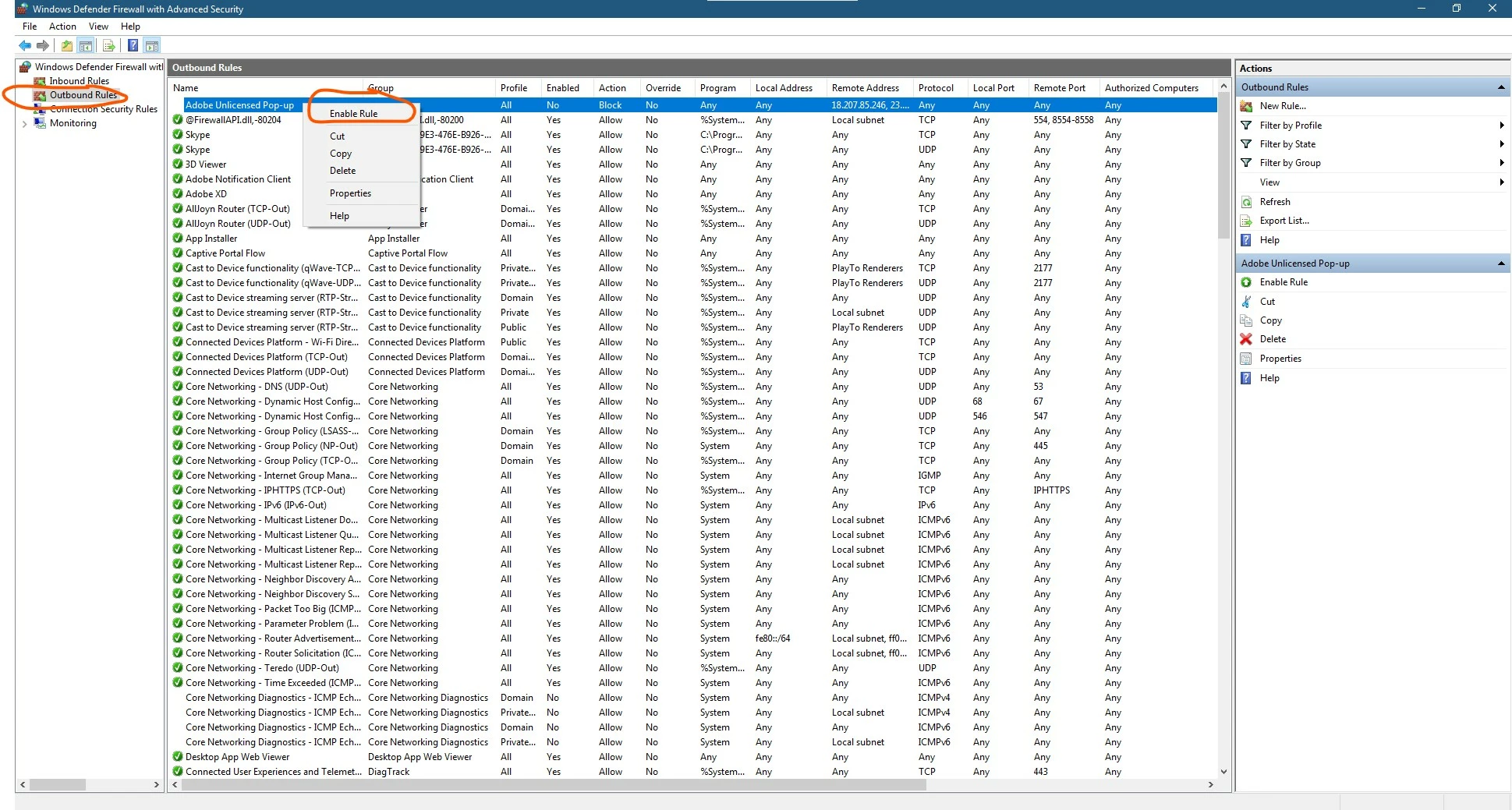
I have to comeback as i resolved my own issue. I tried to Disable the Rule on Windows Defender. See ss for your reference. Search for Windows Defender > Advance Settings >  Outbound Rules > Right Click on Adobe Unlicensed Pop-up > Disable Rule


This is also applied to errors in Generative Fills


1 reply

kglad
Community Expert
Community Expert
September 1, 2024

click home > fonts


IdeasproutAuthorCorrect answer
Participant
September 1, 2024

Thanks @kglad but this process works now.

I have to comeback as i resolved my own issue. I tried to Disable the Rule on Windows Defender. See ss for your reference. Search for Windows Defender > Advance Settings >  Outbound Rules > Right Click on Adobe Unlicensed Pop-up > Disable Rule


This is also applied to errors in Generative Fills


kglad
Community Expert
Community Expert
September 1, 2024

you're welcome.