
Question
Adobe portfolia sharing to social media
Hey
This is my first post here, hoping I am asking in the correct category.
I have the following site : https://saevarjon.myportfolio.com/
Problem that I have is following
1) When I share specific site on my portfolio to my social media I get no image displayed.

When I post https://saevarjon.myportfolio.com/football the category it self, I get the first picture from the collection not the cover picture.
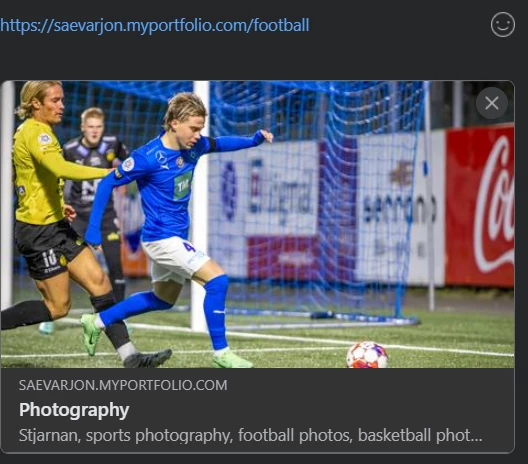
So my question is, is this some missing configuration on my half in the portfolio or something related to FB?
Sævar


 AdChoices