jeffreym4272002
Participant
July 17, 2023
Answered

Adobe Portfolio - Marta

  • July 17, 2023
  • 1 reply
  • 635 views

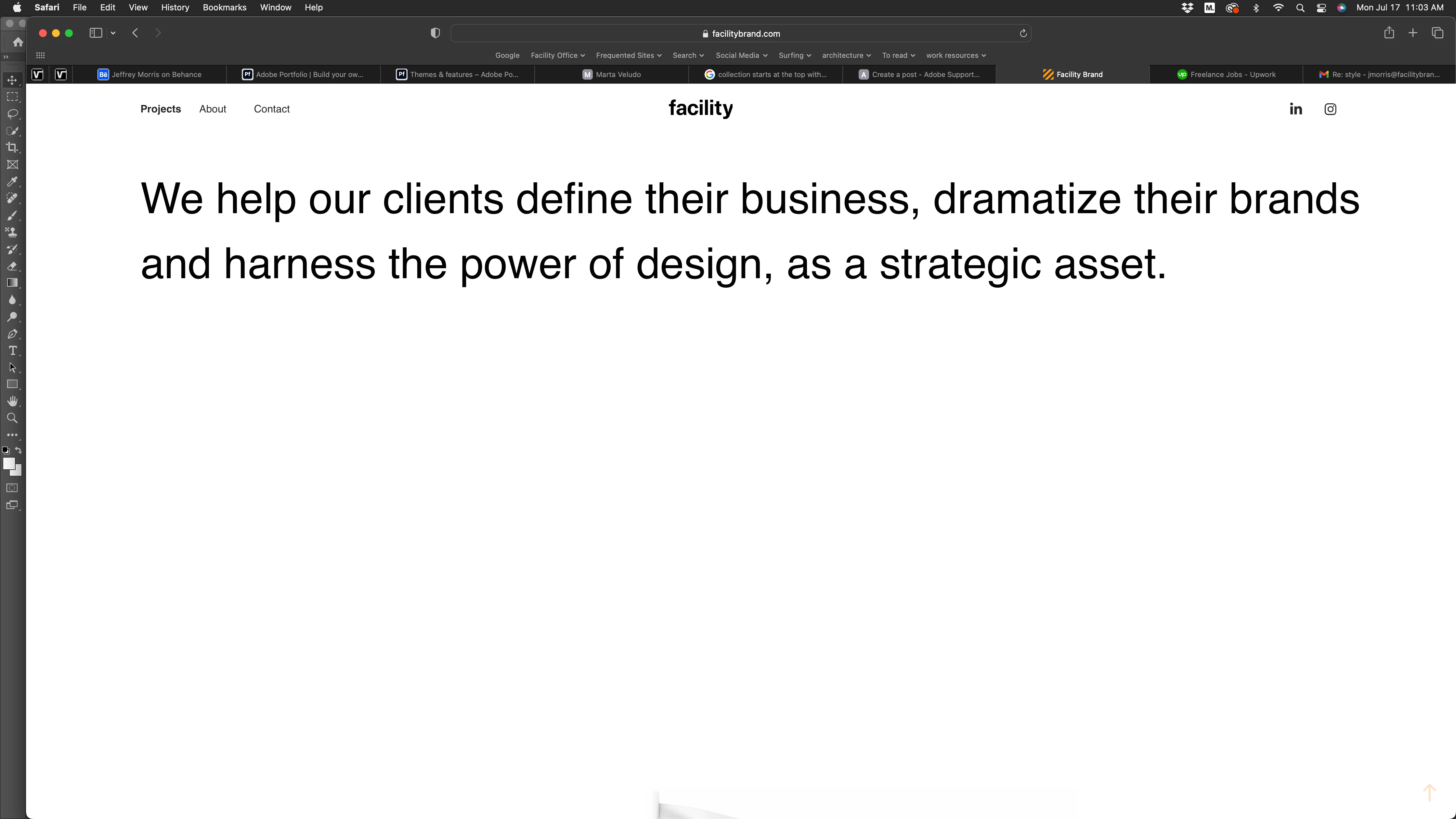
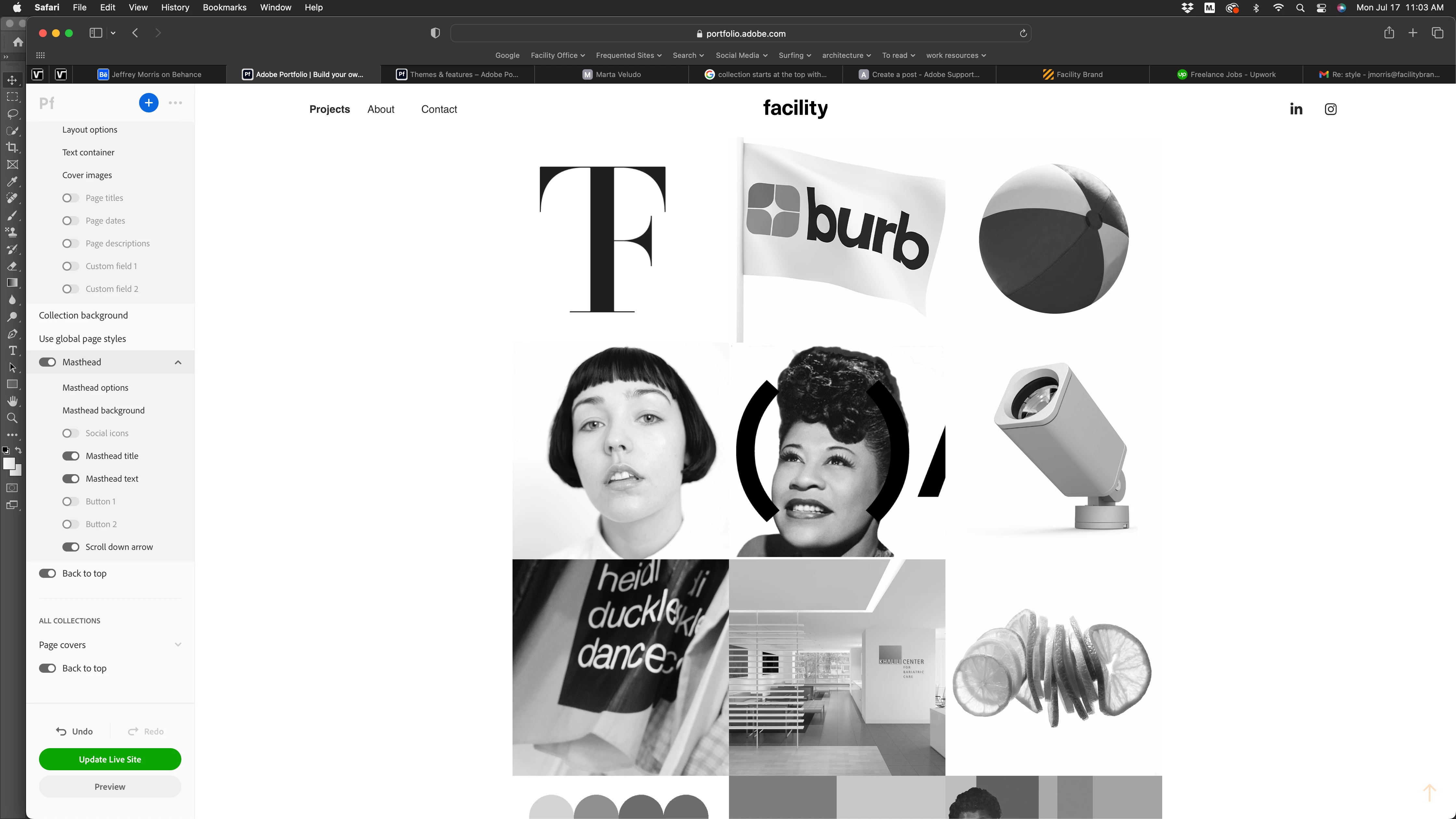
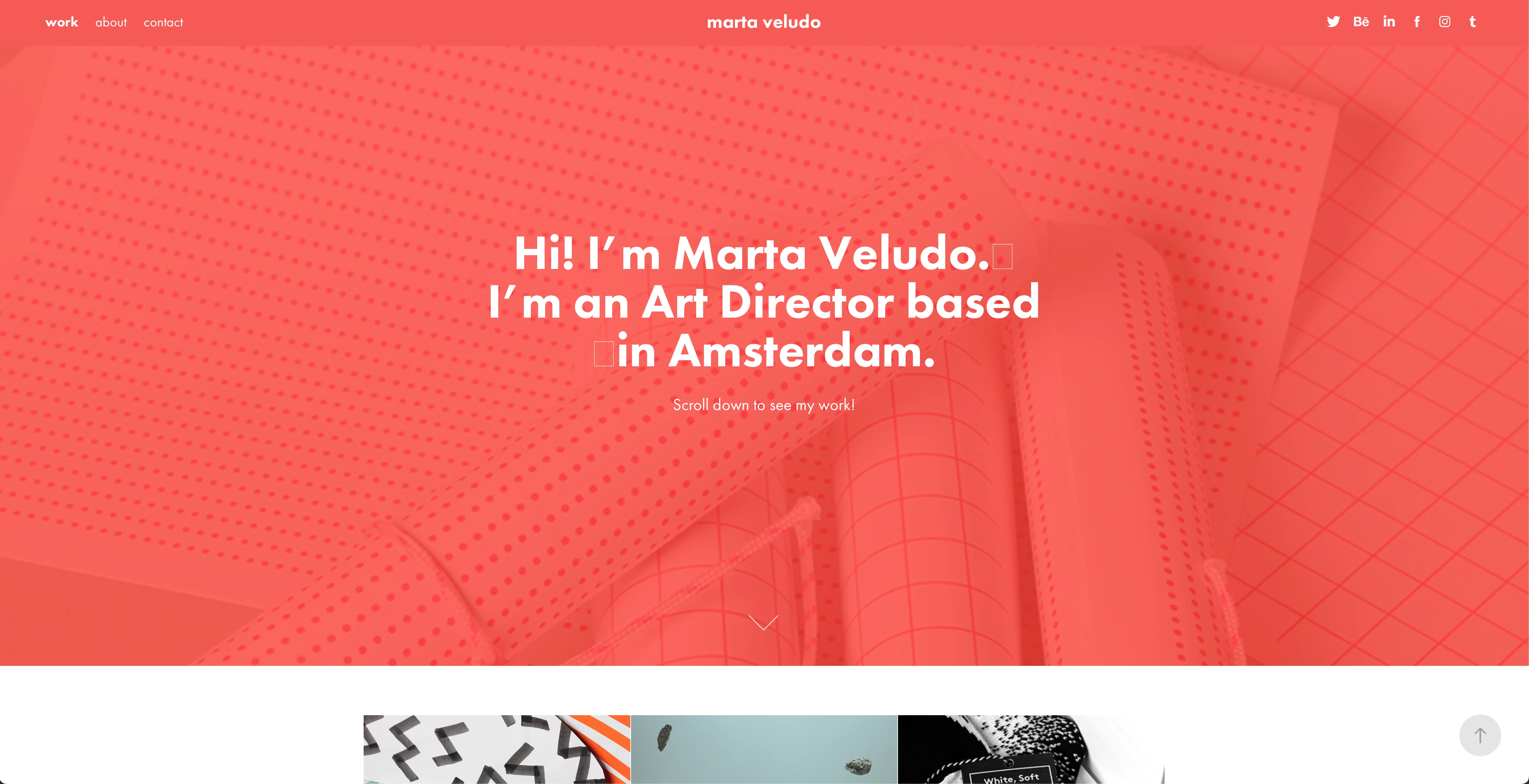
I don't know what its called but I can't see the top part of my site (Marta). On the attachment its the part in red with the intro. It shows up when my site is live but in edit mode its not there. 

Image #1: The area similiar to the red part that Says Hi I'm Marta... is not showing up 

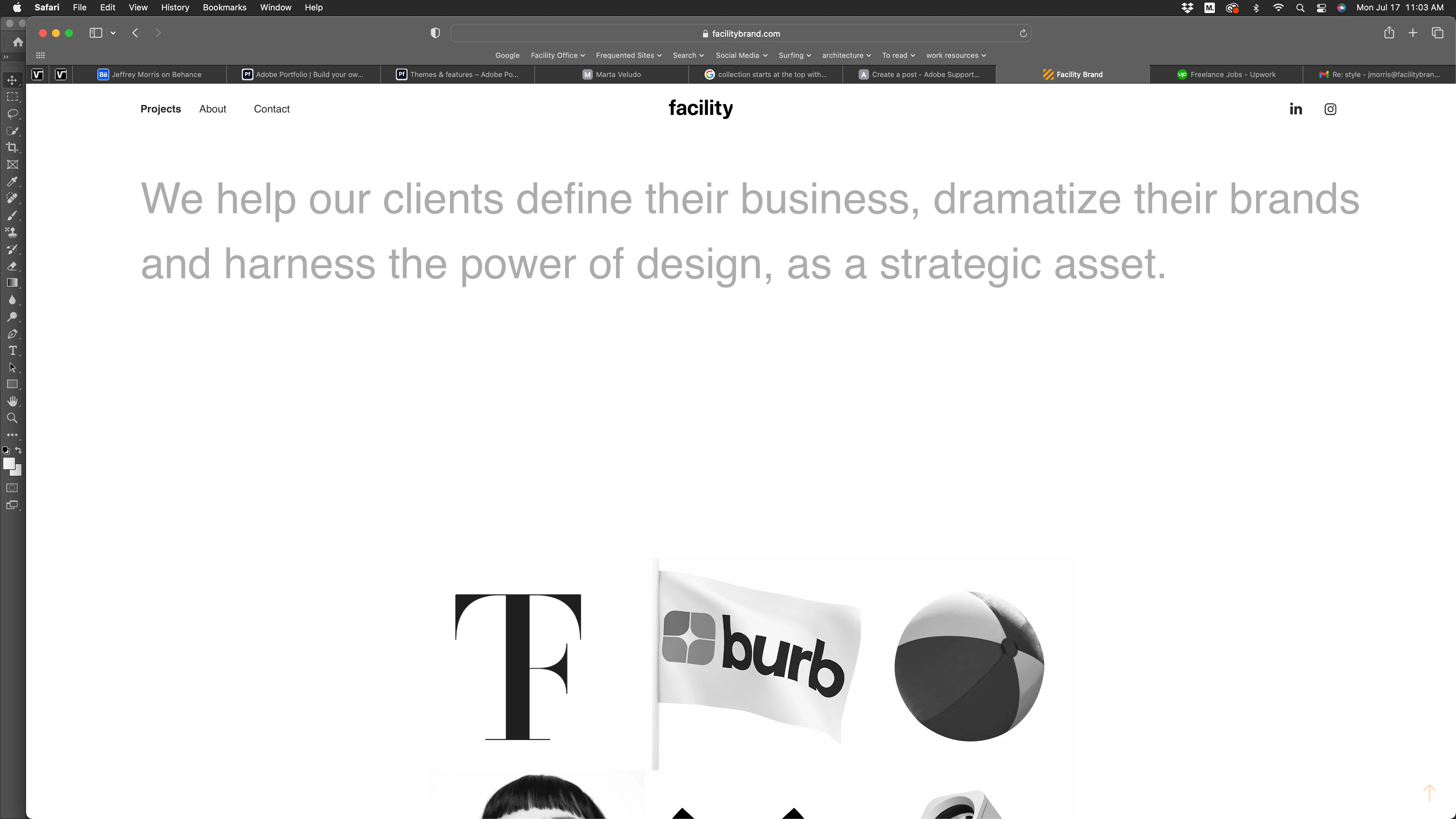
Image #2: On my live site, I have this large type that fades out when you scroll down

Image #3: This is what happens when you scroll. This is all working fine on the live site. I want to change it and can't figure out where it is.

Image #4: This is what I see in the edit mode. I don't see the large type and can't seem to find it. Help!


This topic has been closed for replies.
Correct answer Nancy OShea

It's called the Masthead.  In Site settings, you must activate the Masthead option?  See below.

https://help.myportfolio.com/hc/articles/360038393233-Adding-a-Masthead


1 reply

Nancy OShea
Community Expert
Nancy OSheaCommunity ExpertCorrect answer
Community Expert
July 17, 2023

It's called the Masthead.  In Site settings, you must activate the Masthead option?  See below.

https://help.myportfolio.com/hc/articles/360038393233-Adding-a-Masthead


Nancy O'Shea— Product User & Community Expert
jeffreym4272002
Participant
July 17, 2023

At least now I know what it's called. 

For some reason, the Adjust Auto Height button needed to be checked. I don't know what that does but, I can now modify it. 


Thanks so much for your help

Nancy OShea
Community Expert
Community Expert
July 17, 2023

You're welcome. 🙂


Nancy O'Shea— Product User & Community Expert