


simongr100
Inspiring
Nov 27, 2022 4:07 AM UTC
Answered

Adobe Portfolio no longer showing Lightroom library to import

I have an Adobe Portfolio site which connects to my Adobe Lightroom (not Classic). I use it to upload and administer the images but today it no longer finds the Lightroom Library. 
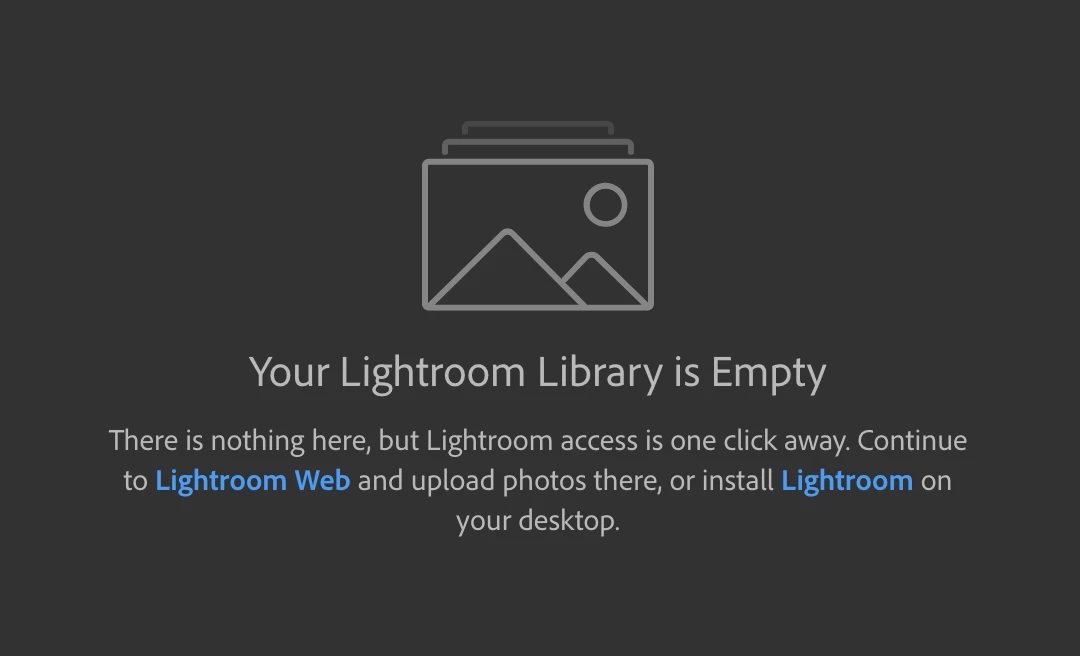
 

Lightroom shows the libraries correctly and they seem to work on Portfolio correctly but Portfolio won't connect to Lightroom anymore. Any ideas or suggestions?


This topic is closed to new replies. Start a new post to keep the conversation going.
simongr100
simongr100Correct answer
Inspiring
Nov 27, 2022 4:37 AM UTC

Ok, it seems it's a server error. I changed to another server via a VPN and the library returned. 


7 replies

simongr100
Inspiring
Nov 27, 2022 4:22 AM UTC

Noting that https://lightroom.adobe.com/libraries? is showing an unexpected error too.


Translate
simongr100
simongr100AuthorCorrect answer
Inspiring
Nov 27, 2022 4:37 AM UTC

Ok, it seems it's a server error. I changed to another server via a VPN and the library returned. 


Translate
Nancy OShea
Community Expert
Community Expert
Nov 27, 2022 9:28 PM UTC

Glad you got it sorted. 🙂


Translate
Nancy O'Shea— Product User & Community Expert