Participant
July 25, 2023
Question

Adobe Portfolio Text Link Hover/Rollover Effect Inconsistencies

  • July 25, 2023
  • 3 replies
  • 3372 views

Using the Lukas theme, text link hover effects are applied inconsistently, and do not listen to the settings prescribed in the global media content styles menu. 


This results in some hyperlinks changing colour when hovered and others not changing colour. It also results in some links changing to a colour hex which is different to the one prescribed in the menu. 


Can this be fixed? 


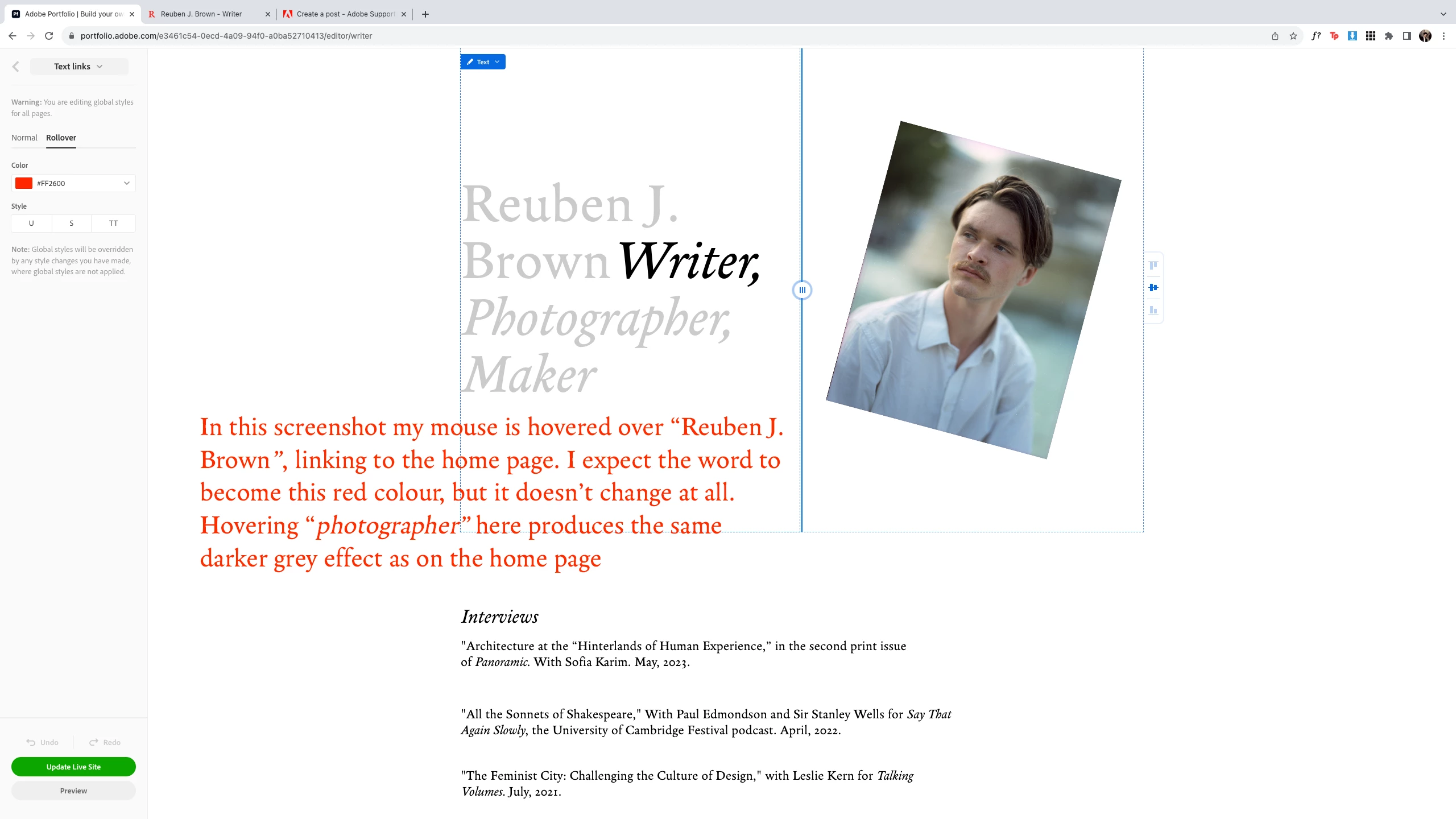
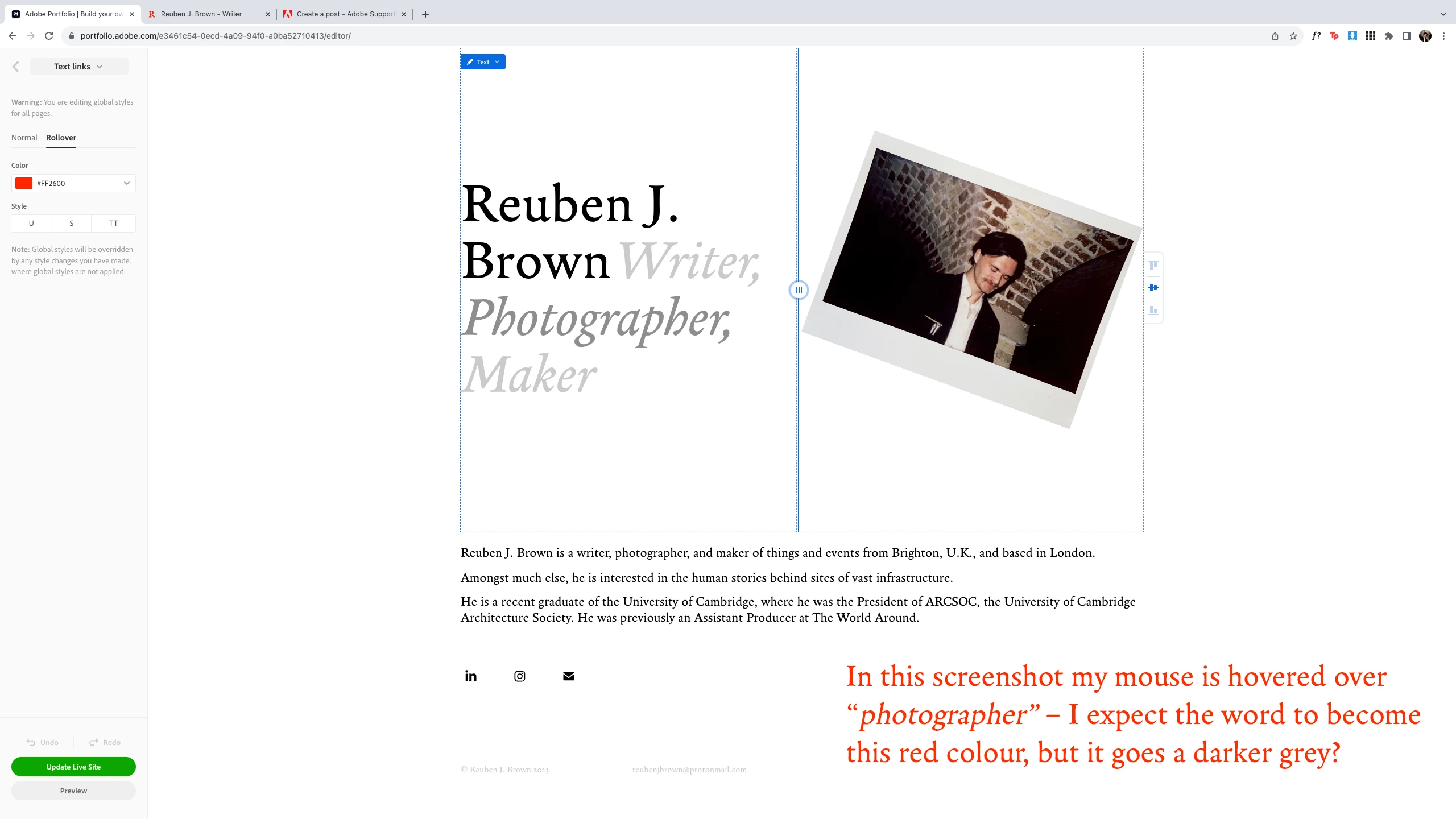
In the below screenshots, each word is a hyperlink to the relevant page. My name goes back to the home page. On "Writer", "Photographer", and "Maker", the hover effect causes a darker, unspecified grey colour; on "Reuben J. Brown" it changes nothing. In all cases I want the hover effect to produce the red hex specified in the menu on the left. All the hyperlinks are functioning perfectly on the website itself. 
  

This topic has been closed for replies.

3 replies

Participant
August 2, 2023

Ended up fixing it by removing all formatting from all links, changing the global text link appearance again, then individually editing any links that I specifically wanted to look different. Still makes all links look darker grey when hovered, but I've stuck with it and ditched the red. 🤷

kglad
Community Expert
Community Expert
August 2, 2023

@reubenjbrown 


thanks for the update.

Nancy OShea
Community Expert
Community Expert
July 30, 2023

In CSS there are 4 pseudo-link classes, each representing a different state or condition.

Link = any unvisited link

Visited = previously visited links

Hover = On mouseover

Active, Focus = on click or when tabbed to by keyboard strokes


With that in mind, your Visited link state will take priority until or unless you clear your browsing history.  Or try using a different browser.


If you feel your styles have become corrupted, restore your Portfolio Theme to it's default styles, see below.

https://help.myportfolio.com/hc/en-us/articles/115002863953-Restoring-website-styles-to-your-published-version


Hope that helps.


Nancy O'Shea— Product User & Community Expert
kglad
Community Expert
Community Expert
July 25, 2023