


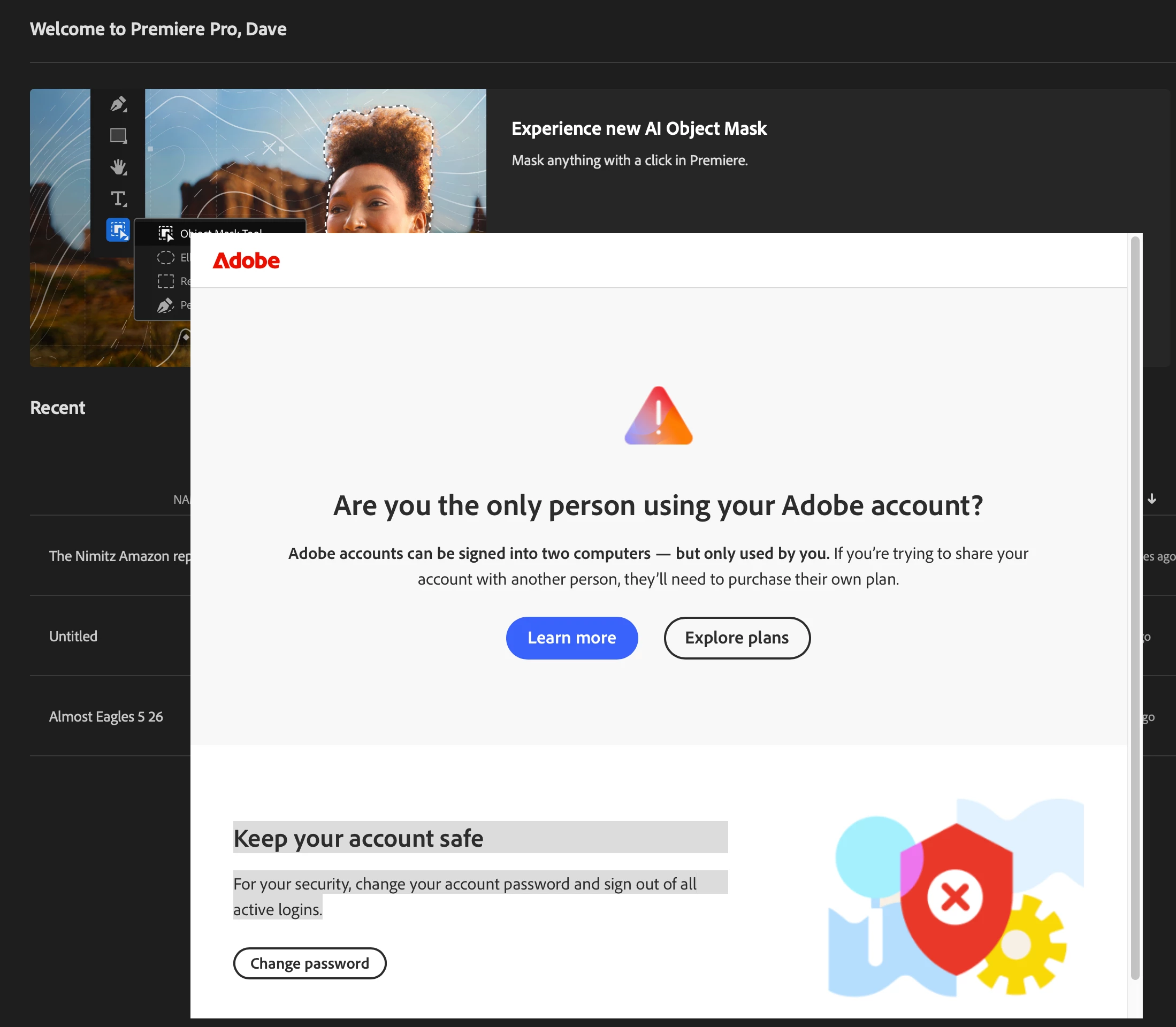
Adobe Software Security is flagging valid logins as "Sharing" incorrectly: Error - "Are you the only person using your Adobe account?"
For the third time I am forced to stop my paid editing work for this annoying bug. Basically Creative Cloud flags a user’s account as possibly sharing access to the app subscription when two computers are using the apps in close time based actions. So if one CC app is in usage on Computer A, and another CC app is in usage on Computer B, a warning will pop up blocking Creative Cloud Access - forcing Quit - And Password Reset - to a valid subscriber working within the license rules - that being two log-ins are allowed by the same subscriber. In this case me.
This is a nasty bug in that it blocks the user until they: “Keep your account safe For your security, change your account password and sign out of all active logins.” So working in a tight deadline environment as many production professionals do, this causes lost time = revenue.
And in fact it’s not keeping anything “safe.” It’s an attempt to week out piracy at the expense of valid users. OK yeah - If it was three attempted logins on one account perhaps? I am using two of my two on the SAME IP ADDRESS - and this keeps happening. I DO NOT WANT TO CHANGE MY PASSWORD.
I have discovered a way around this annoying time password requirement -another time waster.
You can’t use a previously used password. Right?
If you change your password I believe SIX times you can then change it back to your original. So you have to spend 10-15 minutes to update password, update password, update password X6… to get back to the password YOU WANT. You get the idea.
PLEASE FIX THIS ASAP. We are spending thousands of dollars on these subscriptions and this type of, honestly cheapo - warning is worthless.
Dave Beaty
Cinegraphic Productions
 AdChoices