
All of the issues with File Sync
After noticing that not all of my files were up-to-date on my Macbook, I logged in here to check for solutions.
- I have uninstalled and reinstalled CC desktop app several times
- I have deleted .db files from CoreSync
- I have repaired the CC app
- I have removed 2/3 of the assets being stored in the cloud (at a major loss because I apparently permanently deleted the folder on CC before it had finished copying to my hard drive and I've been told that it's irretrievable!) in case it was a file limit issue.
- I have disabled all other cloud storage (Google Drive) from this device
The most common screen I am seeing is this:
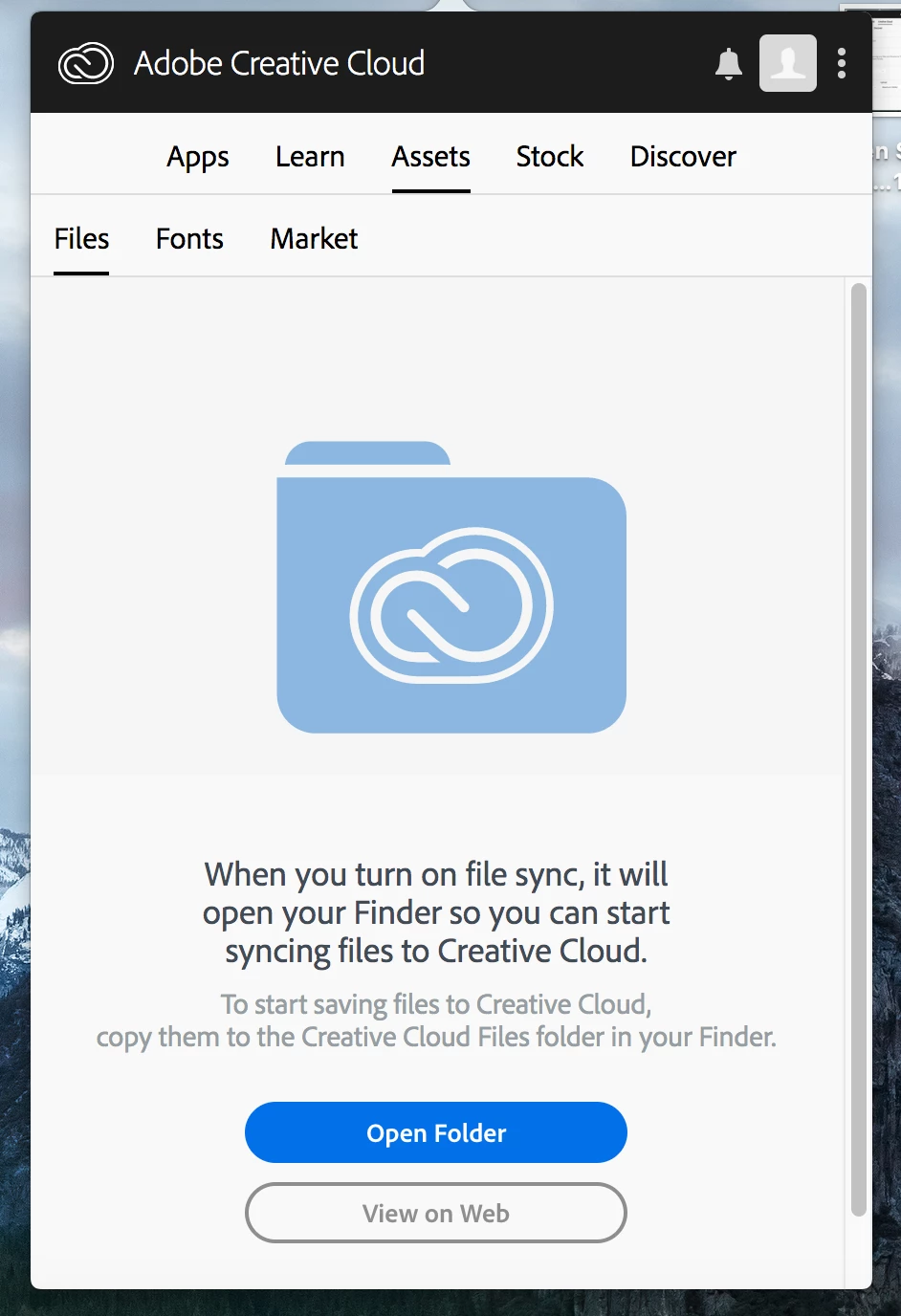
Even though this box is already checked...

When I uncheck and recheck the box, I get this screen:
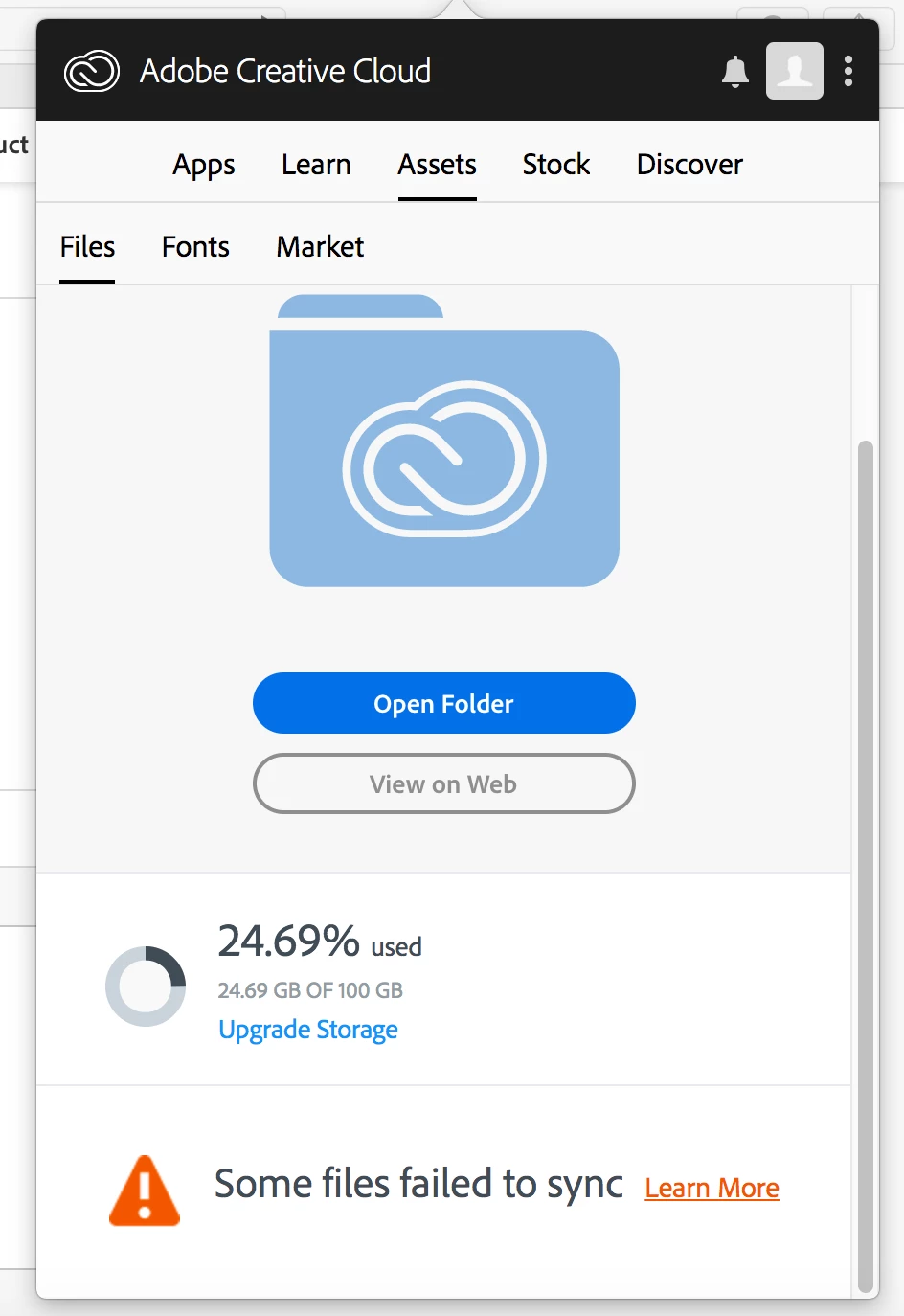
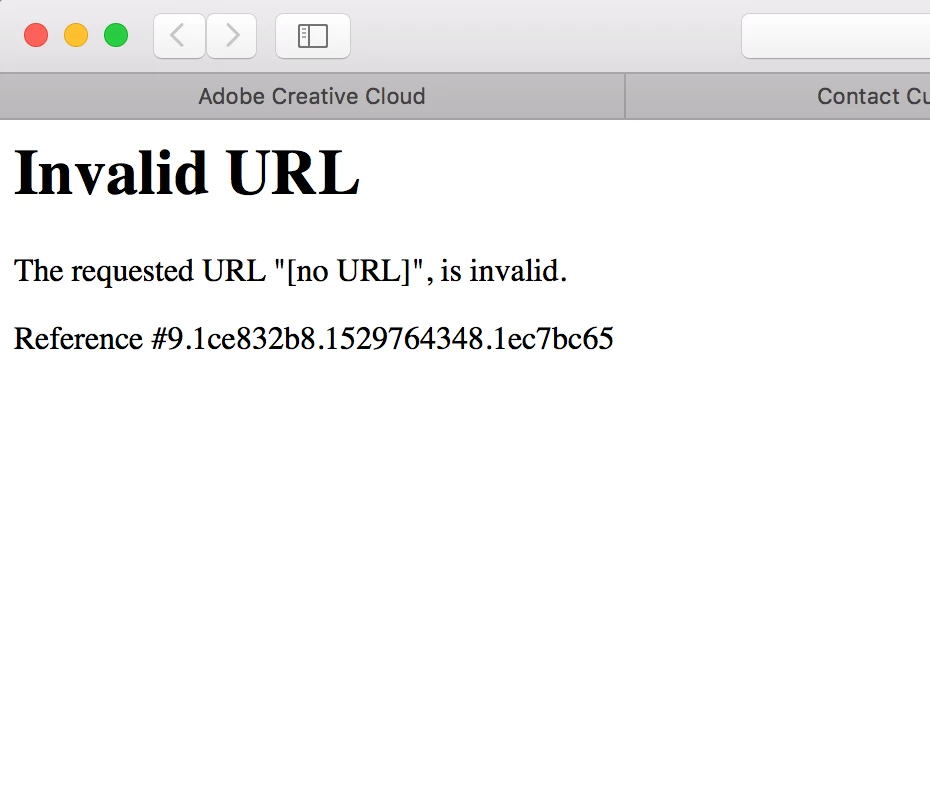
And when I click "learn more" I get this:
All of my files seem to be correct from Desktop to Cloud, but Macbook has 5.53 gb in the CCFiles folder, while (as you can see above) the cloud is actually storing 24.69gb.
Throughout my attempts at fixing this, the computer has spent hours (as in half days) attempting to sync, and the CC Sync app has crashed many, many times. I spent time online with support and nothing was resolved. Does anyone have any ideas to help me? I'm traveling later today and am making one last ditch effort at this before moving everything I need to a different storage system.


 AdChoices