Inspiring
October 14, 2018
Answered

All product failure

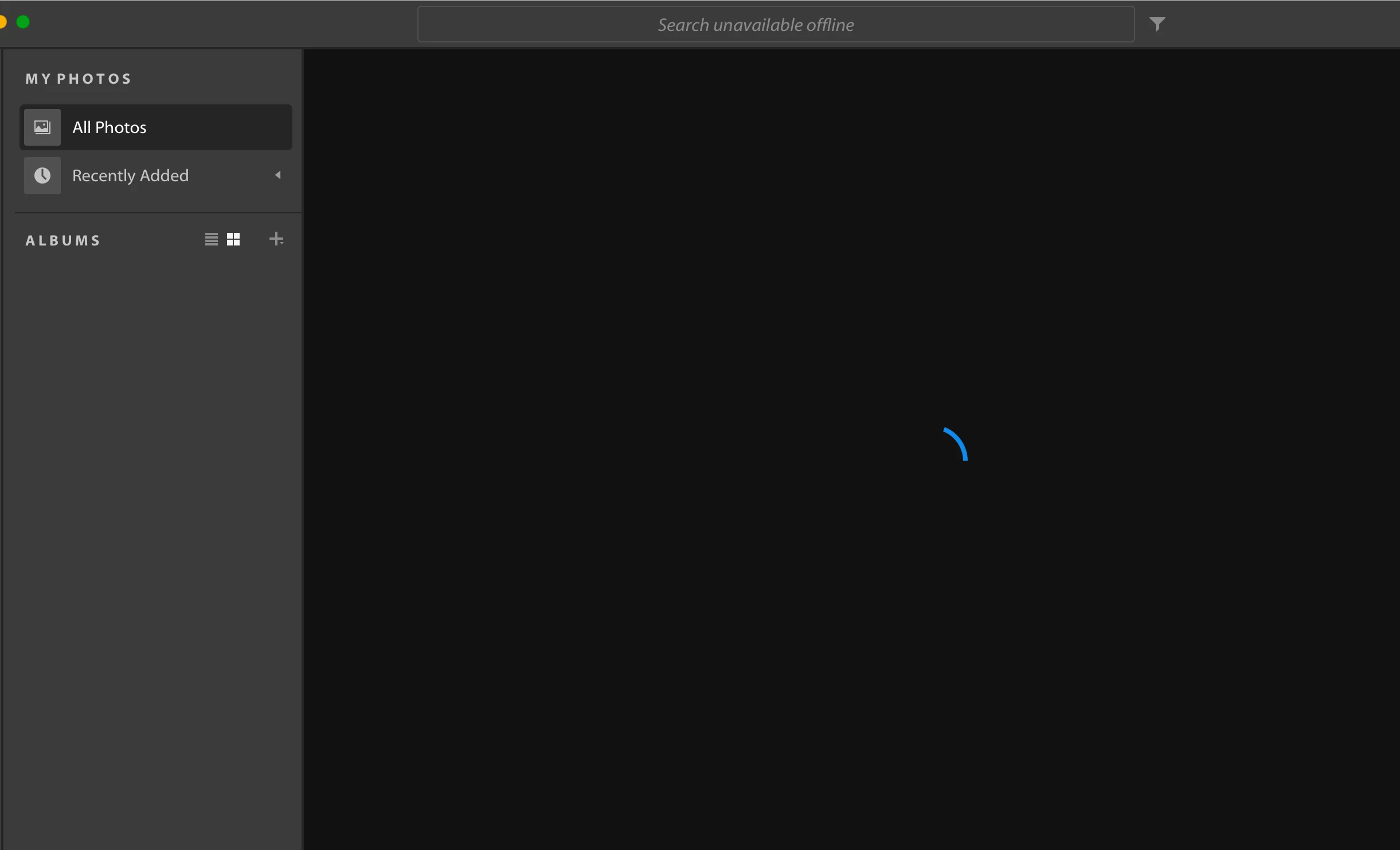
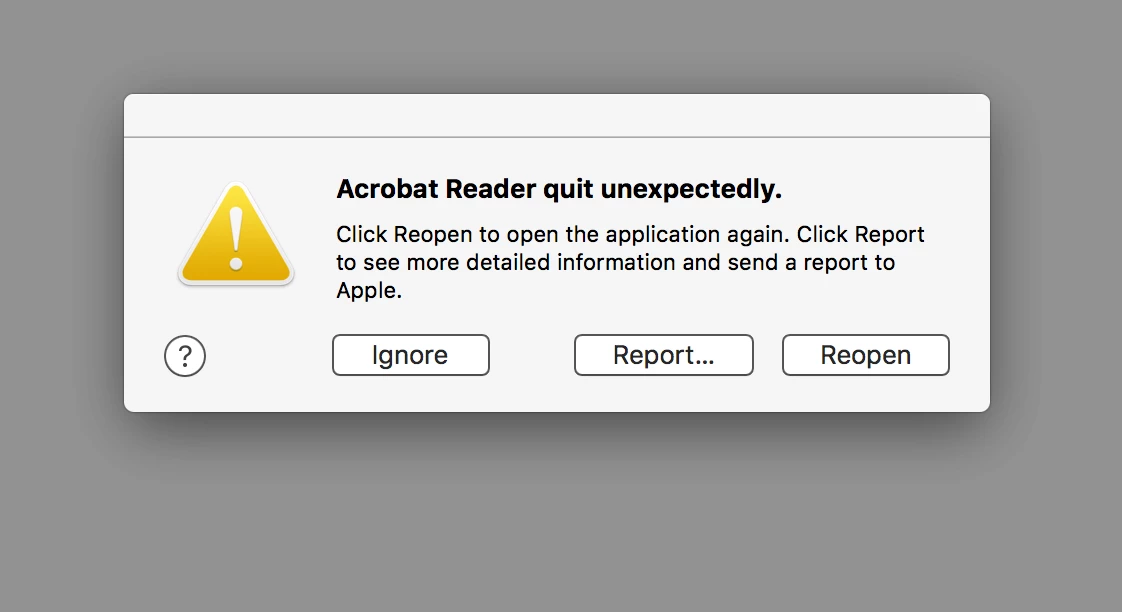
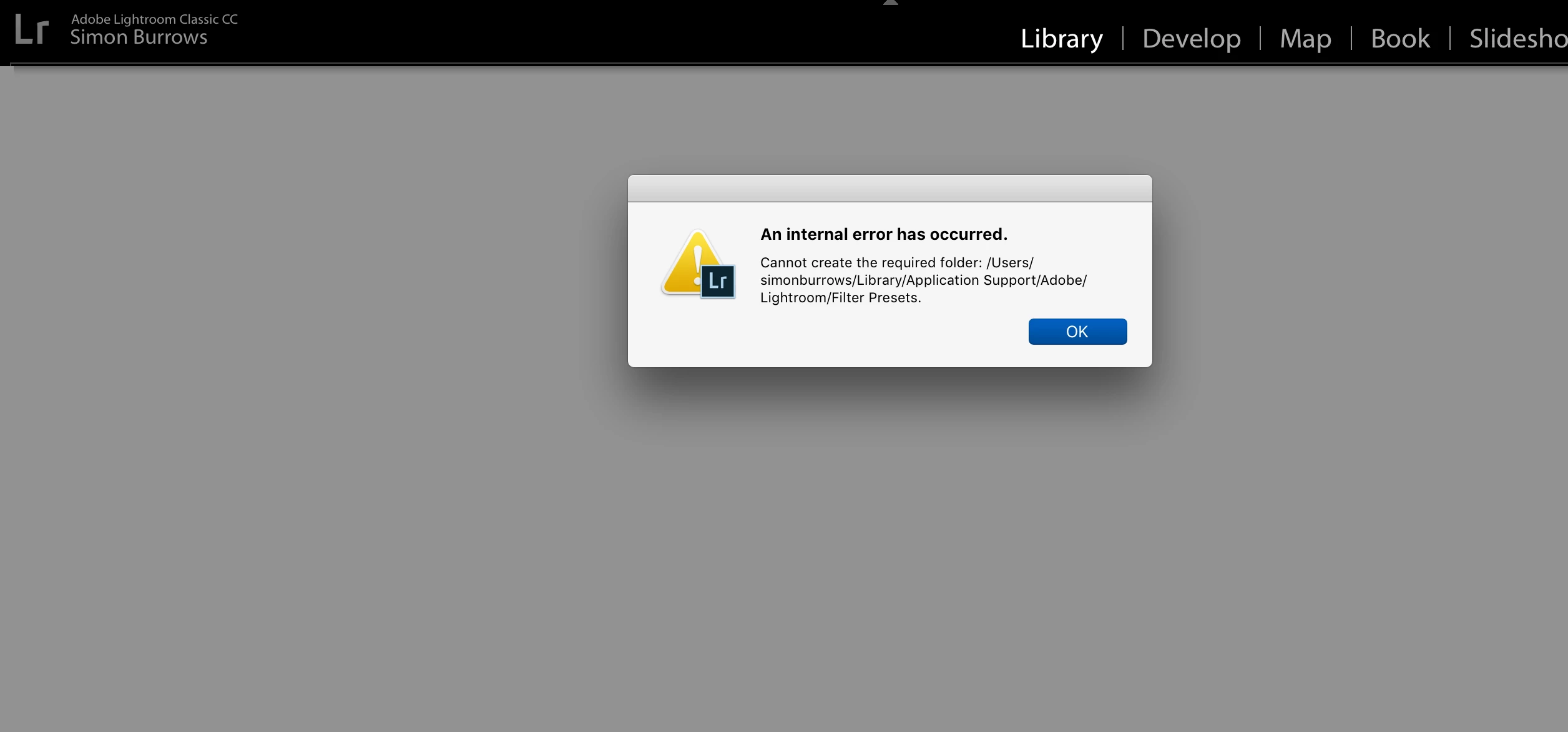
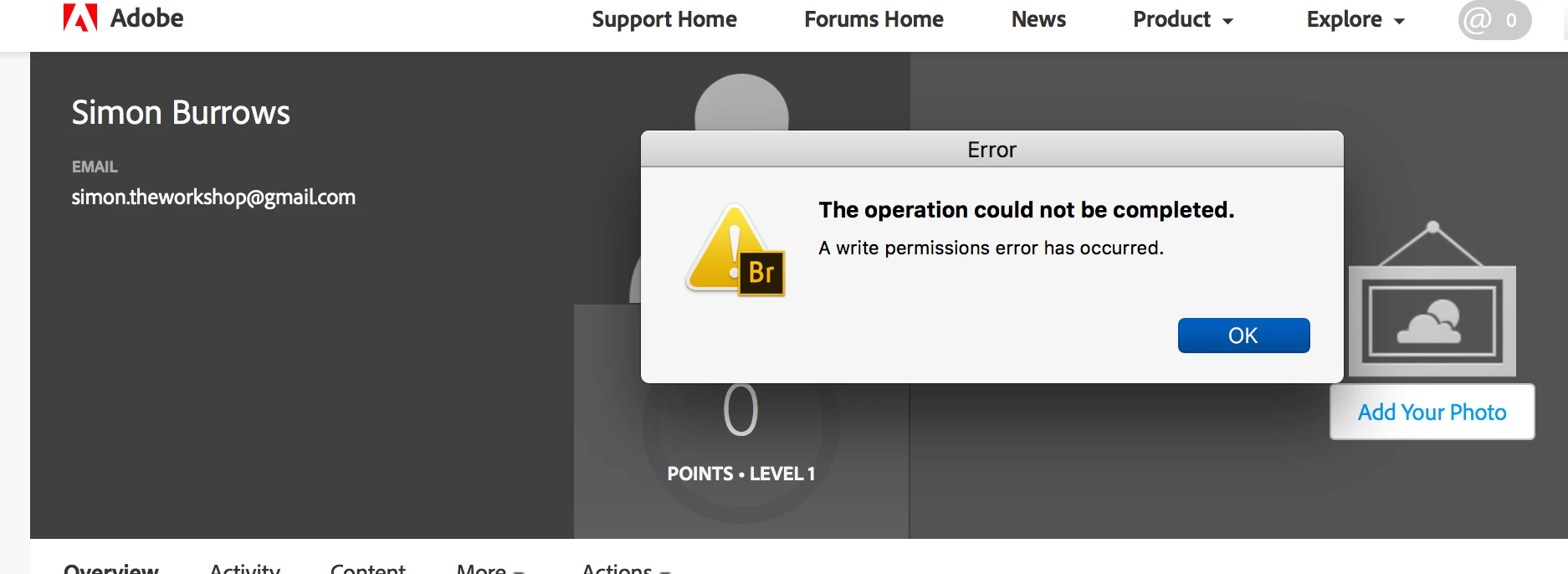
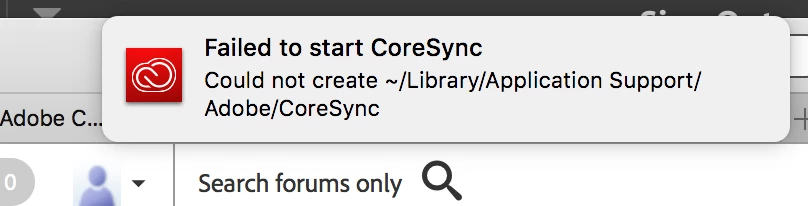
I seem to be having major issues, nothing is working, please see screenshots
This topic is closed to new replies. Start a new post to keep the conversation going.
Damen HartleyCorrect answer
Inspiring
October 15, 2018

So I decided to wipe my Mac again,

Everything is working,

This time I installed the creative cloud app first and then installed LR and PS etc. from the creative cloud app

Last time I installed LR and PS first and then installed the creative cloud app afterwards ??

13 replies

Damen HartleyAuthorCorrect answer
Inspiring
October 15, 2018

So I decided to wipe my Mac again,

Everything is working,

This time I installed the creative cloud app first and then installed LR and PS etc. from the creative cloud app

Last time I installed LR and PS first and then installed the creative cloud app afterwards ??

Translate
Inspiring
October 15, 2018

Translate
Legend
October 15, 2018

Are my suggestions/questions problematic?

Translate
Inspiring
October 15, 2018

Also, created the folder as you suggested, it has made no difference either

Translate
Legend
October 15, 2018

(Now I read carefully, someone else posted "Thansk a lot mate!!! This fixed my problem!!". I wonder why!)

Something's very wrong. One thing we can try is to go to your first message, "Could not create ~/Library/Application Support/Adobe/CoreSync." See if you can create a folder by that name. If you can't you might see messages pointing the right way.

Is the Adobe software the first serious software to be installed after the factory reset?

Translate
David__B
Legend
October 15, 2018

Yeah, I agree with others here, it sounds like there may be some kind of permissions issue if the user account you're using is unable to create that directory. You may want try reinstalling the Creative Cloud app if you continue to face difficulties.

Please see this article for an explanation of the process

Uninstall the Adobe Creative Cloud desktop application

Please post back if you continue to face difficulties.

Best,

- Dave

Translate
Inspiring
October 15, 2018

So I followed the uninstall process and then reinstalled, same problem nothing has changed

Translate
Legend
October 15, 2018

So, a factory reset fixed everything? Or that was the beginning of all the problems? Sorry, there have been some confusing posts here, not sure where we are.

Translate
Inspiring
October 15, 2018

The factory reset was the beginning of the problem

Translate
Participant
October 14, 2018

Thansk a lot mate!!! This fixed my problem!!

Translate
John T Smith
Community Expert
Community Expert
October 14, 2018

Have you recently updated your operating system?

Search bar at the top of http://www.microsoft.com/en-us/default.aspx to find and re-install the C runtime may help

Translate
Inspiring
October 15, 2018

Yes, I wiped my Mac back to factory settings and then re-installed

Translate
Legend
October 14, 2018

Have you restarted? Is anything else having issues? What triggered it?

Translate