

Question
Apple HEIC files do not show up from a 'share link'
Steps to replicate
1. Upload a .HEIC file to your creative cloud. Notice how it uploads fine, you can see a preview thumbnail, and if you press the i to the right of the page, it will show type as, Graphic.
2. Now create a share link for the file.
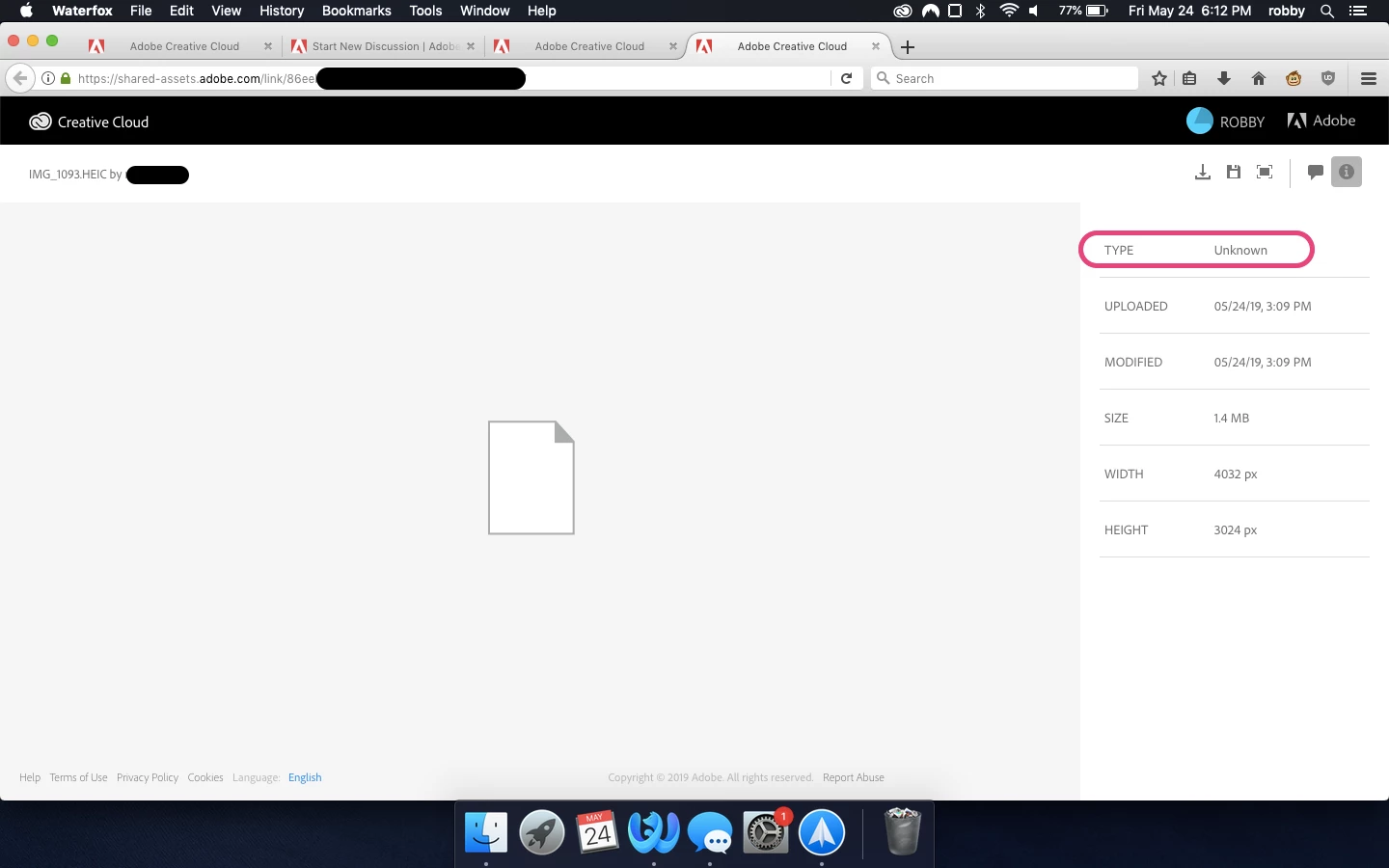
3. Open the share link and you will see something like the picture below. Also notice how the type has changed to Unknown.


 AdChoices