
Participant
January 13, 2016
Question

assets.adobe.com not working - adobe issue

  • January 13, 2016
  • 1 reply
  • 1396 views

Hi all,

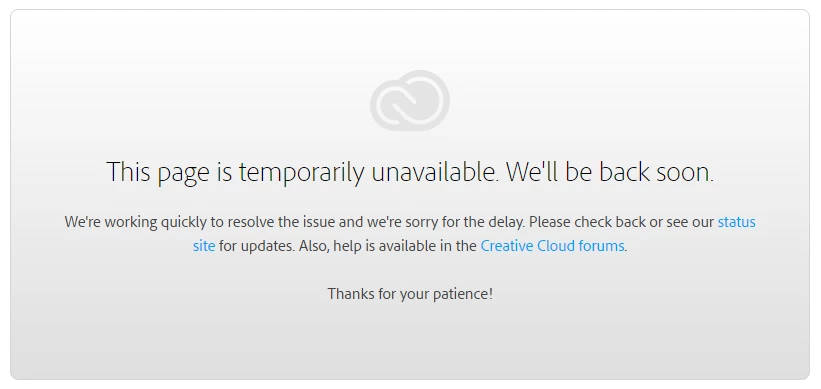
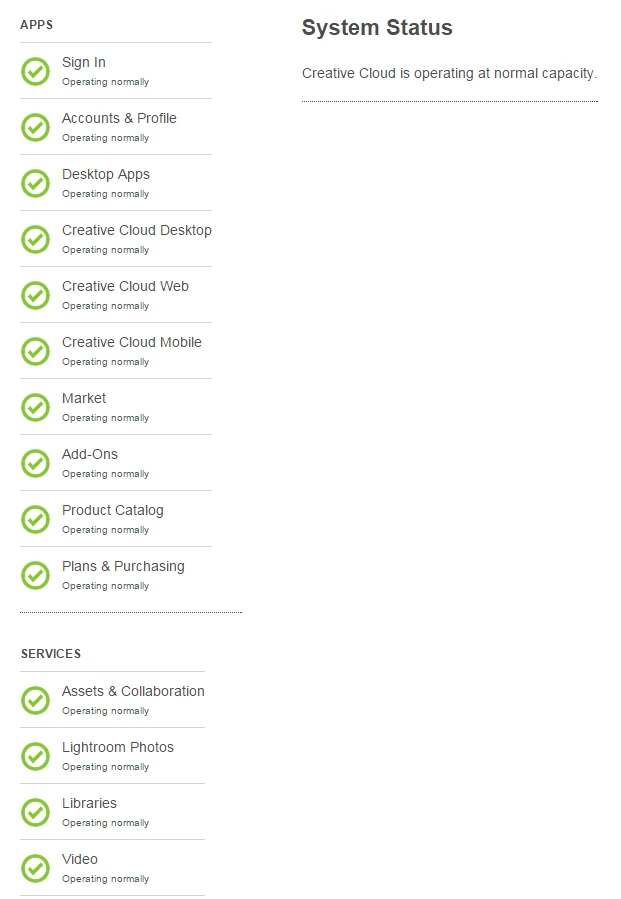
Can someone let me know when will assets.adobe.com start working/be fixed? An estimate date would do, thanks. The page is down since yesterday (1st screenshot). I checked https://status.creativecloud.com/ and the message says "Creative Cloud is operating at normal capacity" (2nd screenshot).
This topic has been closed for replies.

1 reply

Sheena Kaul
Community Manager
Community Manager
January 13, 2016

Hi,

Please try on a different browser or connect to a different network and try.

Regards,

Sheena

Participant
January 14, 2016

Hi Sheena,

I tried Firefox, Chrome and IE and now I am getting a white screen with no error message. Can you let me know an estimate date for the issue to be solved?

Thanks!

Ken G. Rice
Community Manager
Community Manager
January 14, 2016

@floragreste - The site is operating normally. Two things to try:

  • Open the Command Prompt and type: notepad C:\Windows\System32\drivers\etc\hosts and then press the Enter key. This will open the hosts file in Notepad. See if there are any entries for https://assets.adobe.com.
  • With the Chrome browser open the Developer Tools by pressing Ctrl + Shift + i. Switch to the Network tab check the box for Disable cache. Now visit or just reload https://assets.adobe.com. Do you see any errors (they will be colored red)? Also take a look at the Console tab and see if it says anything.