
Assets are disappearing out of my folders and unauthorized access to group accounts.c
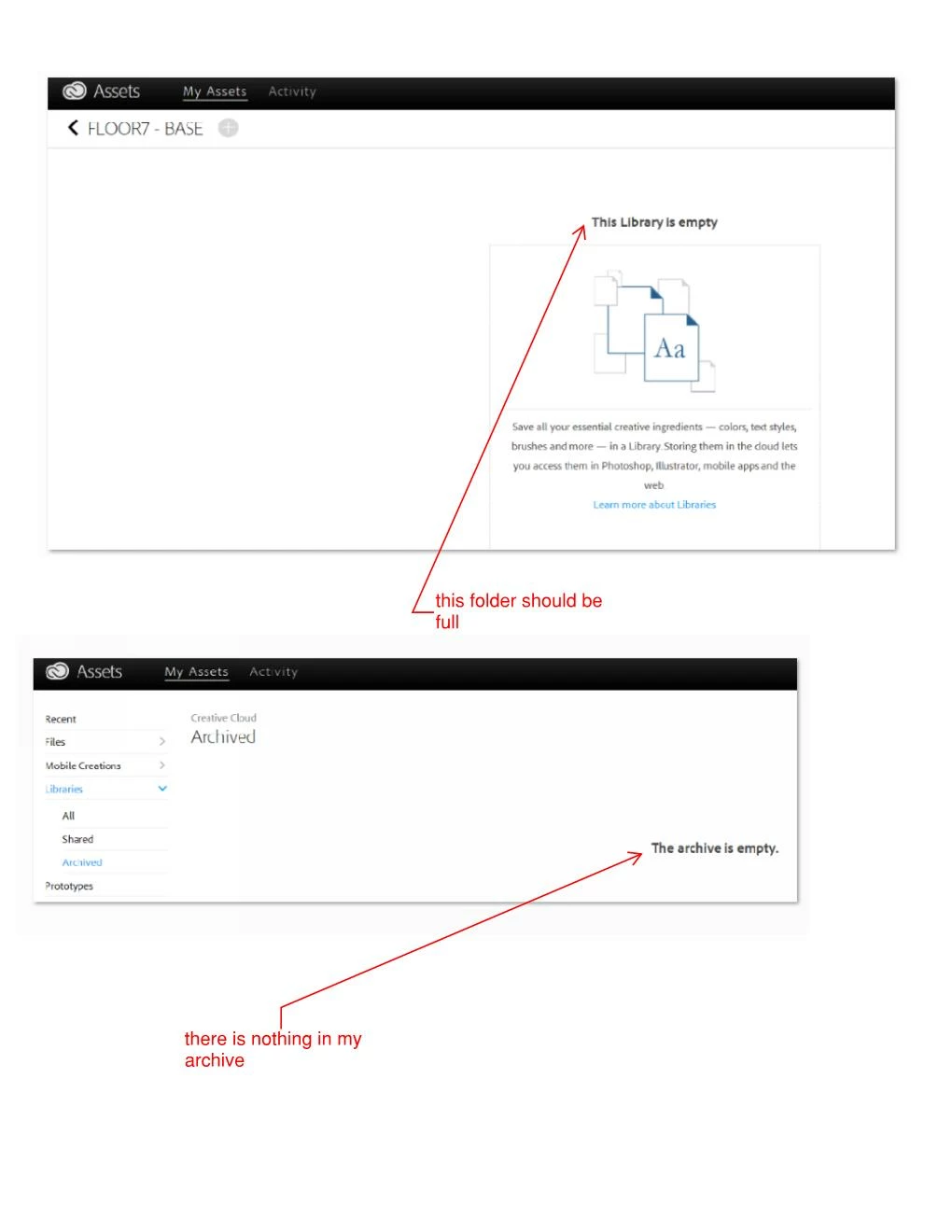
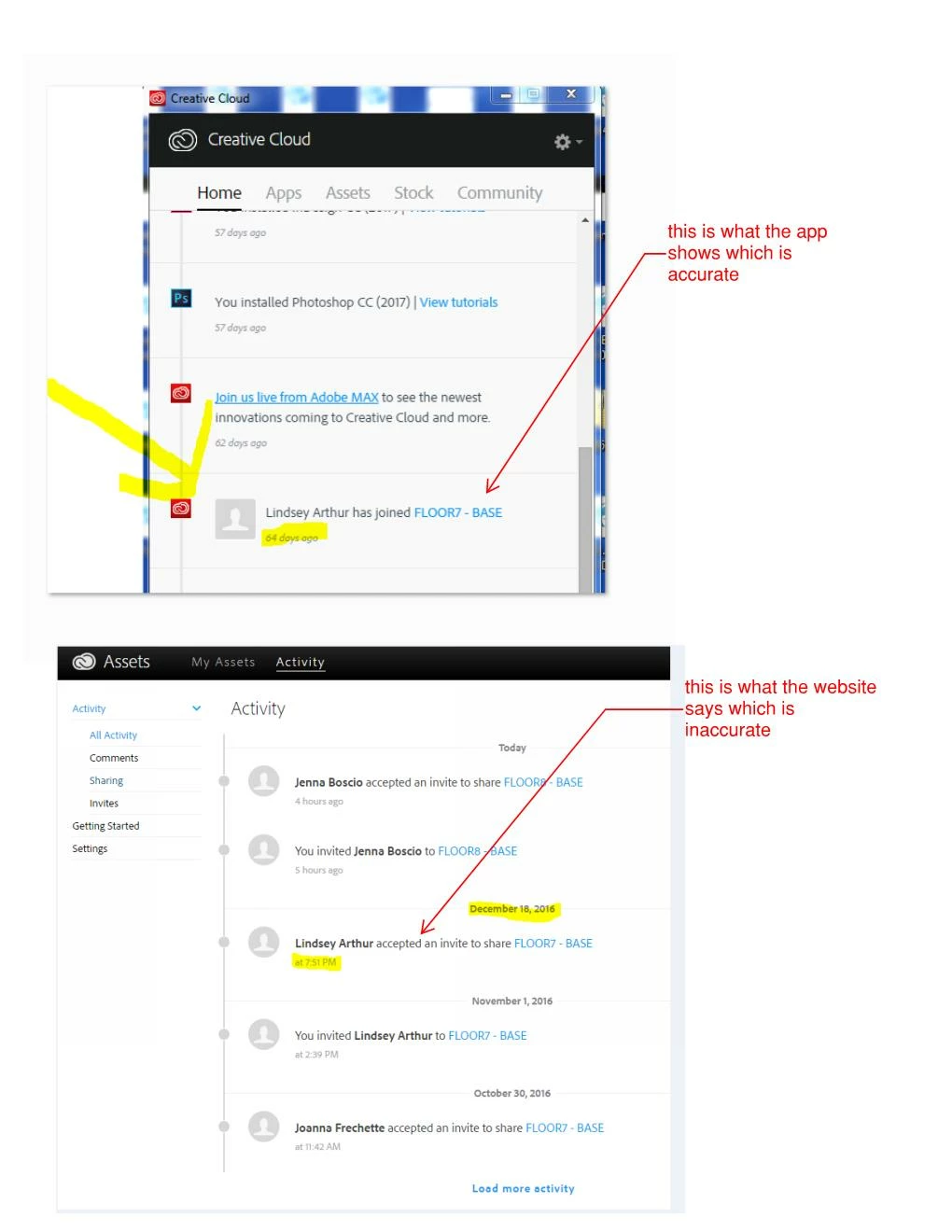
I am having an issue with assets missing from my library, the contents of an entire folder disappeared. The content of the folder are graphics created in photoshop by selecting layers, creating smart objects and dragging them into the library. The strange part is that someone i was collaborating with months ago that accepted the share invite 65 days ago, somehow accepted the invite to the folder again on December 18th at 7:51. This person was an intern and no longer even had access to her account on that date, and we verified with her she was not able to access. After reading the forums i checked my log files and found that at the exact time and date this strange invite accept was showing, strange activity shows on the log and then its pages and pages of deletes. Its not even possible for someone that is collaborating with you on a folder to delete graphics. It would be in my archive, which is empty. Can i please send my log files and screen shots showing that she accepted the invite 65 days ago, then again on Dec 18th and review what happened. It seems my account was hacked and I lost months of work to build that graphic library for my company. We need to know if we can depend on this in the future and if there is any way to restore.
I am using Photoshop CC 2017, PC - Windows 10. Group Account - Corporate firewall.
Thank you,


 AdChoices