
Participant
October 27, 2021
Answered

Ayuda almacenamiento en la nube Creative Cloud

  • October 27, 2021
  • 1 reply
  • 550 views

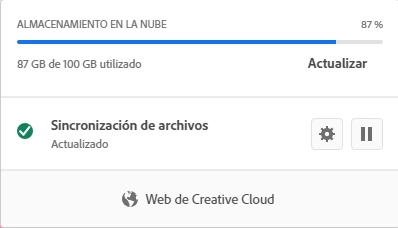
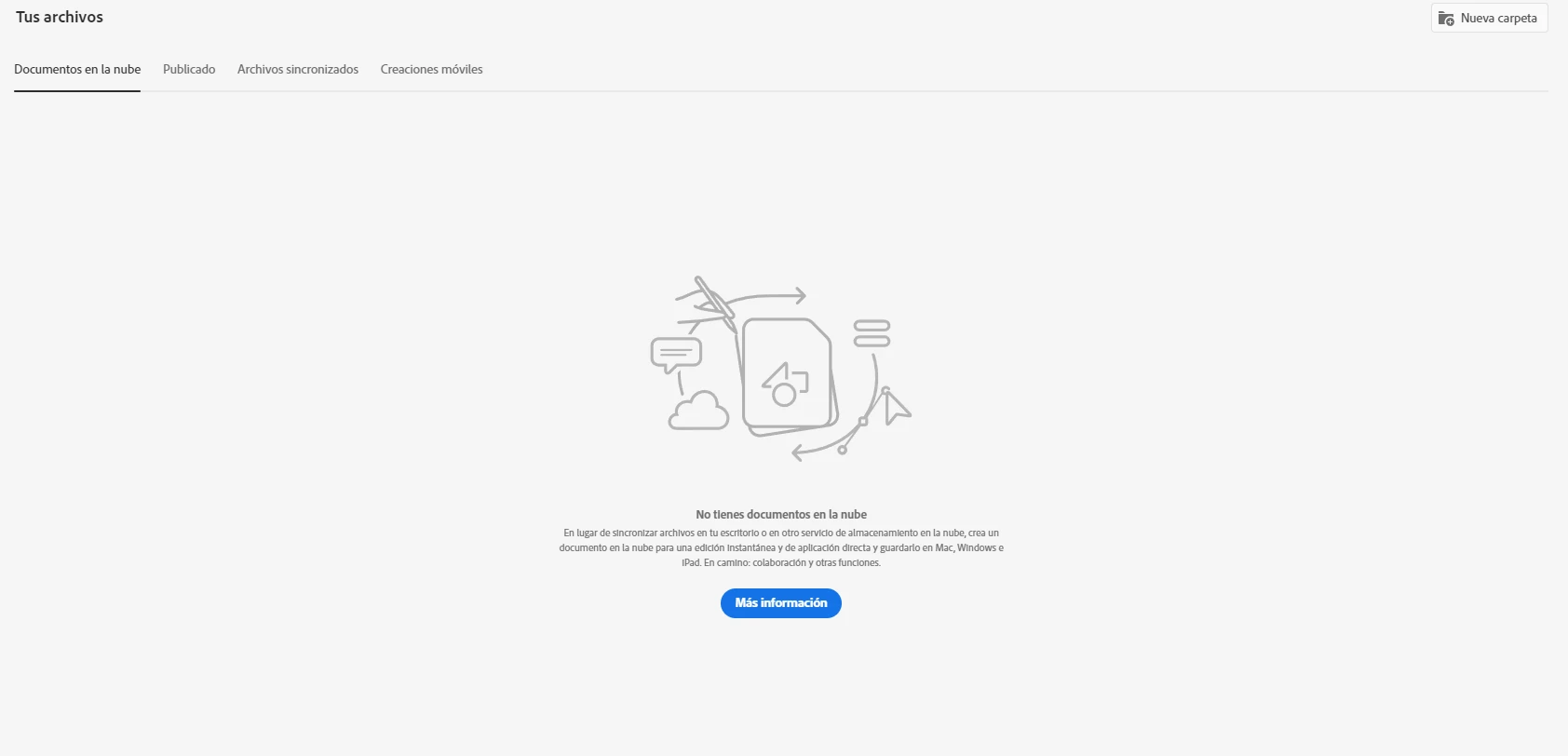
Hola, hace poco usé la herramienta de mejorar fotos en Lightroom pero no me percaté de que se mejoraron aproximadamente 500 fotos, entonces el almacenamiento tanto local como en la nube llegó a un 87%, mi pregunta es cómo borrar esas fotografías mejoradas, ya las borré de mi almacenamiento local, pero en la nube me sigue apareciendo que hay un 87% de espacio ocupado, solo que cuando entro a la versión web, estos archivos no están, les agradeceré mucho su ayuda, que tengan buena noche.


This topic has been closed for replies.
Correct answer kglad

open your cc desktop app

click the cloud icon at the upper left

click cc web

at the bottom left is a lightroom link.

make sure to empty your deleted files folder to restore storage.

1 reply

kglad
Community Expert
kgladCommunity ExpertCorrect answer
Community Expert
October 27, 2021

open your cc desktop app

click the cloud icon at the upper left

click cc web

at the bottom left is a lightroom link.

make sure to empty your deleted files folder to restore storage.

Angel5CADAuthor
Participant
October 27, 2021

It works, thank you so much!

kglad
Community Expert
Community Expert
October 27, 2021

you're welcome.