

Answered
Blue arrows in creative cloud menu bar but file syncing shows up to date
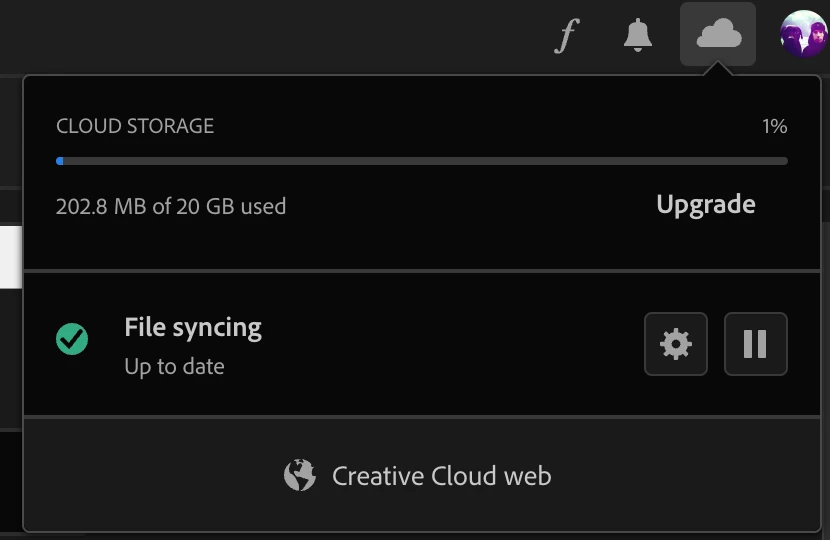
Hi, I have the creative cloud app installed on my Mac, in the Menubar icon it shows the blue arrows which after a Google search tells me "New files or files that have been edited have an icon with blue arrows to indicate that they are currently pending a sync." when I click on the menu bar icon and open the creative cloud app then click the cloud icon top right I see a green tick and it says "File Syncing up to date"
Not a huge problem but as a newbie I'm wondering if this is normal?
I have Lightroom, Lightroom Classic and Photoshop installed, but I haven't opened Photoshop yet, when I open Lightroom and Lightroom Classic they both show the green tick and say all files are up to date.
Menu Bar Icon

Creative Cloud App


 AdChoices