
Brushes not showing up in CC library
Hi! I've seen some element of my problem addressed in different posts, but I couldn't find where it was successfully addressed.
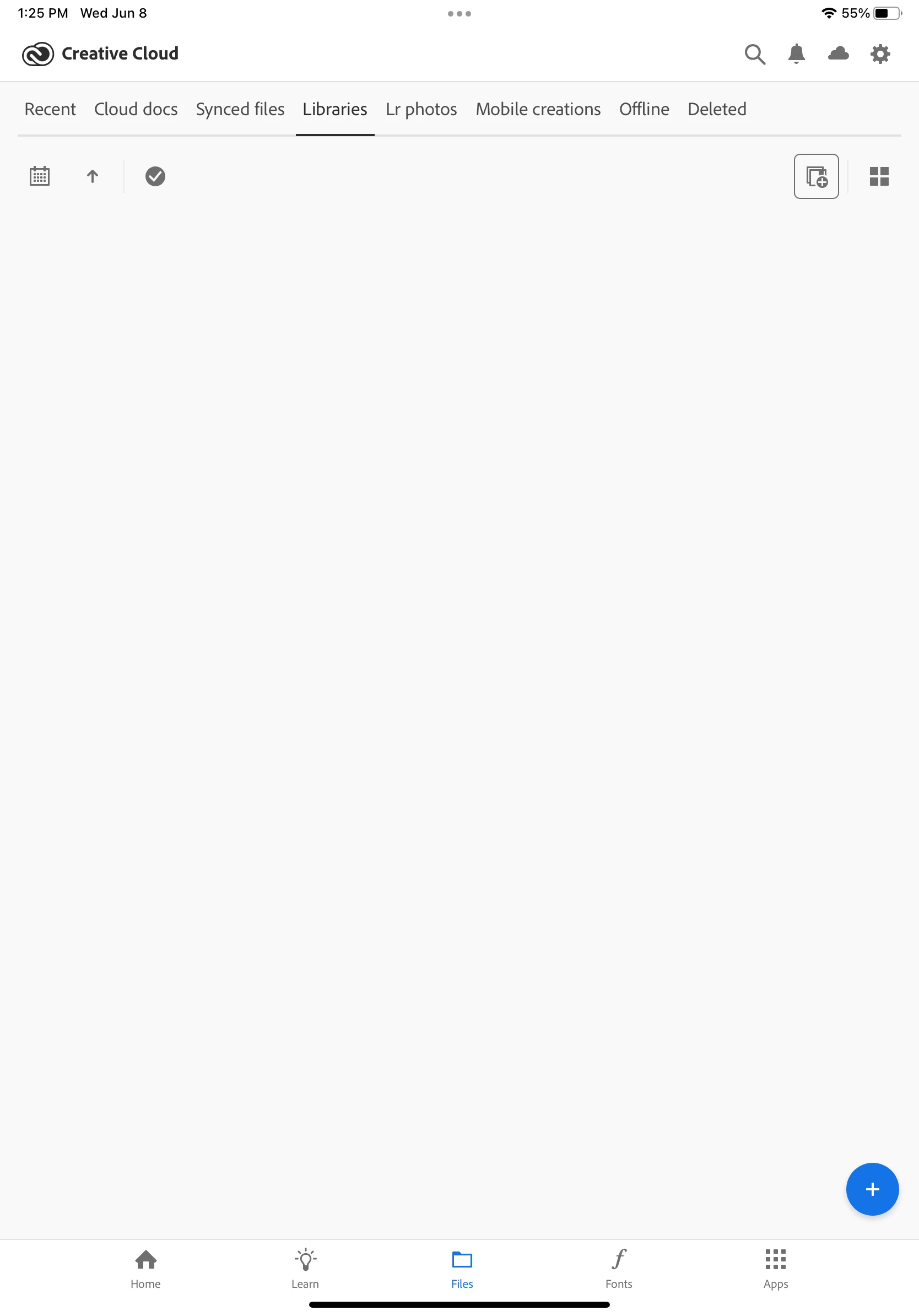
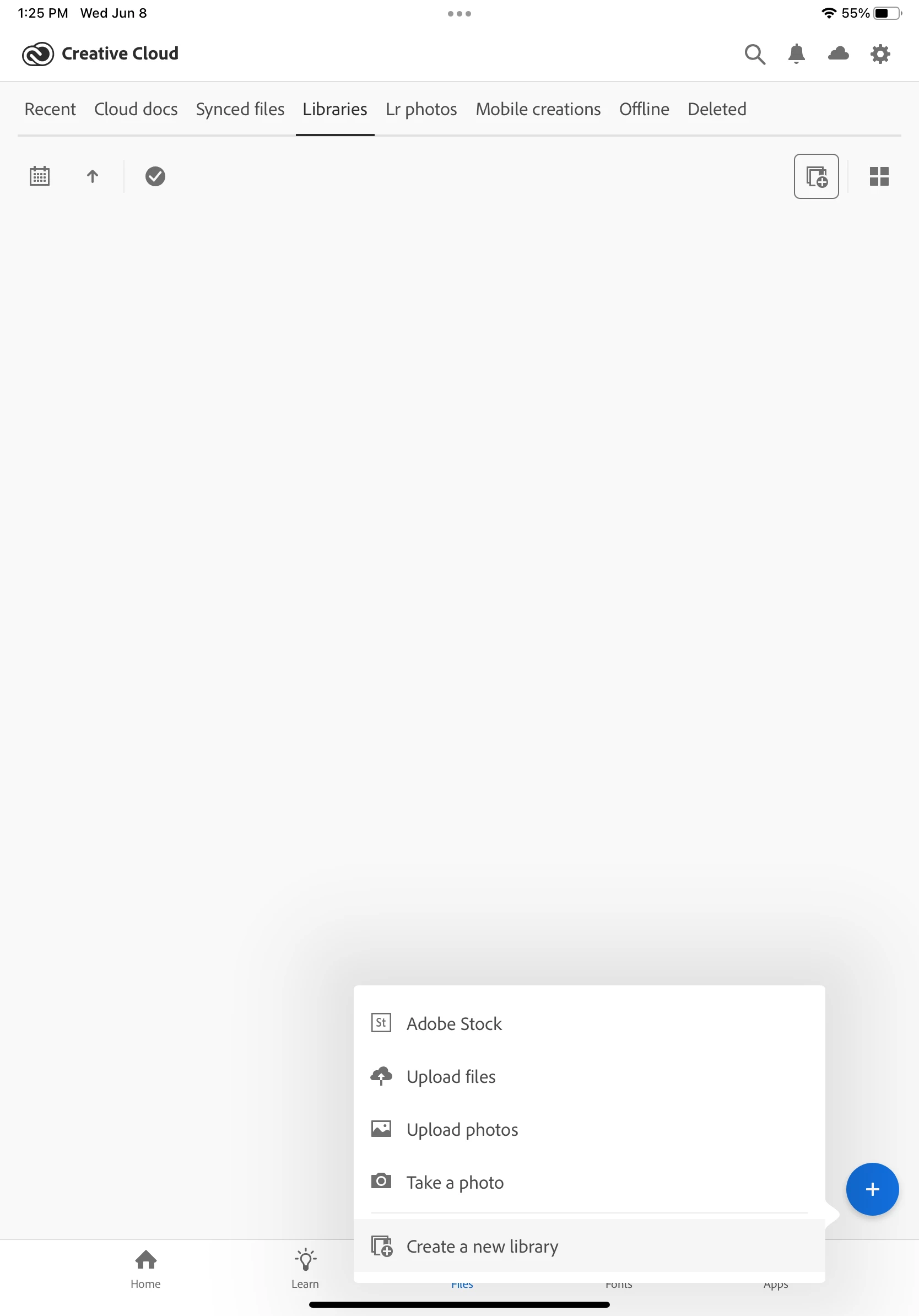
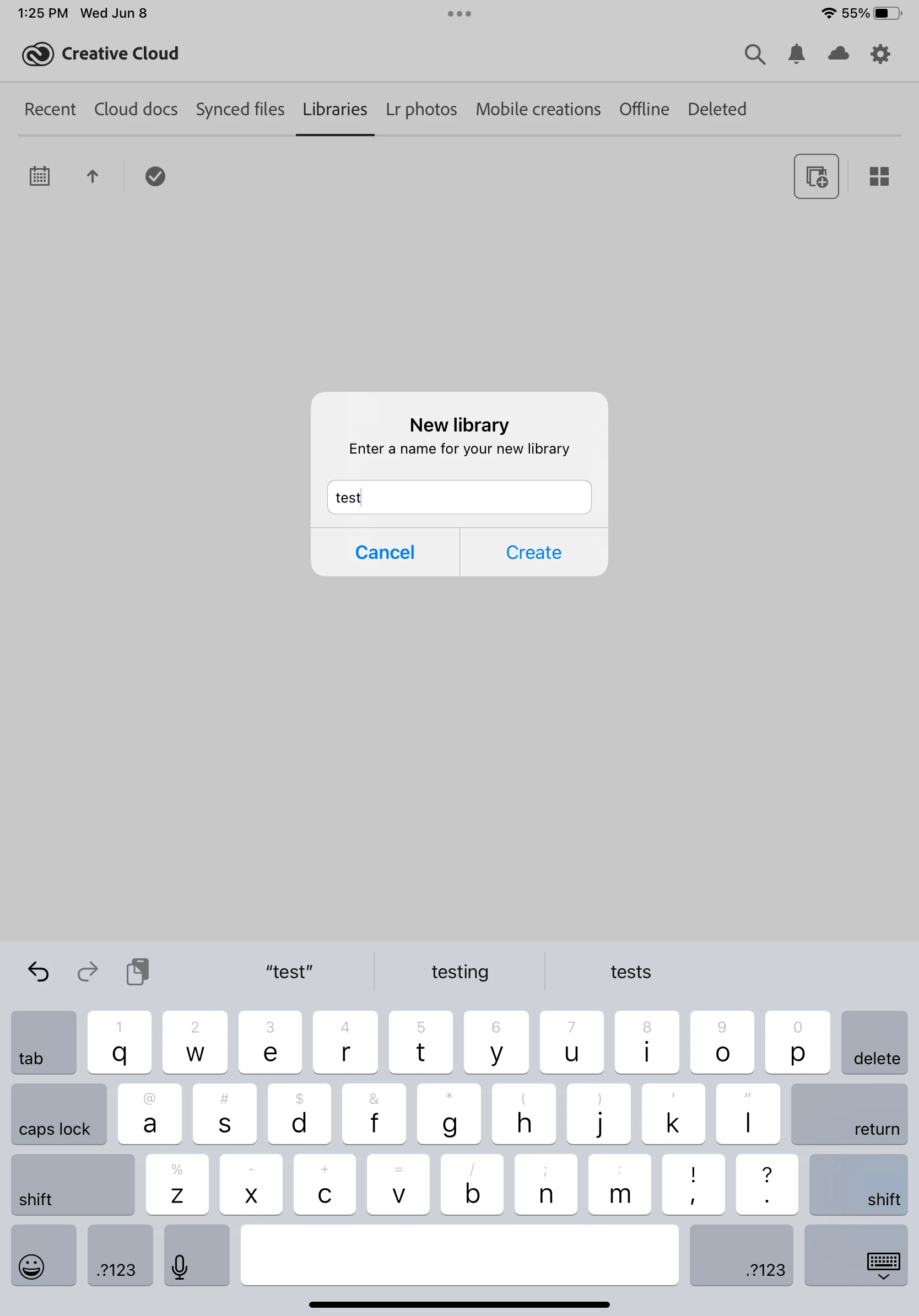
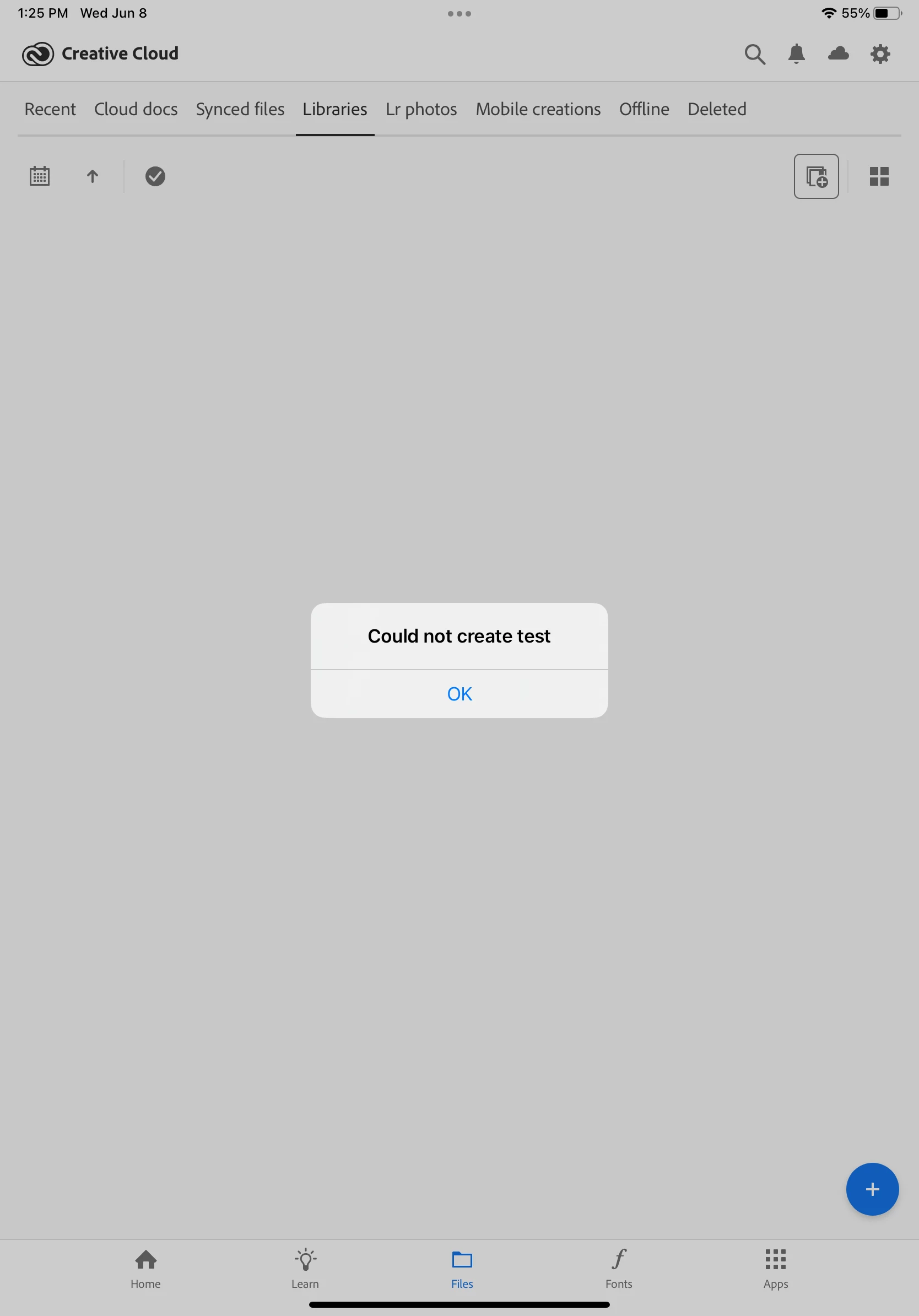
I am attempting to manage my brushes in Adobe Fresco on the newest version of IPad. However, on opening the Creative Cloud App and navigating to the "Libraries" tab in files, not only are no brushes visible, but no files are visible period. Also, on trying to test functionality by creating a test folder, I was prompted that I couldn't add to my library.
All apps are up to date, and my internet connection is strong. I am also signed in under only one Adobe ID. Below are screenshots, first of my library with no content visible, then showing my attempt to add content to my libraries, which prompted an error message. Would love any helpful pointers, thanks!


 AdChoices