

Question
BUG: CC hangs when switching users - Mac
Use case: I have a personal account and a work account. Because Adobe CC disables features when I switch accounts I've had to go back and forth to use some features in from my personal account that aren't available in my work account.
Pre req: Have two different accounts with Adobe. Each account has different or slightly different apps/plugins/fonts/etc available to the user in account 1 vs account 2
Repro:
- Sign into first Adobe CC account
- Launch and use differrent or same tools as account 2.
- Sign out of account 1
- Sign into account 2
- Launch or use different or same tools as account 1
- Sign out of account 2
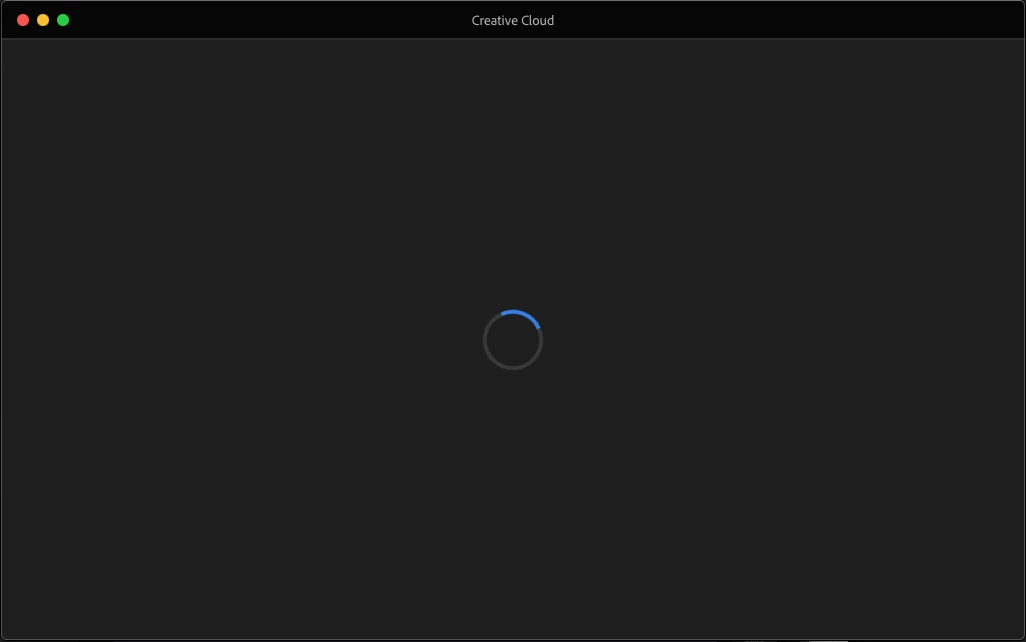
- Adobe CC now hangs showing screen below.
Short term resolution: Quit adobe CC and re-start adobe CC. Waste 2 minutes while adobe CC figures itself out.
--


 AdChoices