
Participant
November 23, 2020
Question

Can not see anything on the App page in the CreativeCloud window

  • November 23, 2020
  • 2 replies
  • 1269 views

Hi

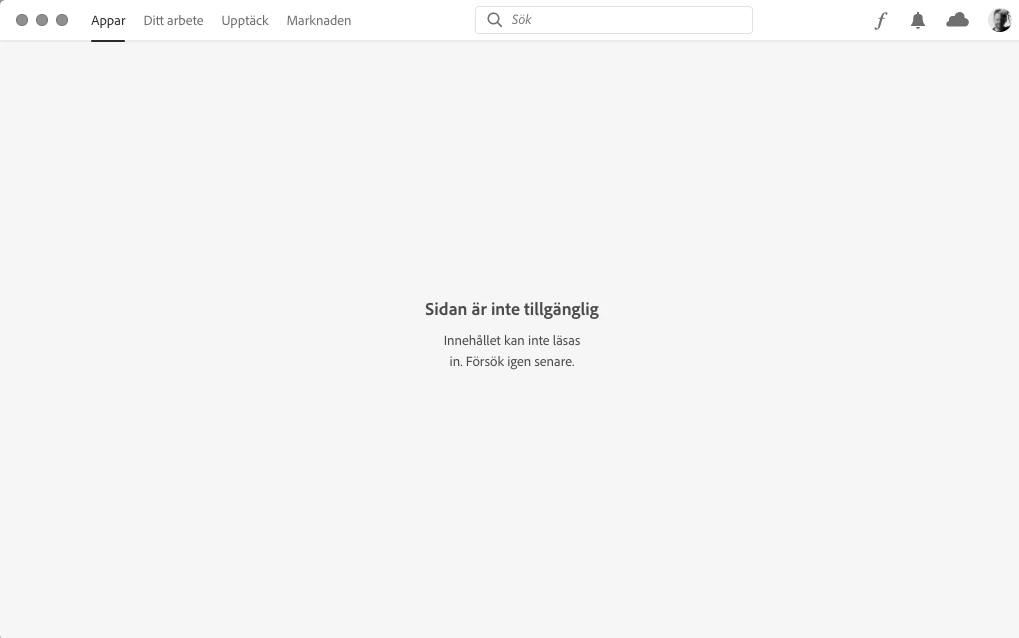
I had to install Incesign CC 2019. After that I can not see anything in the "Apps" window. 


Theres just a text (translated from swedish):

Page not available.
The content cannot be loaded. Please try again later.


See image below. 

How can I solve this.

//Jonas


This topic has been closed for replies.

2 replies

kglad
Community Expert
Community Expert
November 23, 2020

sign out and then back in to your cc desktop application using the same adobe id used for your subscription: http://helpx.adobe.com/creative-cloud/kb/sign-in-out-creative-cloud-desktop-app.html


if that fails, try resetting the cc app: To reset the Creative Cloud desktop app, make sure it's in the foreground, then press:

Win: Ctrl + Alt + R
Mac: Cmd + Opt + R

if that fails, try to repair
https://helpx.adobe.com/download-install/kb/creative-cloud-install-stuck.html

if that fails go ahead and uninstall/reinstall per the above link

if that fails, do a clean cc install following each applicable step:

uninstall every cc app including preferences, https://helpx.adobe.com/creative-cloud/help/uninstall-remove-app.html
then uninstall the cc desktop app, https://helpx.adobe.com/creative-cloud/help/uninstall-creative-cloud-desktop-app.html
clean your computer of cc files per http://www.adobe.com/support/contact/cscleanertool.html
check for, and if available, update your os
restart your computer (don't skip this)
reinstall the cc desktop app, https://creative.adobe.com/products/creative-cloud.
if you're unable to install the cc desktop app at this stage, use an administrator account (solution 4 here, https://helpx.adobe.com/creative-cloud/kb/creative-cloud-missing-damaged.html)
use the desktop app to install your cc programs/trials

kglad
Community Expert
Community Expert
November 23, 2020

there's a win 10 update bug (or incorrect setting) causing a lot of "no internet connection" errors while there is an active internet connection. see if it applies to you. https://lifehacker.com/how-to-fix-windows-10s-latest-no-internet-connection-bu-1844458254 https://answers.microsoft.com/en-us/windows/forum/windows_10-networking/windows-10-says-i-have-no-internet-connection-but/50153e5b-a008-443d-af0e-5ee3822c37a1


SahlprodAuthor
Participant
November 23, 2020

Thank, but I forgot to say that I have a Mac.

/J