
Participant
February 19, 2025
Question

Can't Upload After Effects file to Creative Cloud

  • February 19, 2025
  • 2 replies
  • 210 views

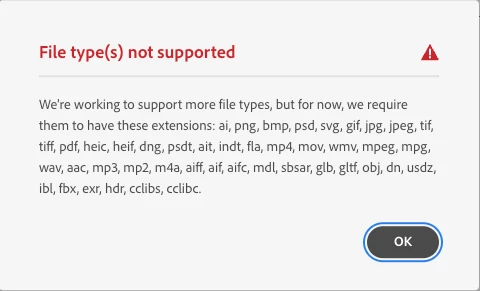
Shouldn't be difficult. I drag and drop, right? I have a folder with an AE file, plus Footage, Assets, Fonts, etc. Everything works nicely on my hardrive. But I'm taking up stoarge and want to bring things to my cloud account. I have plenty of storage there. When I drag and drop I get the error below.


Makes no sense to me. The list of accepted extensions does NOT include .aep (which can't be true). 
 

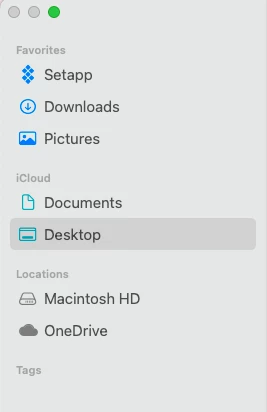
So I try the "File > Save As" option, but on my Mac, I can't navigate to Adobe because it doesn't show up as a location. See below. 


Could really use some help here. Thanks in advance.

2 replies

kglad
Community Expert
Community Expert
February 19, 2025

in the future, to find the best place to post your message, use the list here, https://community.adobe.com/

p.s. i don't think the adobe website, and forums in particular, are easy to navigate, so don't spend a lot of time searching that forum list. do your best and we'll move the post (like this one has already been moved) if it helps you get responses.


<"moved from cc desktop bugs">
kglad
Community Expert
Community Expert
February 19, 2025

the message is accurate.


here's basic info:  https://helpx.adobe.com/creative-cloud/help/about-cloud-documents.html


then for more info go here and check the beginner (if applicable) tutorials for cc useage and then advanced, https://helpx.adobe.com/creative-cloud/tutorials-explore.html