

Answered
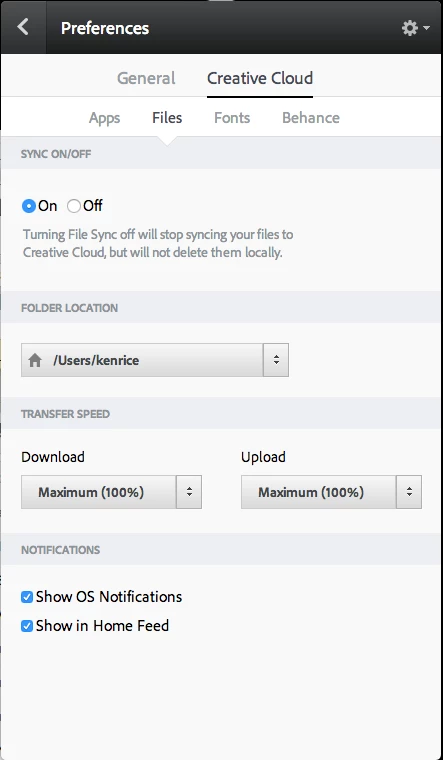
Can the Creative Cloud Files folder be moved?
I just installed CC. The default location for the Creative Cloud Files folder is C:\users\name\Creative Cloud Files. Can I move it to another location and still retain sync capabilities?

I just installed CC. The default location for the Creative Cloud Files folder is C:\users\name\Creative Cloud Files. Can I move it to another location and still retain sync capabilities?
Already have an account? Login
Enter your E-mail address. We'll send you an e-mail with instructions to reset your password.

 AdChoices