
Known Participant
March 11, 2021
Question

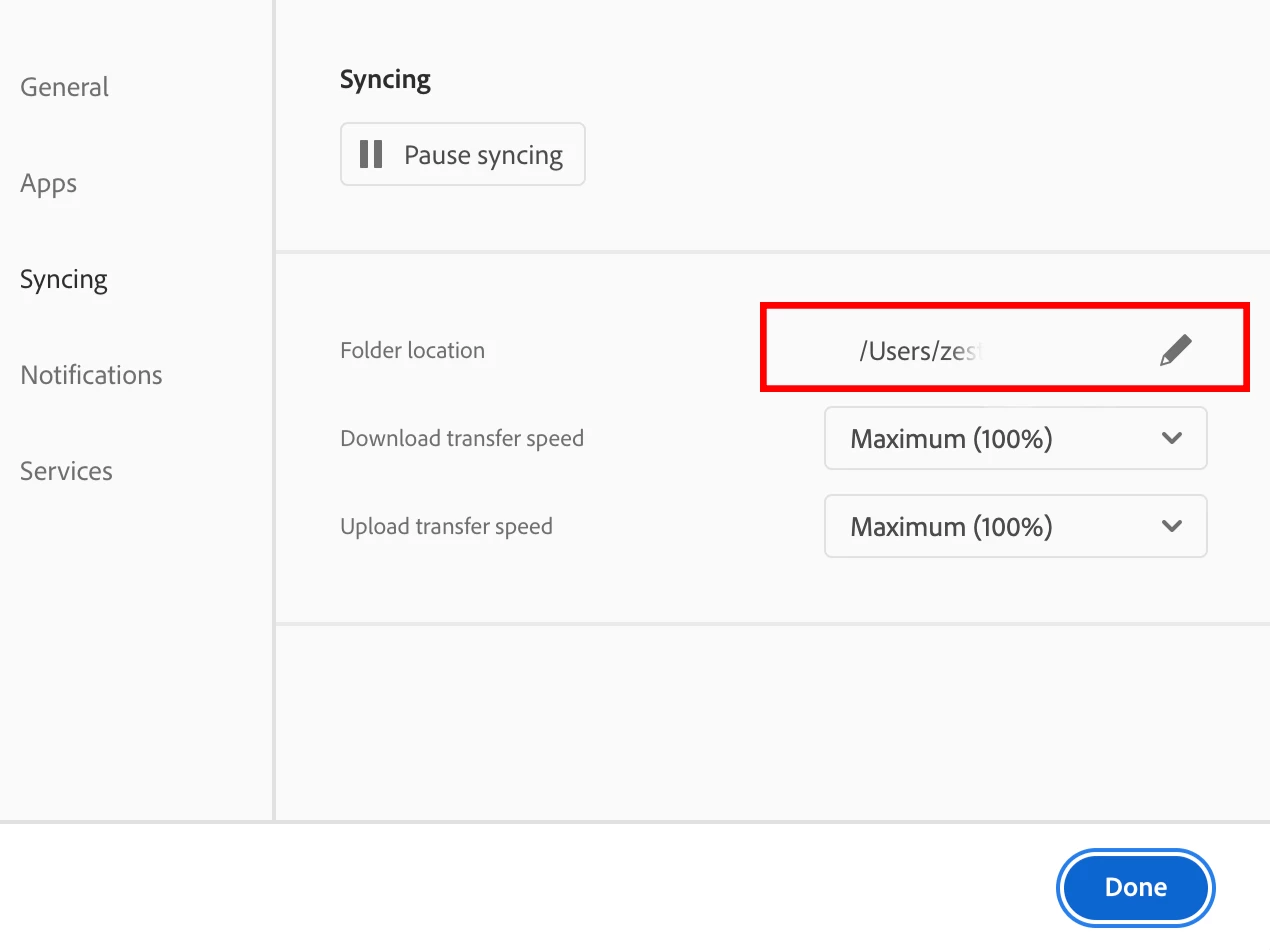
Cannot change the cc cloud folder location on my Mac

  • March 11, 2021
  • 1 reply
  • 420 views

I cannot transfer the folder location for the CC cloud.


I get an error after hours of seemingly transfering the location of the CC cloud from my Mac hard drive to an external HD.


It looks like it is working and indeed seems to transfer most of the files. But then I get an error pop up that states it cannot transfer to the drive - no other explanation. 


I have tried 4 or 5 times, always with the same issue. 


This topic has been closed for replies.

1 reply

kglad
Community Expert
Community Expert
March 11, 2021

you can't use an external drive, network drive or the root of any drive for the sync location.

Bill-PageAuthor
Known Participant
March 12, 2021

It makes no mention of that when trying to move the location or in the error message. In fact you have the ability to click and select a new location.


Also, with 2TB of cc space this will completely fill my CC cloud folder on the Mac - I need to be able to point to a different drive that will have space.


I can't be the first to have this problem and it will only increase the more we rely on the CC Cloud.


Any advise other than you can't do this?


kglad
Community Expert
Community Expert
March 12, 2021

yes, selecting a problematic drive/folder is allowed and then fails to sync.


the solutions are obvious and not likely to help you, get a larger c drive, add an internal hard drive, decrease your cc storage.


the latter may not be as unhelpful as the first two.  cc files are not intended for file backup nor external storage.  they're for sharing files across your own devices and with others.  ie, use some other service  for cloud storage.