Inspiring
June 29, 2017
Answered

Cannot download images to stock

  • June 29, 2017
  • 2 replies
  • 1354 views

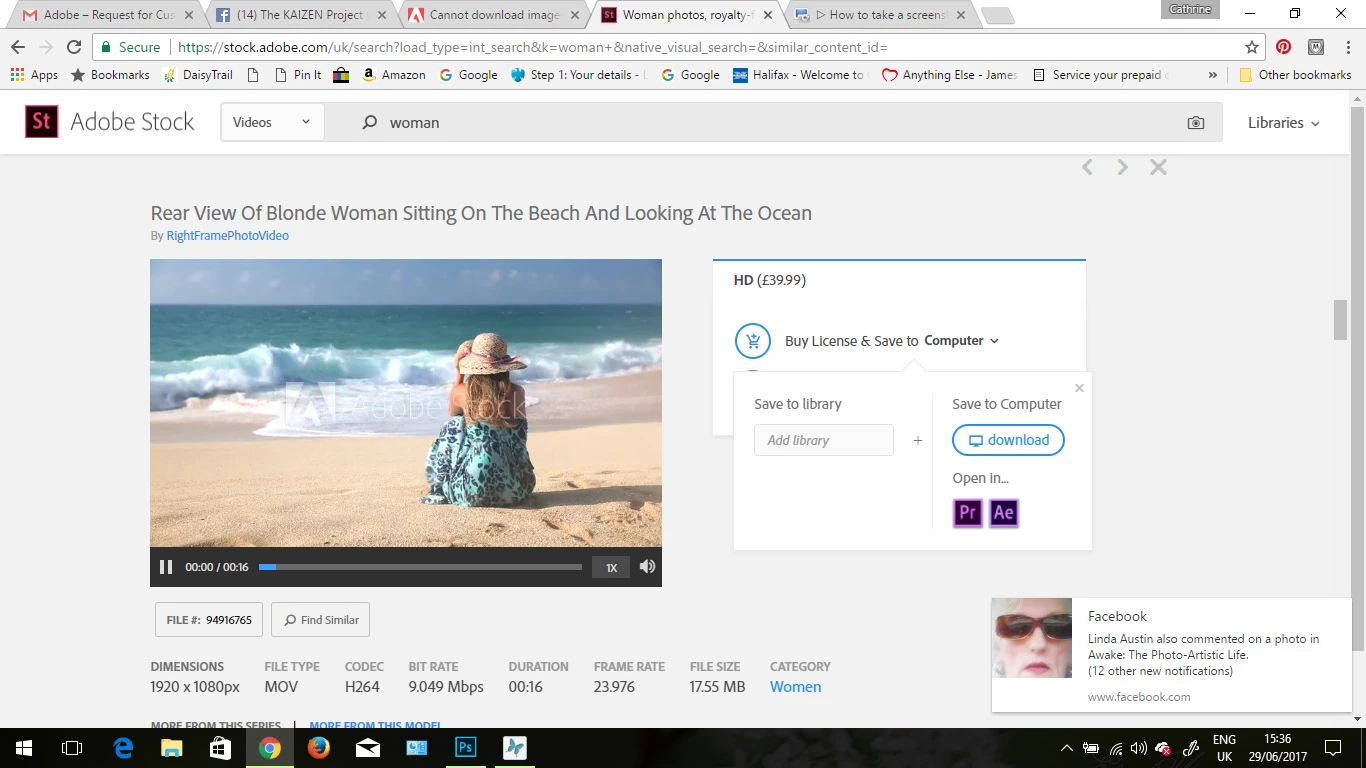
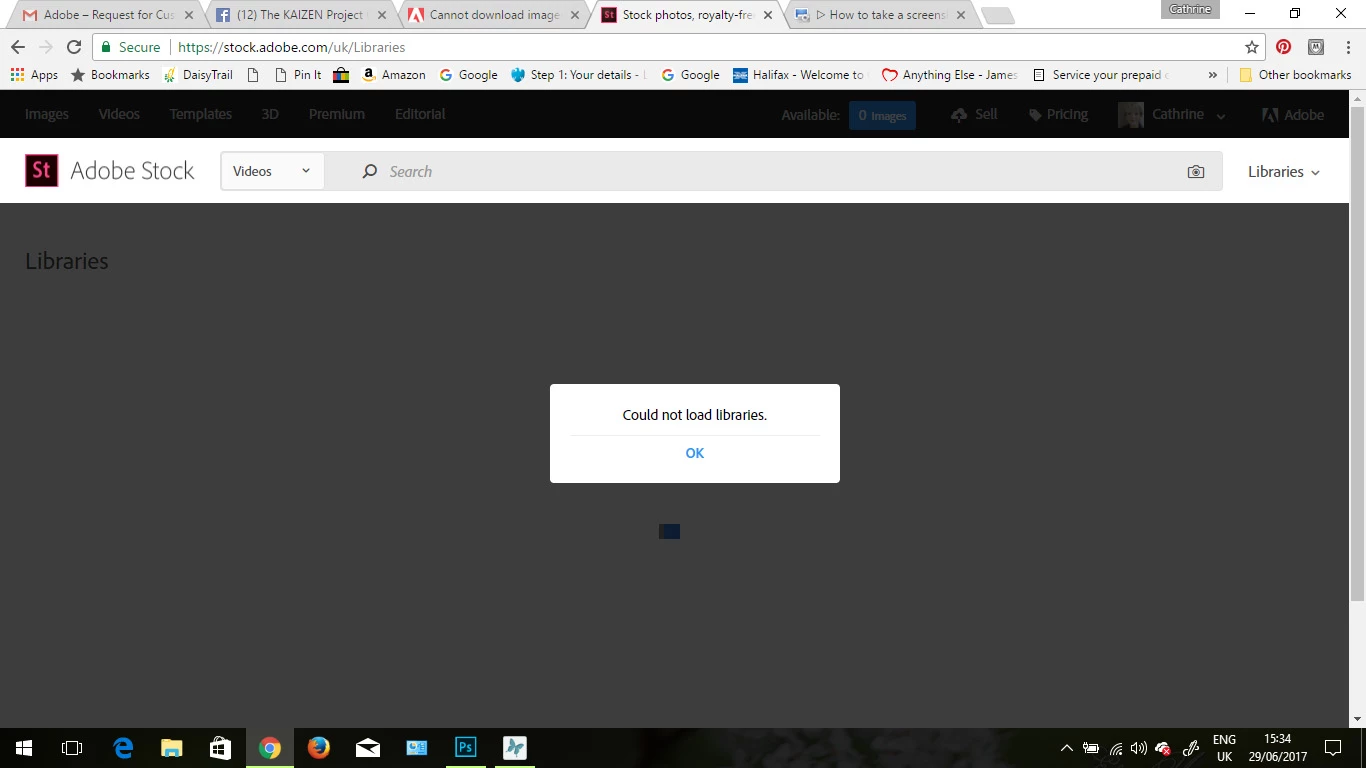
Cannot download images to stock all my libraries inside stock have disappeared i keep getting a cannot load libraries error message

This topic has been closed for replies.
Correct answer cathrineblan

2 replies

David__B
Adobe Employee
Adobe Employee
June 29, 2017

Hi Cathrine,

Sorry to hear about your difficulties.

A few other things I wondered about in relation to the issue you are experiencing:

- Could you also share a screen shot of the screen with the blank thumbnails?

- Did it seem like the page with the libraries was taking a long time to load?

- Are you unable to download previews for both images and videos?

- Just to confirm, you as getting the blank thumbnails at both  https://assets.adobe.com/assets/libraries and from the stock.adobe.com website?

- Could you try restarting the computer and the see if the same thing occurs if the only web page you have open is the Libraries page (please test both sites above)?

- Does the issue still occur when the libraries are viewed in Incognito mode in Chrome? (option in the top right)

Please get back to me when you get the chance.

Thanks,

- Dave

Sheena Kaul
Legend
June 29, 2017

Moving to Adobe Stock

Hi Cathrine,

I apologize for the issue that you are facing.

Is there a screenshot that I can refer to?

Also, have you tried to connect to your libraries via a different network connection?

Regards,

Sheena

cathrineblanAuthorCorrect answer
Inspiring
June 29, 2017

Inspiring
June 29, 2017

As you can see there are no libraries listed to download to