
Cannot share link to folder in Creative Cloud
In the past I shared a folder of photos with various people. It worked for a while, but yesterday folks could not download images, receiving a message that the file did not exist. So I removed the public link to the folder and attempted to create a new one, and got the following message. (I got it again this morning when I tried)
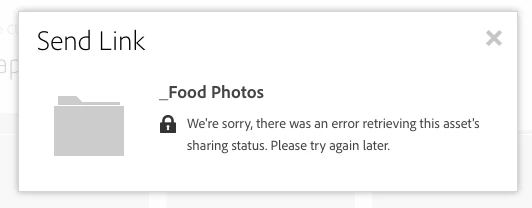
I tried creating a new link to a different folder, and was able to create the link, but when I clicked on the link, I got this message.

This has only happened when trying to share folders. Sharing individual files works as it should. I do not want to use the collaborate function to share these, as I want to restrict write access and not require an adobe id. Anyone know what's going on, or have a similar issue? I tried chat support yesterday which did not help.
Thanks in advance,
Dan


 AdChoices