
Participant
September 4, 2021
Question

Cannot sign in to Creative Cloud Desktop App

  • September 4, 2021
  • 1 reply
  • 202 views

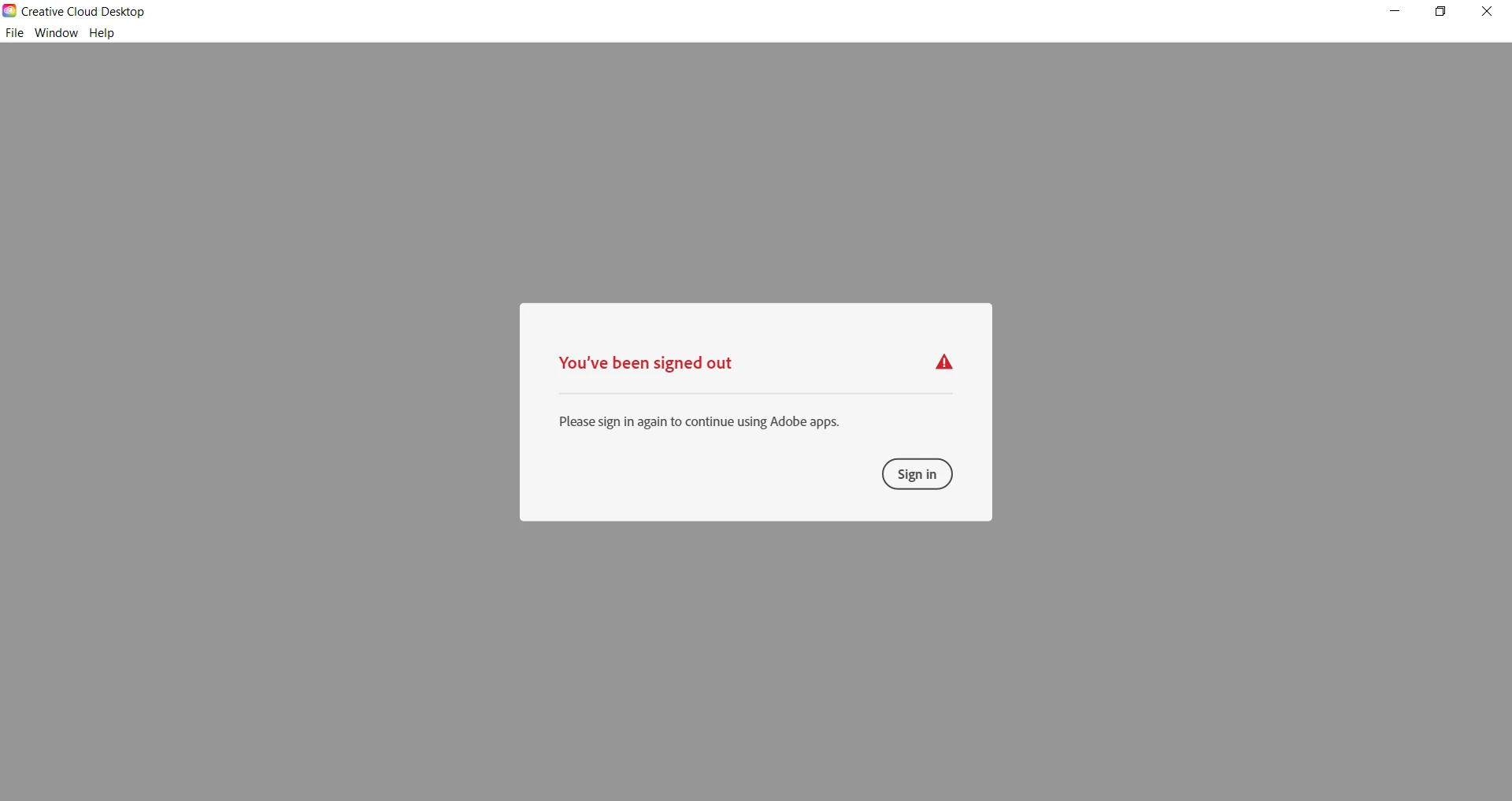
Hi there, I recently quit an old Adobe account for a new one and whilst I am able to sign into my new account online, I can't sign in to the Creative Cloud Desktop app. It appears with this window (see image) whenever I open the app and when I click 'Sign In' it refreshes before the same page reappears. I have uninstalled (using the Creative Cloud cleaner tool) and reinstalled the app but continue to have this same issue. Please let me know if you know how to solve this 🙂
This topic has been closed for replies.

1 reply

John T Smith
Community Expert
Community Expert
September 4, 2021

Sign Out When Sign In https://community.adobe.com/t5/Get-Started/sign-in-help/td-p/6071780 may help
-and http://helpx.adobe.com/creative-cloud/kb/unable-login-creative-cloud-248.html
-and 'looping' https://community.adobe.com/t5/Get-Started/Re-quot-Sign-in-Required-quot-Loop/td-p/6257463

OR

You may need to remove everything so all traces of your old account are removed, then do a new install with your new account

-if so, sign out of your new account and UN-install

-https://helpx.adobe.com/creative-cloud/kb/cc-cleaner-tool-installation-problems.html to remove programs