
Question
CC File Sync Has Never Worked - recently subscribed to CC
Hi
Ever since I updated to CC from CS6 back in November, CC File Sync has never worked.
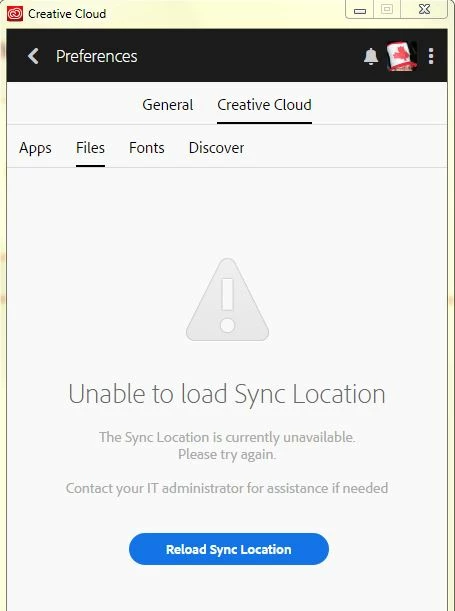
I get a "Error occurred during cloud switching" error sometimes, and when I go to the "Creative Cloud | Files" section of CC Desktop app, I get the Unable to Load Sync location error.
I have removed and reinstalled CC desktop app but the problem persists. I have also deleted files in the CoreSync folder as indicated in other threads but this has not resolved the issue either.
Also, when I try to open the Creative Cloud files shortcut in Windows Explorer, I am asked what app I want to use to open the file, as you would get with an unassociated file extension.
I'm on Win 7x64 Pro.
Does anyone know how this can be resolved please?
Many thanks!
Richard


 AdChoices