
Question
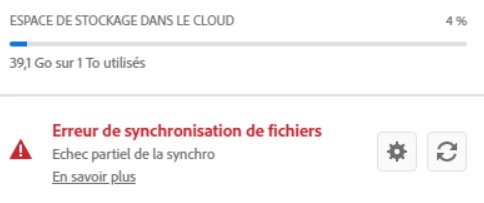
CC files not syncing anymore
File sync suddenly stopped working today (PC Windows 10).
I've tried everything possible to restore it:
- as advised in some posts:
- removing every possible file including "db" from the CoreSync folder
- removing the CoreSync folder
- killing the Adobe Content Synchronizer service (and it usually gets back right away)
- re-booting the PC
- re-booting my internet connexion (which had some interruptions this morning, but is now 100% back)
I couldn't find the sync log where other posts mention it shoud be.
I can see no message poiting to a particular file that would be the source of the issue.
Can someone help fixing this issue, please?


 AdChoices