
CC has stopped syncing for a week now
Describe the problem as thoroughly as possible.
Creative Cloud was fine for a week or two after Adobe brought it back online, but it does not sync and hasn't for over a week. My connection is fine (otherwise this post wouldn't exist). I am using the Creative Cloud app to update my software.
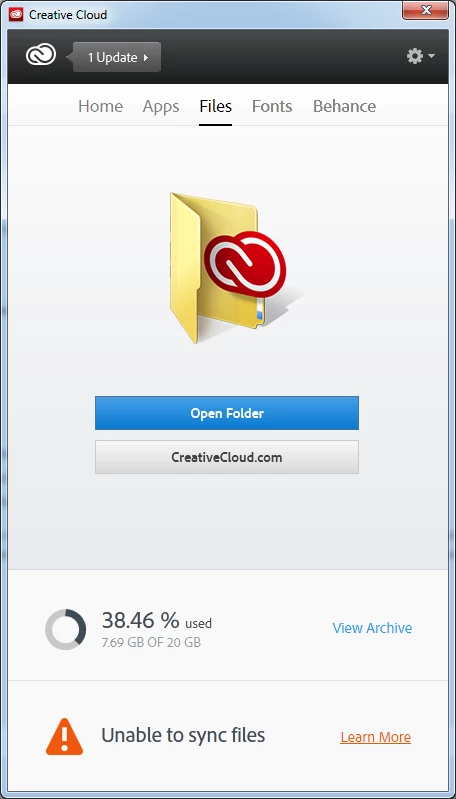
Describe what you were doing just prior to encountering an issue with syncing your fonts or files?
I wasn't doing anything per say. The sync simply stopped working.
Please list the following information in your forum post:
Windows 7 64bit
Firefox 23.0.1
Chrome Version 29.0.1547.57 m
Locate the following CoreSync.log file and attach it to your forum post.
https://www.mediafire.com/view/w38x11nv4csc3hn/CoreSync-2013-08-26.log
Update 1:
I've fixed a problem where the file folder was not the same between the two computers. Unfortunately syncing still does not work.


 AdChoices