Alexandre Becquet
Community Expert
Community Expert
June 19, 2022
Question

CC SYNC issue libraries & files

  • June 19, 2022
  • 4 replies
  • 5094 views

Hello, a friend and i had the same issue with the CC !! since around 2 weeks

The 1st :

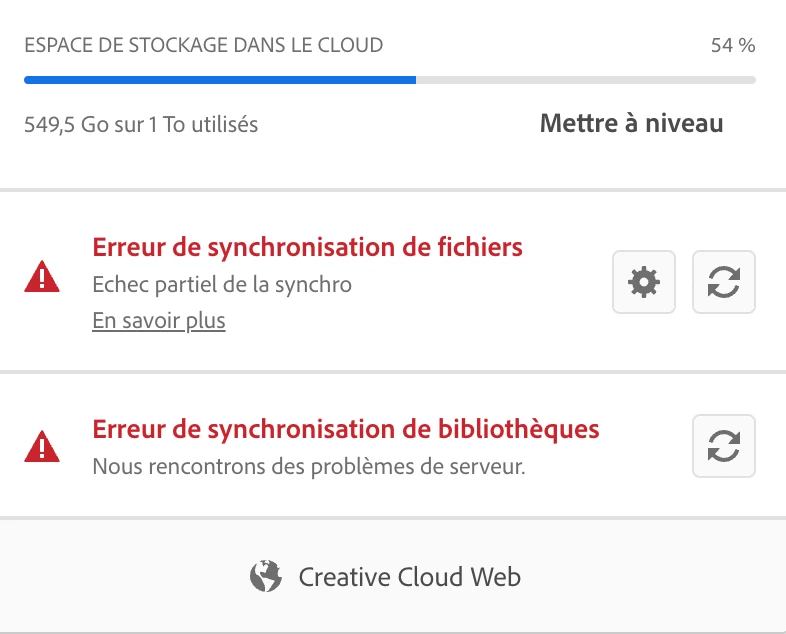
Erroe files sync : partial sunchro error

2nd : Error libraries sync : partial sync failure : we are having server problems


But after a total clean up of the CC file, app, and cloud with the tools and solutions i know and after a call at the Customer support there is no solution.


Is someone can help us or a someone of the CC team because it's impossible to work, share, made live & demos!


We are both on Mac with Mac Os Monterey 12.4, the last version of the cc app. On my side it's the same issue on my MBPPRO M1 MAX & my MacPro Intel 2019.

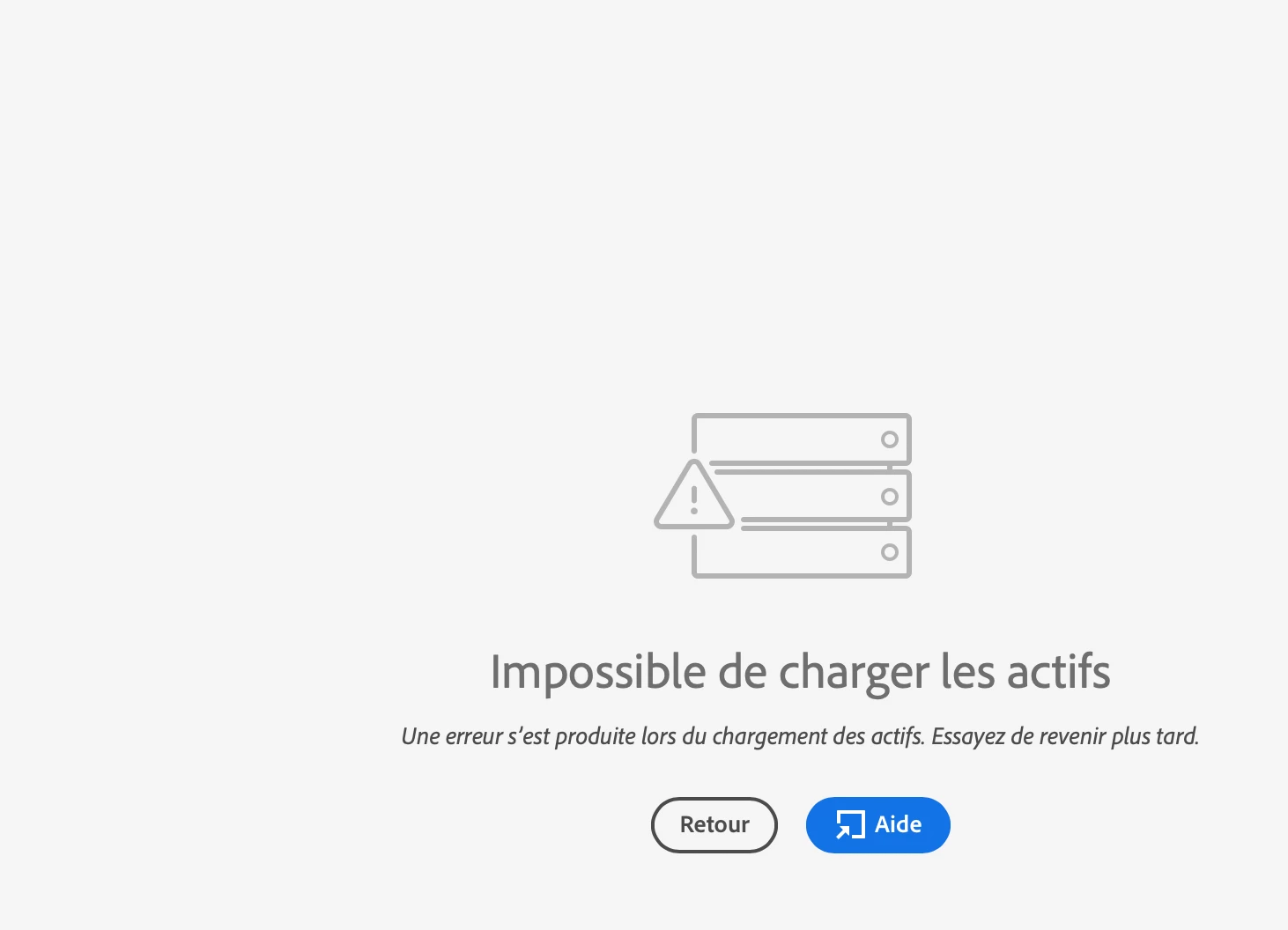
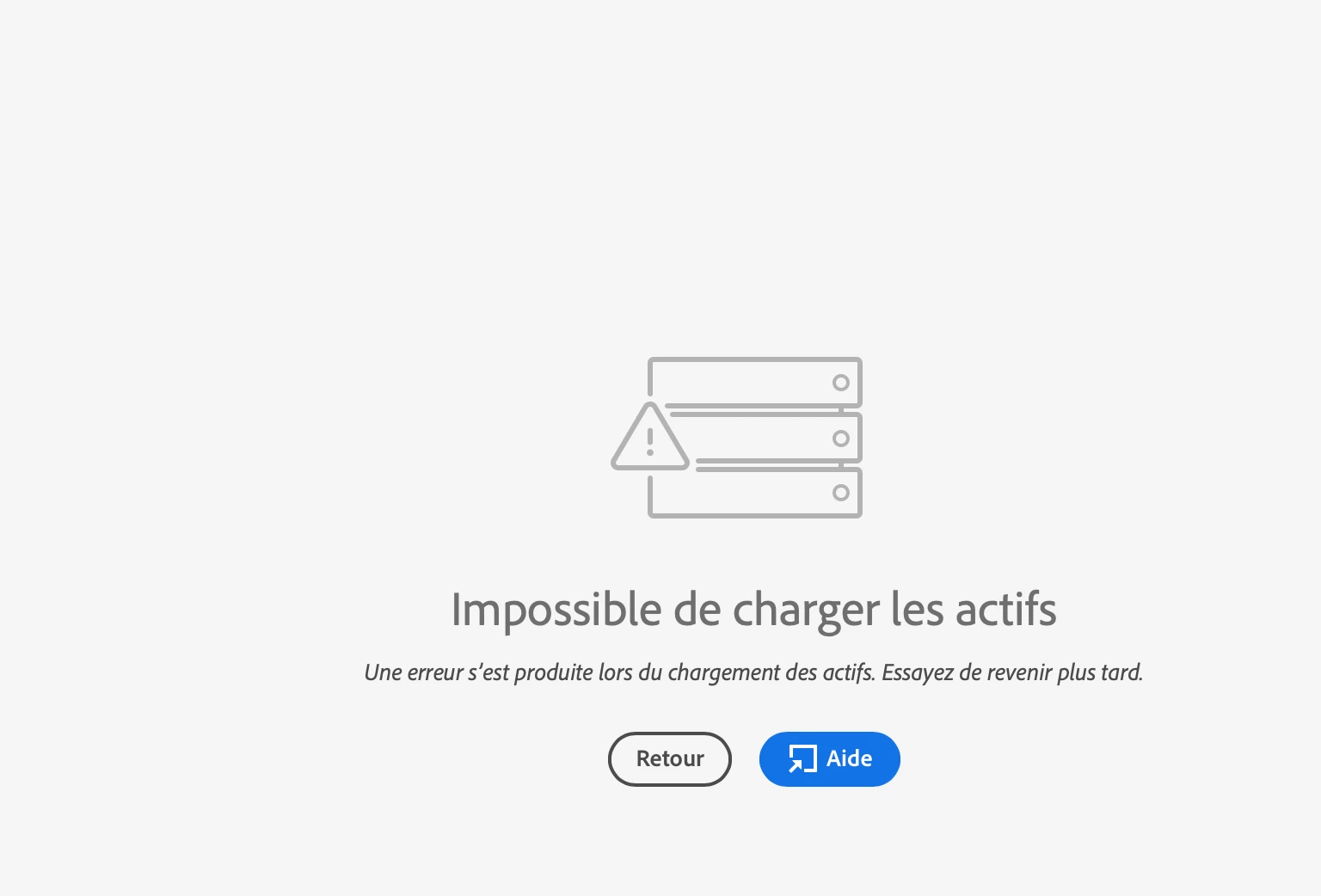
The issue is the same on the web app.


Thank you
 

This topic has been closed for replies.

4 replies

Alexandre Becquet
Community Expert
Community Expert
June 27, 2022

Hello, it's always the same issue. Today someone should call me before see that with an engineer of the CC Team.

The solution is so long to be solved!!!! I hope there is a solution, i can't simply work, a lot of time lost.

I really need a solution, it. happened 3 weeks ago and nothing moved!!

Alexandre Becquet
Community Expert
Community Expert
June 27, 2022

Ok, for the Lightroom all seems to be ok, also for adobe Fonts but nothing on the other side.

Nobody called me at his time and this big problem is a huge waste time.

Alexandre Becquet
Community Expert
Community Expert
June 27, 2022

Just had the phone calle with customer care and i'm waiting a feedback after shared with him the log file made with log file collector and all the screenshots of CC on the browser!!
Waiting! waiting!

Alexandre Becquet
Community Expert
Community Expert
June 23, 2022

It's the first time i don't know what to do!!! 
4 times with the Adobe customer Care and Remote access, reinstall i think 3 or 4 times CC app, libraries and i think i can't do more on my side.
I think it's more an issue from Adobe. 

It's impossible to work correctly or to have acces to my files and libraries on the ipad, iphone, on the web, on the M1 MBP on the Mac. MY CC file is about 300 Ko now without just 1 file and the issue is always the same.
@Paul LeF do you remenber when the issue start?

Participating Frequently
June 23, 2022

One of the support guys was remoting into my machine last night and he tried fixing it from every angle possible with no change at all. I have two machines suffering from the same issue and Creative cloud is broken on the web too so it looks like it is an issue on their side. I have a call booked with an engineer tomorrow so will post any findings here.

Alexandre Becquet
Community Expert
Community Expert
June 23, 2022

Same story here!!! i'll sharing my feedback after.
Thanks @Paul LeF 

Participating Frequently
June 22, 2022

Hi @Neelamk , I am suffering from the same issue as Alexandre. This issue is crippling and affecting my work and my team. What is the best next step for me to get this looking at? Thanks

Participating Frequently
June 22, 2022

I have performed the recommended troubleshooting but nothing is having an impact. I have uninstalled all apps inc cc desktop app and reinstalled it. The issue is still there but now cloud storage used is inactive also.

Neelamk
Legend
June 20, 2022

Hi Alexandre,


We are sorry for all your difficulties due to the sync issues in CC libraries and files. As you mentioned you spoke to Customer support already, could you please help us to know the Case ID provided by them while working on the issue, the Case ID will help us to investigate more on the issue and escalate.


We are here to help you, it's just we need a little more information.


Regards,

Neelam

Alexandre Becquet
Community Expert
Community Expert
June 20, 2022

Hello, thank you !! Yes it's very important for us because we are working on the Adobe live Fr & Emea and there is a lot of things we can't do or find, or show.

My case ID is ADB-24929247-Z9R4  

Neelamk
Legend
June 20, 2022

Hi Alexandre,


I see the ticket is still in pending status " Customer Action needed" Please check if you have received an email from us. The technician is notified.


Please feel free to contact us.


Regards,

Neelam