cclavo
Inspiring
June 9, 2024
Answered

Changing container size or text width in Portfolio

  • June 9, 2024
  • 3 replies
  • 1556 views

Hello!

First of all, I decided to post here since I cannot find anything related to Adobe Portfolio. Sorry if it is the wrong place.


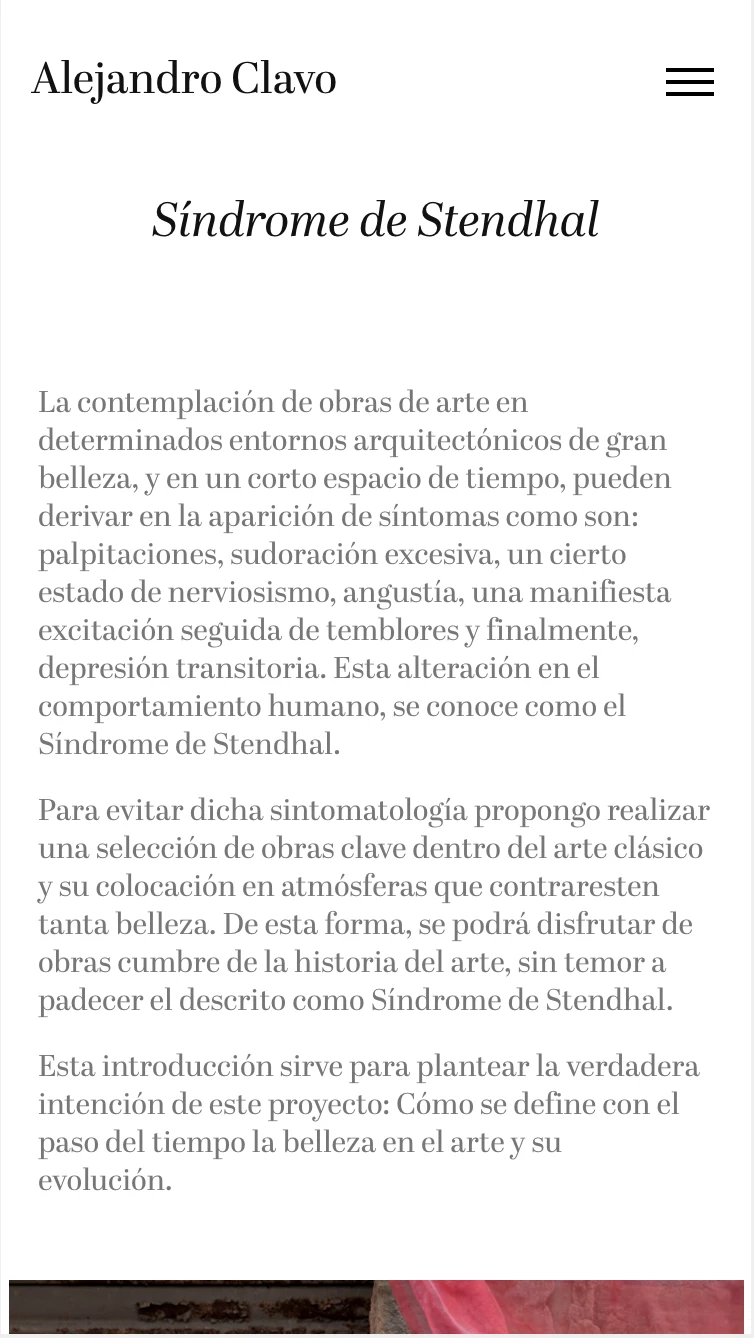
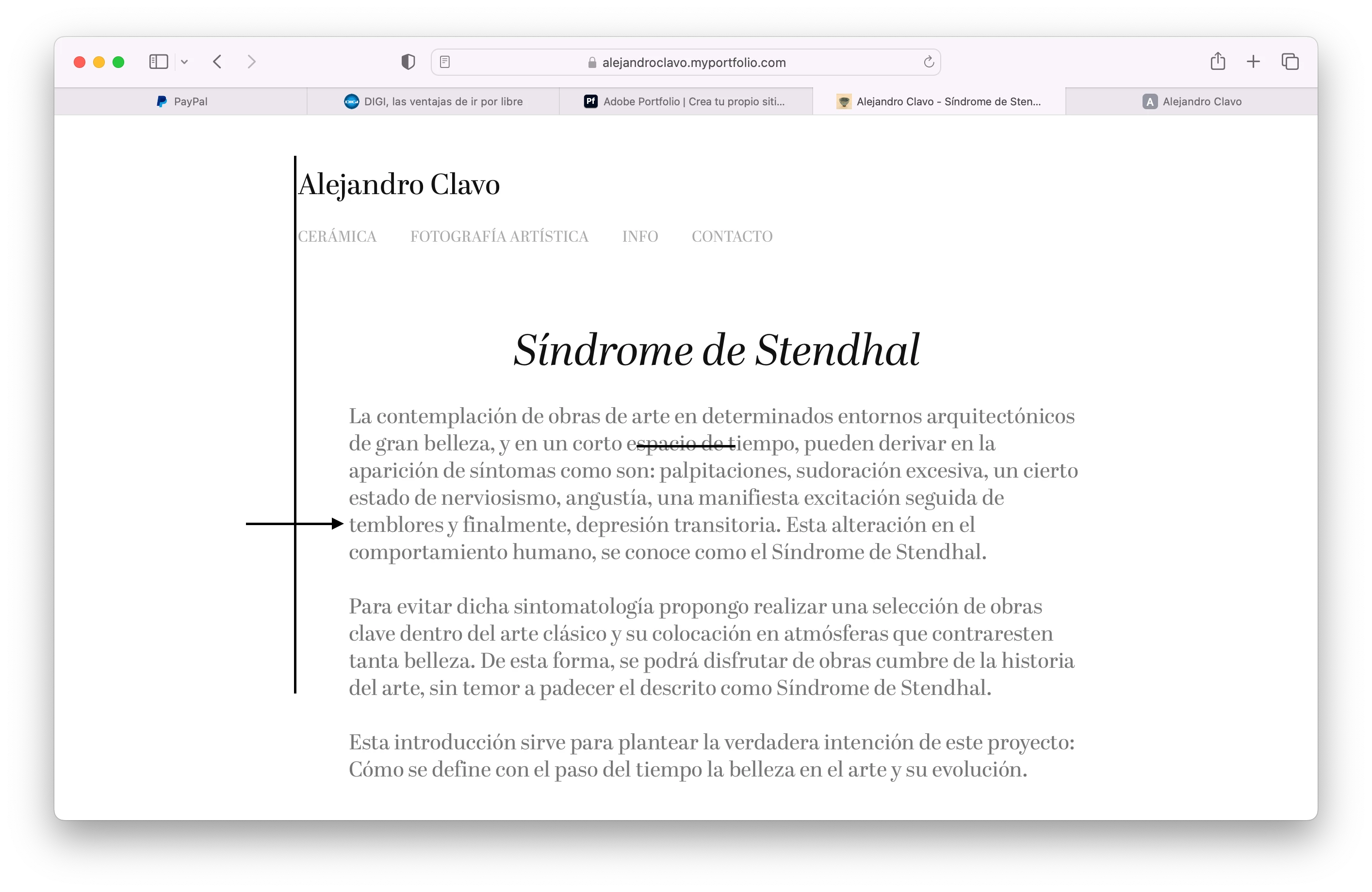
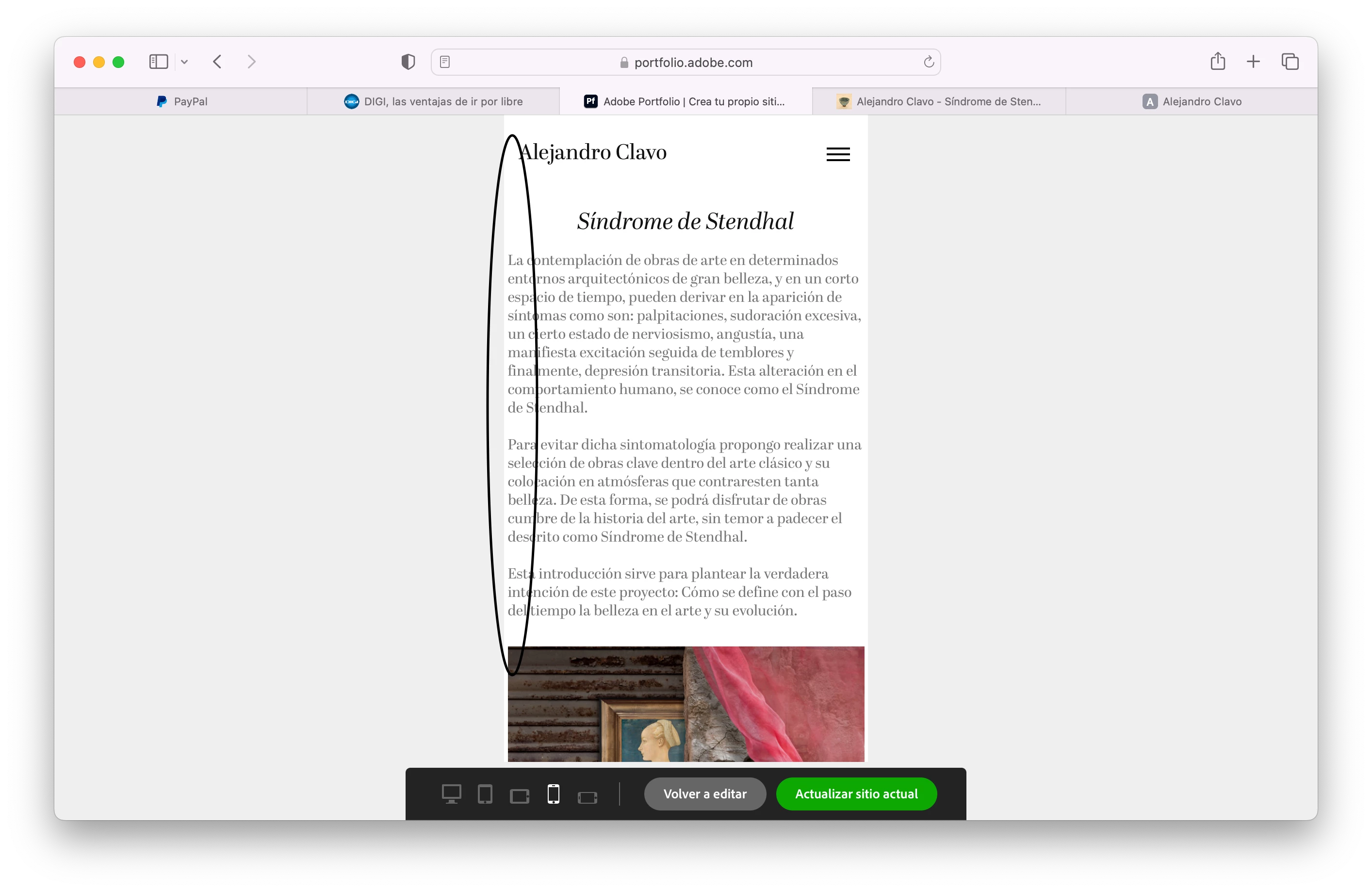
I'm trying to set up a siote using Portfolio and any changes I make to container size or margins doesn't have any effect in mobile version. What is happenning or how can I achieve this?

As you can see, I set up a space in the left, but in the mobile version the text is too near the creen border.
Correct answer cclavo

After contacting support, I was informed that there are sme technial limitatiosn, but that I can overcome those using a text module instead the page info field I was using. Indeed, now there is some space between the actual text and the screen border! Sharing in case it helps someone 🙂 


All is beautiful now.

3 replies

cclavo
cclavoAuthorCorrect answer
Inspiring
June 10, 2024

After contacting support, I was informed that there are sme technial limitatiosn, but that I can overcome those using a text module instead the page info field I was using. Indeed, now there is some space between the actual text and the screen border! Sharing in case it helps someone 🙂 


All is beautiful now.

kglad
Community Expert
Community Expert
June 10, 2024

@cclavo 


thanks for the update.

Nancy OShea
Community Expert
Community Expert
June 10, 2024

Gutters and margins are reduced automatically on mobile devices because they have less real estate.


Website Container Sizing

https://help.myportfolio.com/hc/articles/360036870474-Website-Container-sizing


Layout Options.

https://help.myportfolio.com/hc/en-us/articles/360036885514-Layout-Options


Layout options vary by which Theme you're using.

There are 12 Themes to choose from.

https://help.myportfolio.com/hc/articles/360035496294-Comparing-themes


Nancy O'Shea— Product User & Community Expert
kglad
Community Expert
Community Expert
June 9, 2024
cclavo
cclavoAuthor
Inspiring
June 9, 2024

Thank you!

kglad
Community Expert
Community Expert
June 9, 2024

you're welcome