
Question
Cloud Document Previews Missing in CreativeCloud Desktop and Photoshop (MacOS)
Unable to view file previews for .psd that are stored in CreativeCloud storage with the same behavior in the latest version of Photoshop 2022 (23.5) and CC Desktop App.
OS: macOS 12.5.1
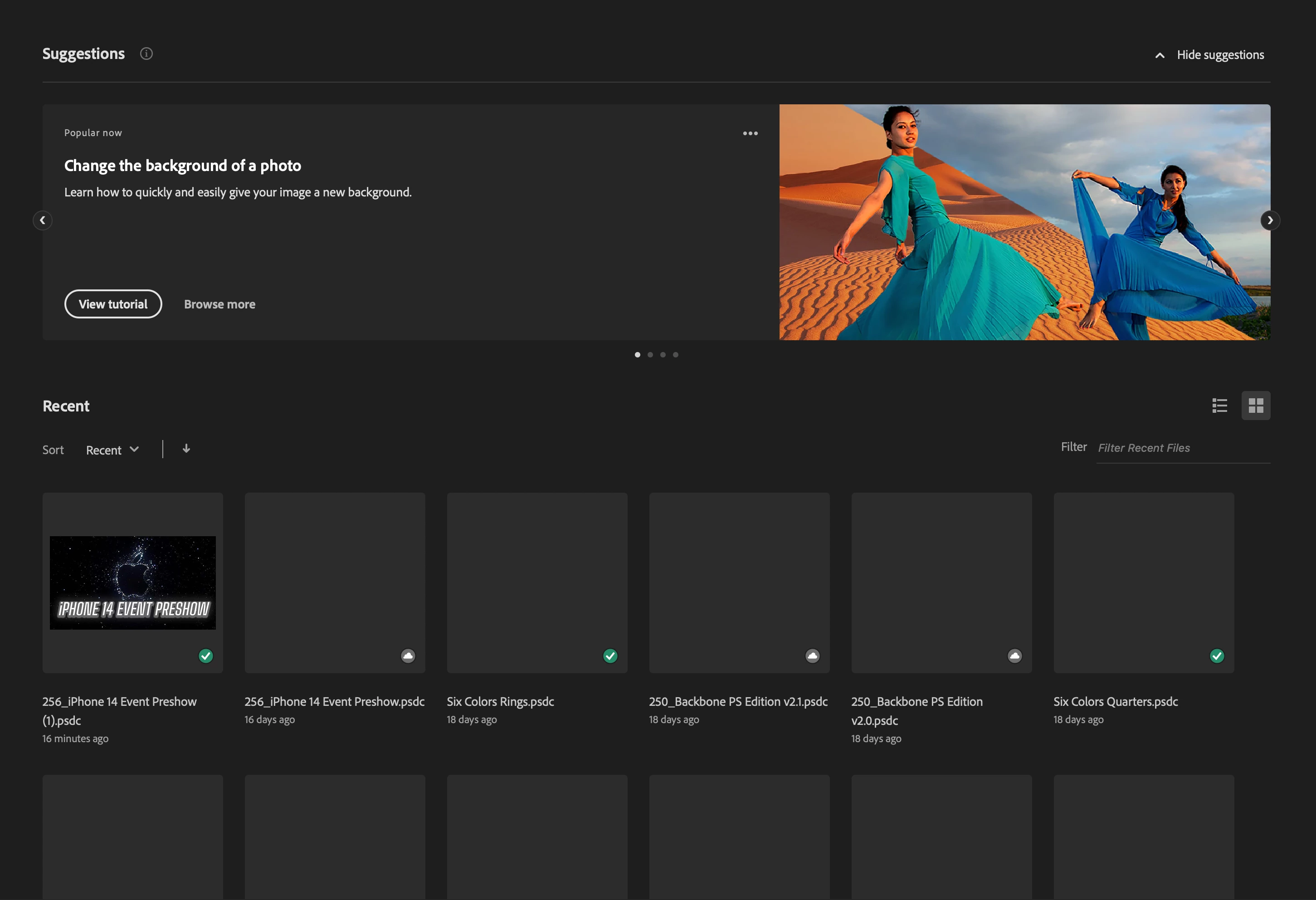
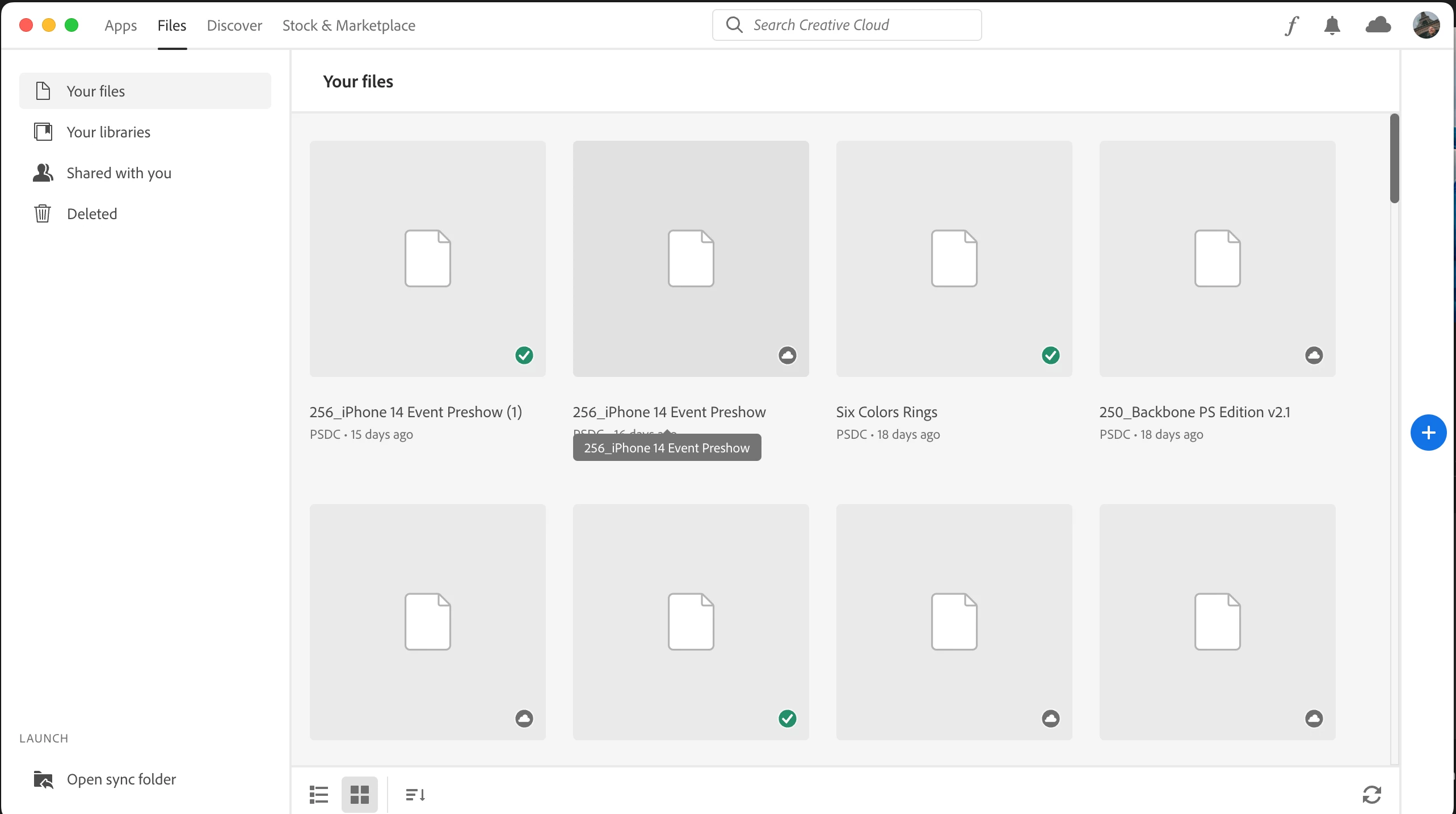
Steps taken:
1) Signed out CC
2) Ran CC cleaner
3) Reinstalled CC
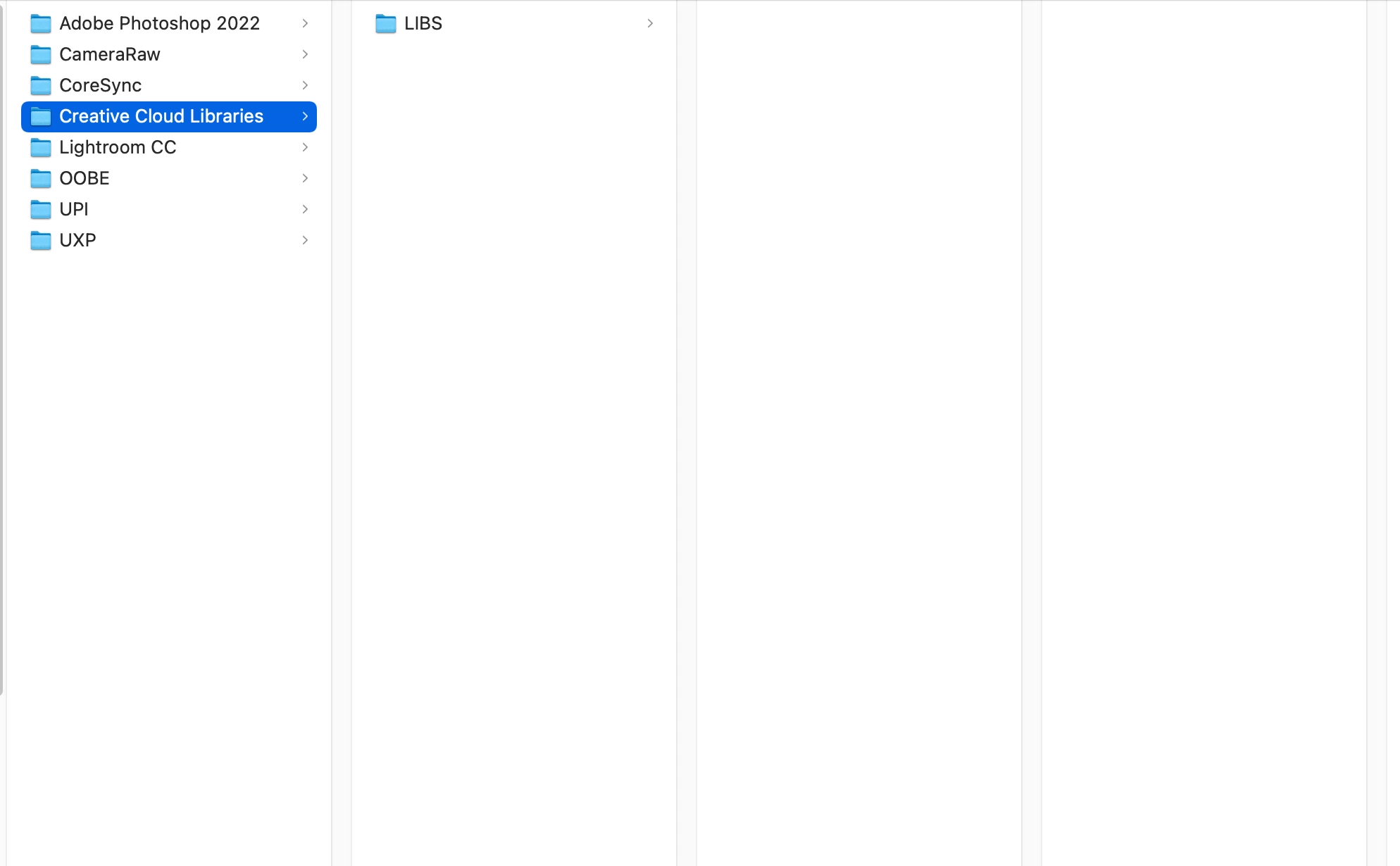
4) Navigated to App Support > Adobe and created Creative Cloud Library folder, which was missing
5) Verified that all cloud document previews are visible when viewing on the web (https://assets.adobe.com/cloud-documents)
6) I can click on a psd cloud document in Photoshop to generate the preview.
This issue is reproducible with two physically different Macs.


 AdChoices