
Participant
Jul 10, 2014 6:59 PM UTC
Question

Cloud Files Sync not working on Mac - Folder is archived

The sync of files in my cloud is not working at all. I wanted to try this feature out for the first time and this is what I always get as a screen:
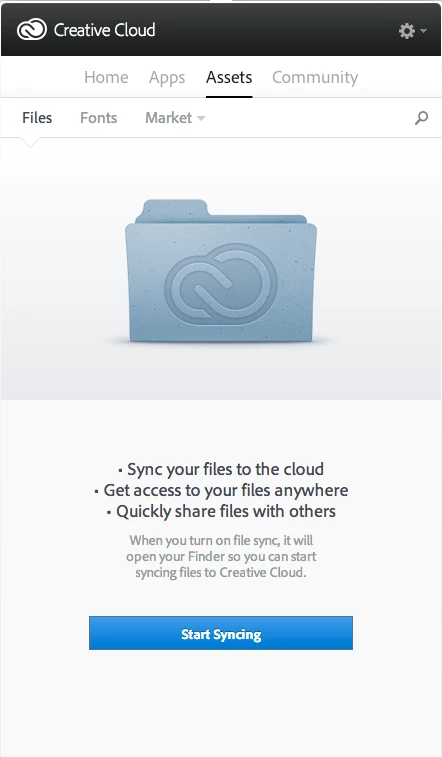
It appears again and again.

I do see an adobe cloud folder but it has (archived) written behind it.

Please can someone tell me what is wrong?

This topic is closed to new replies. Start a new post to keep the conversation going.

4 replies

NHerby
Participant
Jul 22, 2014 7:22 AM UTC

Pretty useless answer up there

I have the exact same issue and really need to get it fixed...

Translate
Participating Frequently
Jul 22, 2014 7:37 AM UTC

yara00s, NHerby,

Could you try following the steps in this post?

Re: Unable to get file sync to work

Regards,

Ben

Translate