
tommysammy
Participant
October 22, 2021
Question

Cloud full, how do I delete

  • October 22, 2021
  • 2 replies
  • 211 views

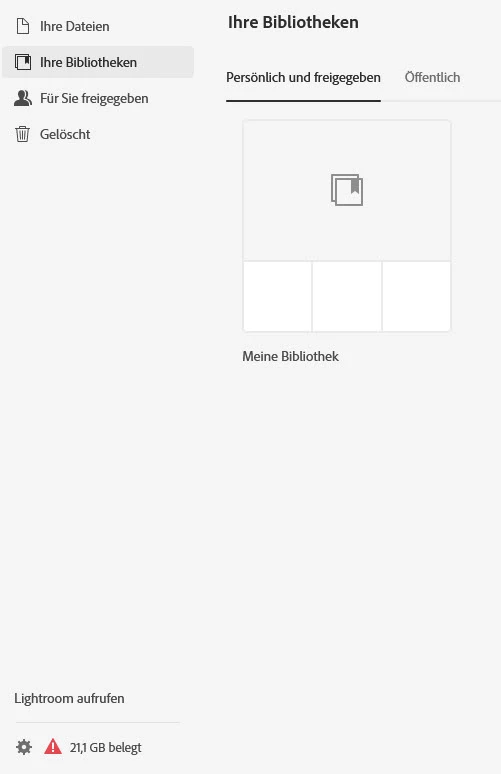
Hi all, my cloud is full but when I log in online I don't see any files and the library is empty. How can I see the contents of my cloud to be able to delete?

This topic has been closed for replies.

2 replies

Nancy OShea
Community Expert
Community Expert
October 22, 2021

Use these links from your browser:


Creative Cloud Assets https://assets.adobe.com
Synced files
Cloud documents
Deleted files

Lightroom https://lightroom.adobe.com
Photos
Albums
Edited files
Imported files
Deleted files

Document Cloud https://documentcloud.adobe.com
All documents
Starred files
Shared files

Adobe Spark https://spark.adobe.com
Projects
Brand files
Graphics
Web pages
Videos


Nancy O'Shea— Product User & Community Expert
Jeffrey_A_Wright
Community Manager
Community Manager
October 22, 2021

TommySammy, please see https://helpx.adobe.com/creative-cloud/kb/users-files-missing-creative-cloud.html for information on how to locate any missing files. I would also recommend reviewing https://helpx.adobe.com/creative-cloud/kb/file-storage-quota.html, which discusses how different Adobe apps and services utilize Cloud Storage.