
Participant
June 11, 2023
Answered

Cloud storage out of space?

  • June 11, 2023
  • 2 replies
  • 591 views

Hello. I'm on a plan with 100GB in cloud storage. I don't upload any files into the cloud, yet I see that my storage is full to 105GB. See the attached screenshot.
Can someone please help me understand what's going on? My wife is trying to use the new Adobe Express features but can't because of this.


Thanks.
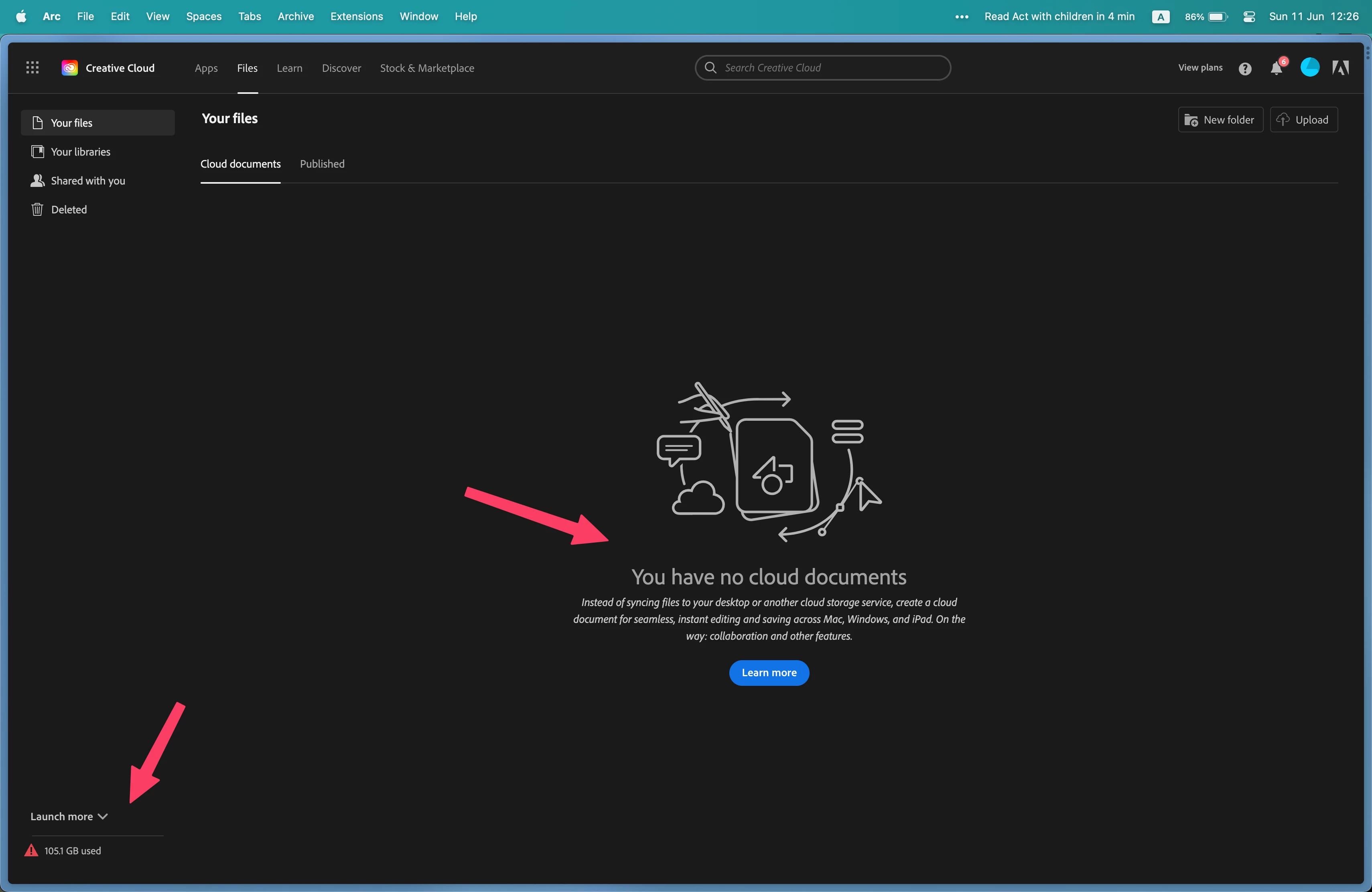


This topic has been closed for replies.
Correct answer Peru Bob

What does cloud storage include?

Your total cloud storage depends on your plan. The files stored in any of the following locations together count toward your total cloud storage.

Together count toward total cloud storage

Creative Cloud

Lightroom

Document Cloud

Adobe Express app

  • All documents
  • Starred files
  • Shared files
  • Projects and brand files
  • Graphics and Web pages
  • Videos


See here to clear storage:

https://helpx.adobe.com/in/creative-cloud/help/delete-files-permanently.html

2 replies

kglad
Community Expert
Community Expert
June 11, 2023

to clear or check all files stored on adobe's servers, use a web browser to navigate to the following locations. at each location there are several folders to check.:


https://assets.adobe.com  (be sure to check "launch more" here)

https://lightroom.adobe.com

https://documentcloud.adobe.com

https://spark.adobe.com


if you delete anything from any of these locations, check for a deleted folder where your file(s) was (were) moved. if you want to clear space you must delete files in the deleted folder.

petrah36555365
Participating Frequently
June 13, 2023

I'm facing the same issue, but there are only two files left in my folders that take up 10 MB vs 100GB storage space. Nevertheless I get the message the storage space is exceeded. I deleted everything I could find (in the "deleted files" folder as well).


kglad
Community Expert
Community Expert
June 13, 2023

what folders did you check at the assets.adobe.com?

Peru Bob
Community Expert
Peru BobCommunity ExpertCorrect answer
Community Expert
June 11, 2023

What does cloud storage include?

Your total cloud storage depends on your plan. The files stored in any of the following locations together count toward your total cloud storage.

Together count toward total cloud storage

Creative Cloud

Lightroom

Document Cloud

Adobe Express app

  • All documents
  • Starred files
  • Shared files
  • Projects and brand files
  • Graphics and Web pages
  • Videos


See here to clear storage:

https://helpx.adobe.com/in/creative-cloud/help/delete-files-permanently.html