


Complaint: Change from Folders to File Tree when "My Files" to CC
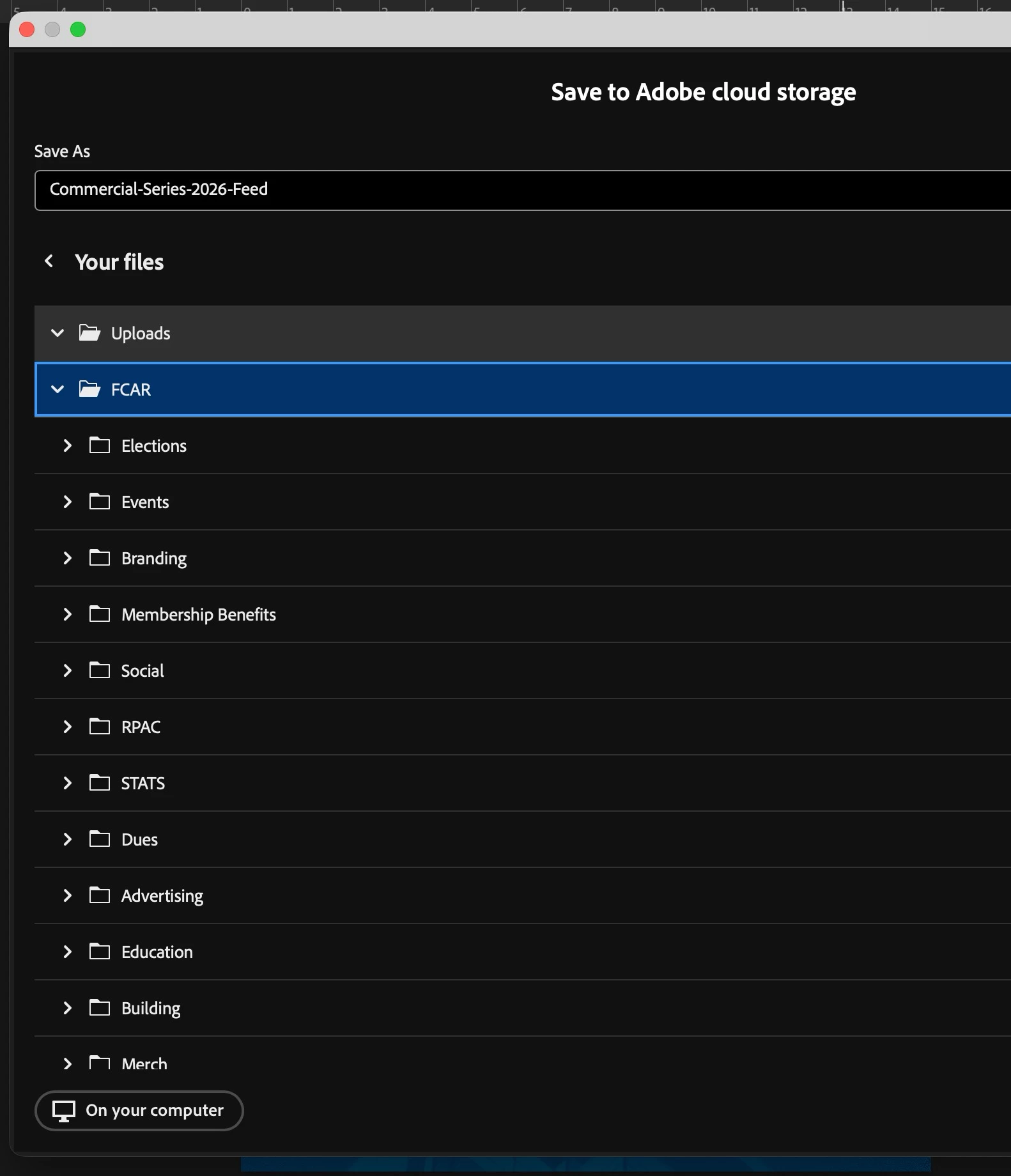
Adobe has changed the method of choosing where to save your files when saving to Adobe CC. It used to be the same as opening cloud files where you browse by folders in "Your Files." Now, after selecting Your Files, it gives you a tree of folders to click and expand. This is inferior for several reasons. 1) It's absolutely slower than browsing folders. 2) Clicking the folder only selects it—you have to specifically click the arrow to expand and see its subfolders. 2) Files don't always save in the folders you select, especially when you try to create a new folder and save it in there.
TL;DR - Adobe, please revert the "Save As" feature for CC from file trees to folder browsing. OR give us the option to choose between the two methods. That would also be okay.
If it's user error and an alternative already exists, I'd also love to be wrong! Thanks in advance.
 AdChoices