
Question
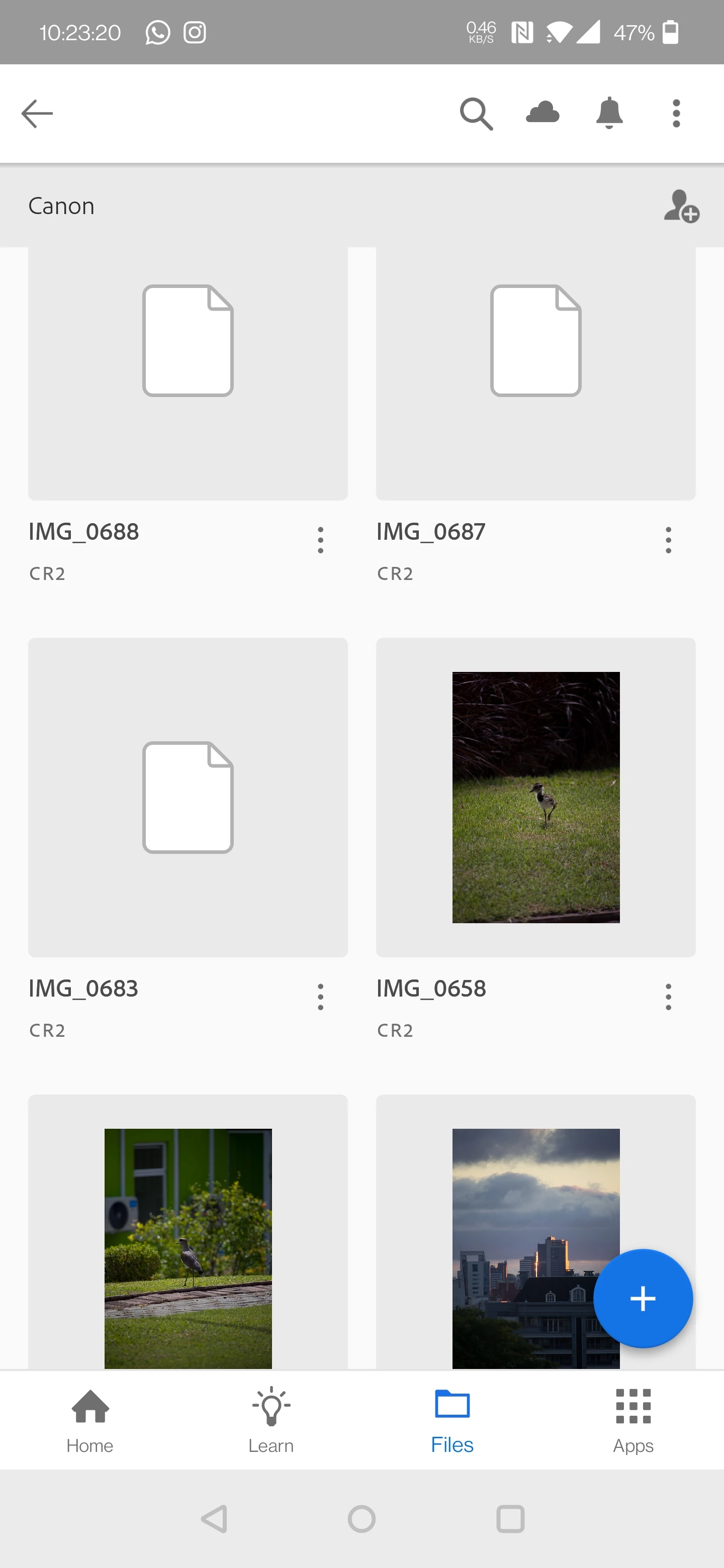
.CR2 previews in "Synced Files" tab (CC app)
Hello.
I have recently synced all my RAW files to the CC storage, both .CR2 and .DNG files. All ok, previews showing up in the CC app both in Android and Windows versions. The issue is that the new .CR2 files I am uploading from now on are not showing previews, only white icons stating that previews of .CR2 files are not supported in the CC mobile, but they are also not showing in Windows version. The files are not corrupted, simply not rendering previews. All other .CR2 keep showing previews normally. Any clue on what's happening and how to solve this?
Thanks.
Marcus.


 AdChoices