
Participant
January 22, 2022
Answered

Create Cloud Assets Files Error 500 & Error 404

  • January 22, 2022
  • 1 reply
  • 863 views

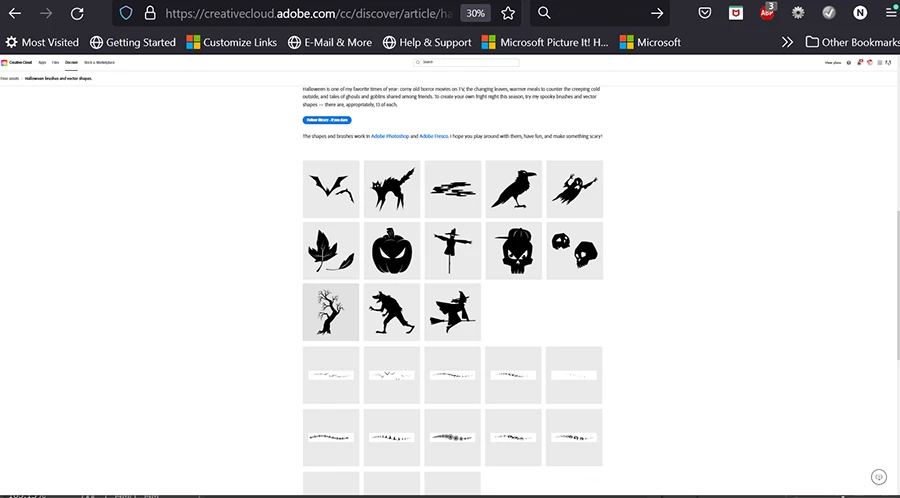
I'm unable to view files from links given in articles :

1)https://creativecloud.adobe.com/discover/article/halloween-brushes-and-vector-shapes

library link- https://assets.adobe.com/public/f00ad830-4459-4767-4020-941c5d6f34ba

2)https://creativecloud.adobe.com/cc/discover/article/vintage-type-reborn-as-photoshop-brushes-and-patterns#?locale=en

File link - https://assets.adobe.com/public/2bdc4d89-3303-4948-6cb0-e1ba953ee161


I keep getting error messages : 

Error 500: Internal Server Error
This asset isn’t available right now. Try visiting this page again later.
OR
Error 404: Asset not found
This asset isn’t available. Try checking the URL or visit a different page
OR
Something went wrong
Your download is not available
 
How can I download or sync these files to my library?


This topic has been closed for replies.
Correct answer Nancy OShea

Can you log-in to your paid Creative Cloud account below?

https://account.adobe.com/plans


The Halloween brushes are available to me.  I'm using the latest desktop Firefox browser.  It accepts cookies and does not have script blockers.


1 reply

Nancy OShea
Community Expert
Nancy OSheaCommunity ExpertCorrect answer
Community Expert
January 23, 2022

Can you log-in to your paid Creative Cloud account below?

https://account.adobe.com/plans


The Halloween brushes are available to me.  I'm using the latest desktop Firefox browser.  It accepts cookies and does not have script blockers.


Nancy O'Shea— Product User & Community Expert