Participant
August 16, 2020
Question

Creative Cloud 2020 crashes system

  • August 16, 2020
  • 2 replies
  • 202 views

The Topic is Creative Cloud 2020

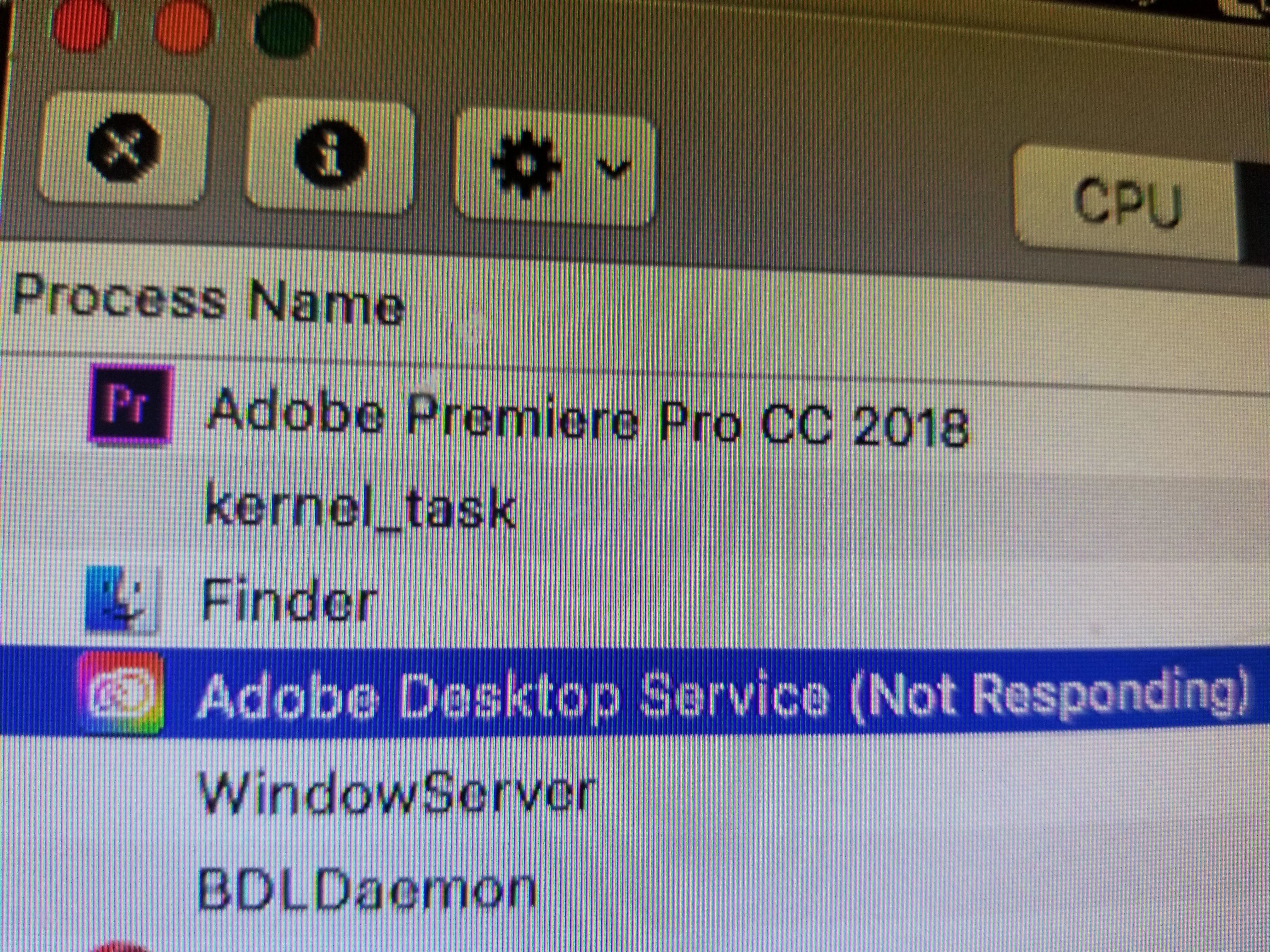
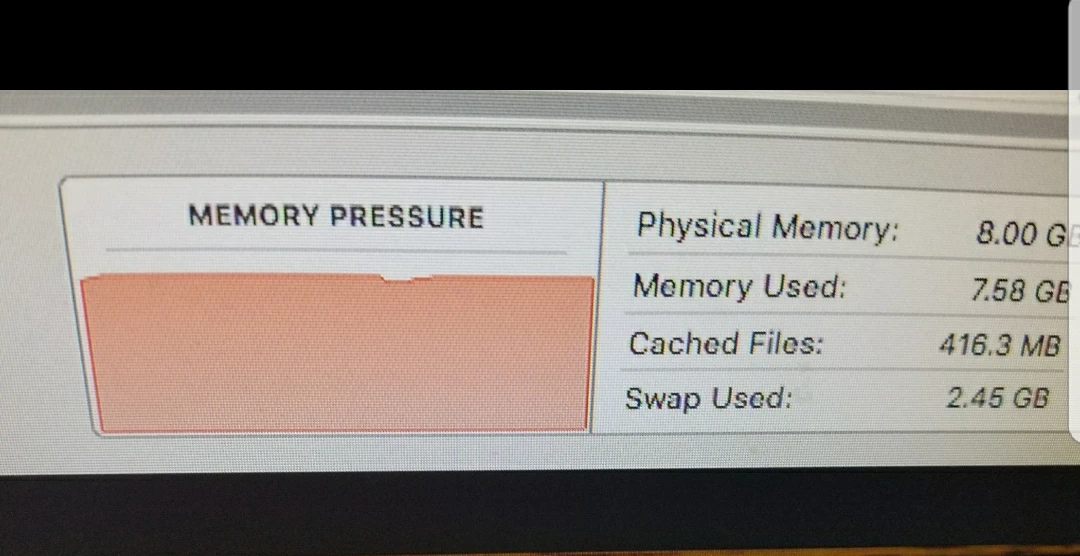
Ever since creative cloud automatically updated premiere has slowed significantly and the memory pressure on my system is crippling...has anyone else been having problems since creative cloud updated? any suggestions? 


This topic has been closed for replies.

2 replies

Just Shoot Me
Legend
August 17, 2020

So people don't have to download the image you have attached to your post please Edit your post to remove the Attached screen shot and Include it in the body of the text of your post.

You do that by Clicking the "More..." link at the bottom of your post, Selecting "Edit Message" and then use the "Insert Photos" icon in the tool bar at the top of the Post/Reply/Edit dialog box like this.


Thank you.

Participant
August 17, 2020

Phil,
Yes, I have been having same CPU hogging issue (97 - 100 %). I don't know if it is post update, or another reason, but it takes at least a minute just for the Creative Cloud app to load. I am having LrC updated as I type, it has been running for about 5 minute and only 35% completed. System is running slower that my first 286/8Mb Ram system - it is painfully slow.
I can remote access my workstation, to use AutoCAD, but it's so damn slow I can't get a couple lines drawns without giving up. This is insane.

I looked around for possible cause/fix: found mention of 'CoreSync' as possible cause. So I deleted the magic (hidden) files as instructed - it did not help.

Hope a solution is found real soon, as I'm about to dump this (cr)app and use a knock-off pdf program. All I wanted Adobe for was to be able to create/print pdf files. I do not like this cloud core sync speed bump.