
Question
Creative Cloud and upload to apple applications
I have just uploaded a whole lot of images to my Creative cloud account. All is working fine.
Mostly i work on my IPad and wanted to use images to my Apple applications (Pages and Key Notes).
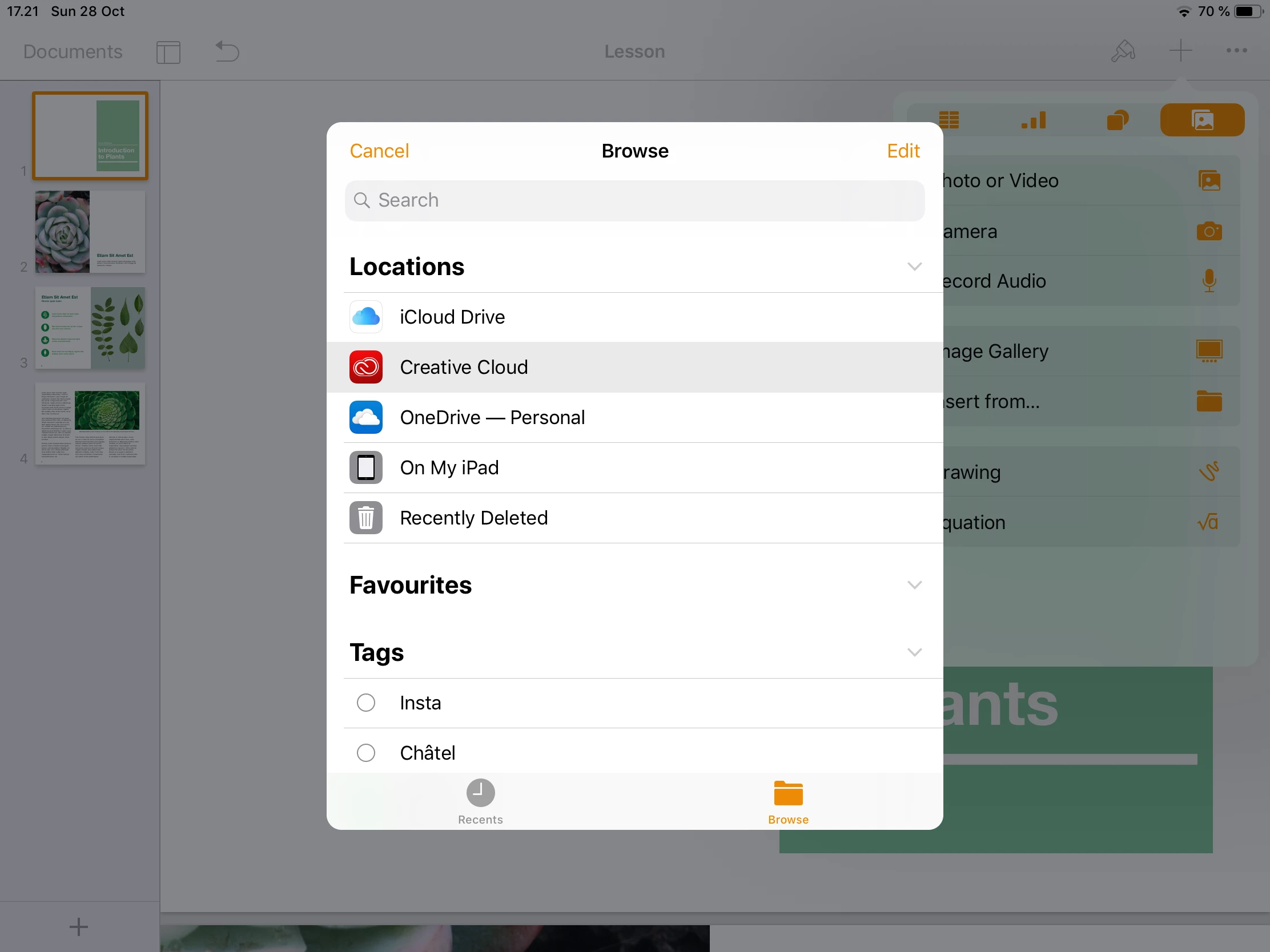
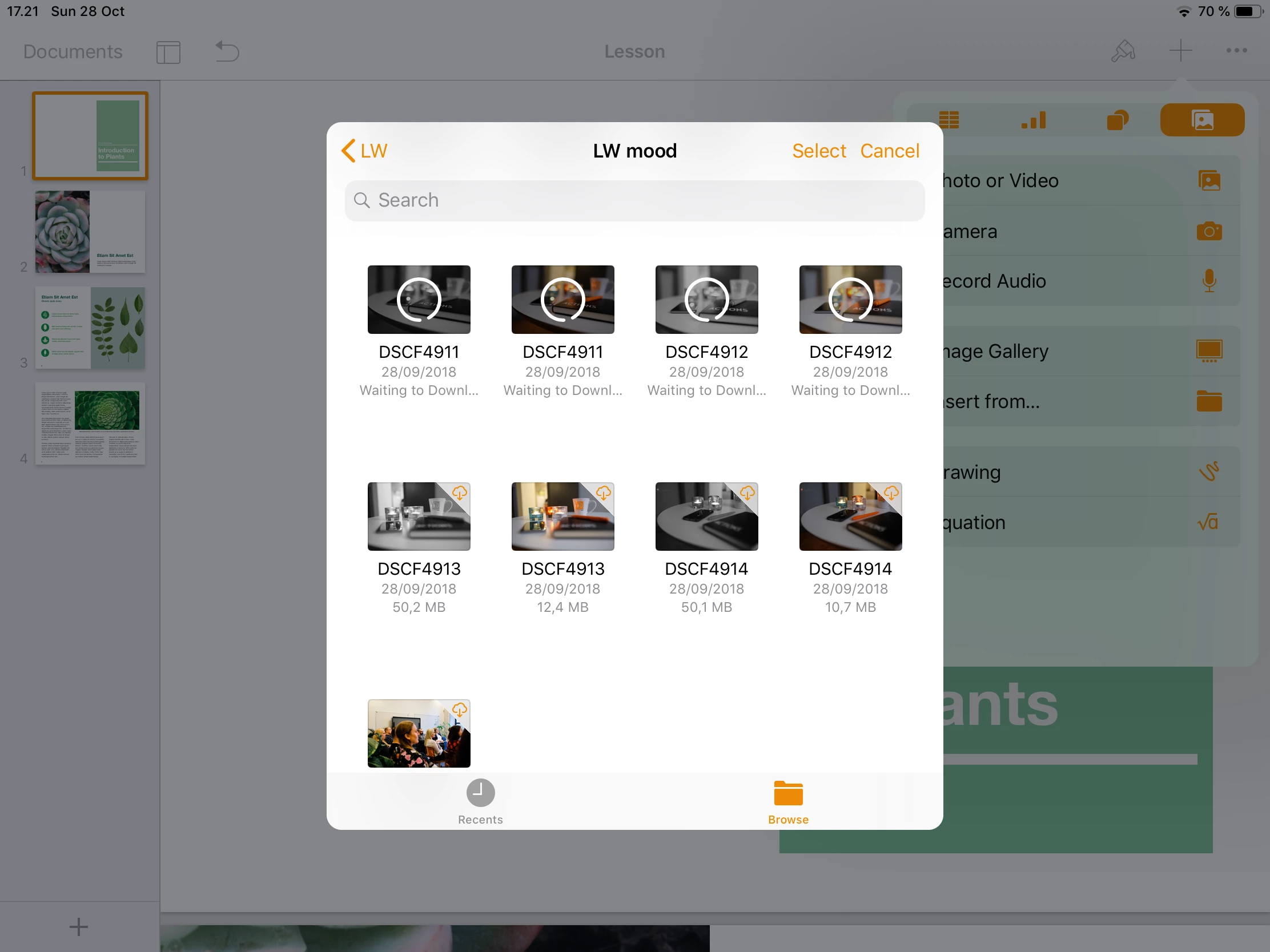
The only option i have to use my images from my creative cloud is to go via the files application. When i open from that the small cloud icon is shown in the right left corner.
Is it so that io have to go though my 1000 images by manually activating the cloud icon for all of them to be used in my apple applications? Or is there a short cut or something I haven’t done correctly


 AdChoices