nielm75305285
Participant
September 27, 2020
Question

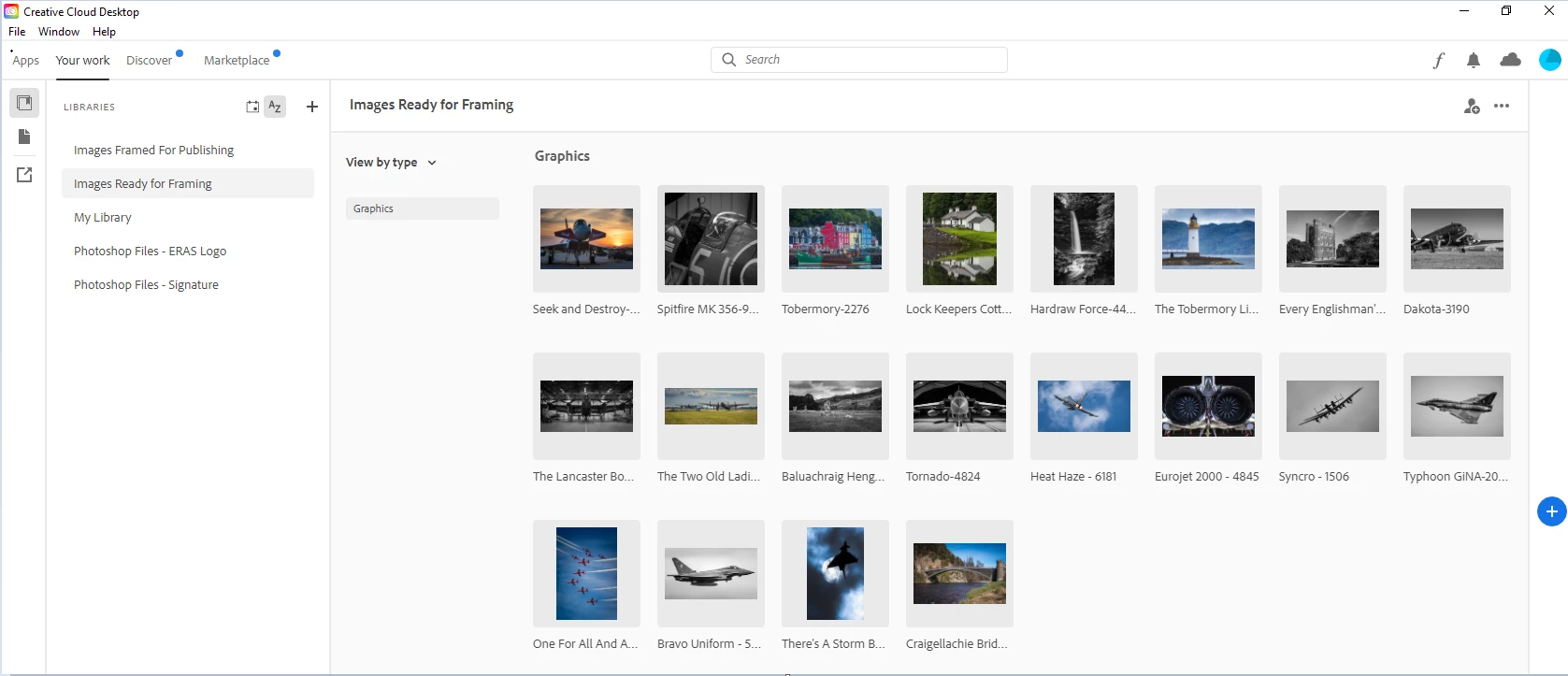
Creative Cloud App on Desktop PC displaying old Library images

  • September 27, 2020
  • 1 reply
  • 315 views

I am running CC on a Desktop, Laptop and Mobile phone.

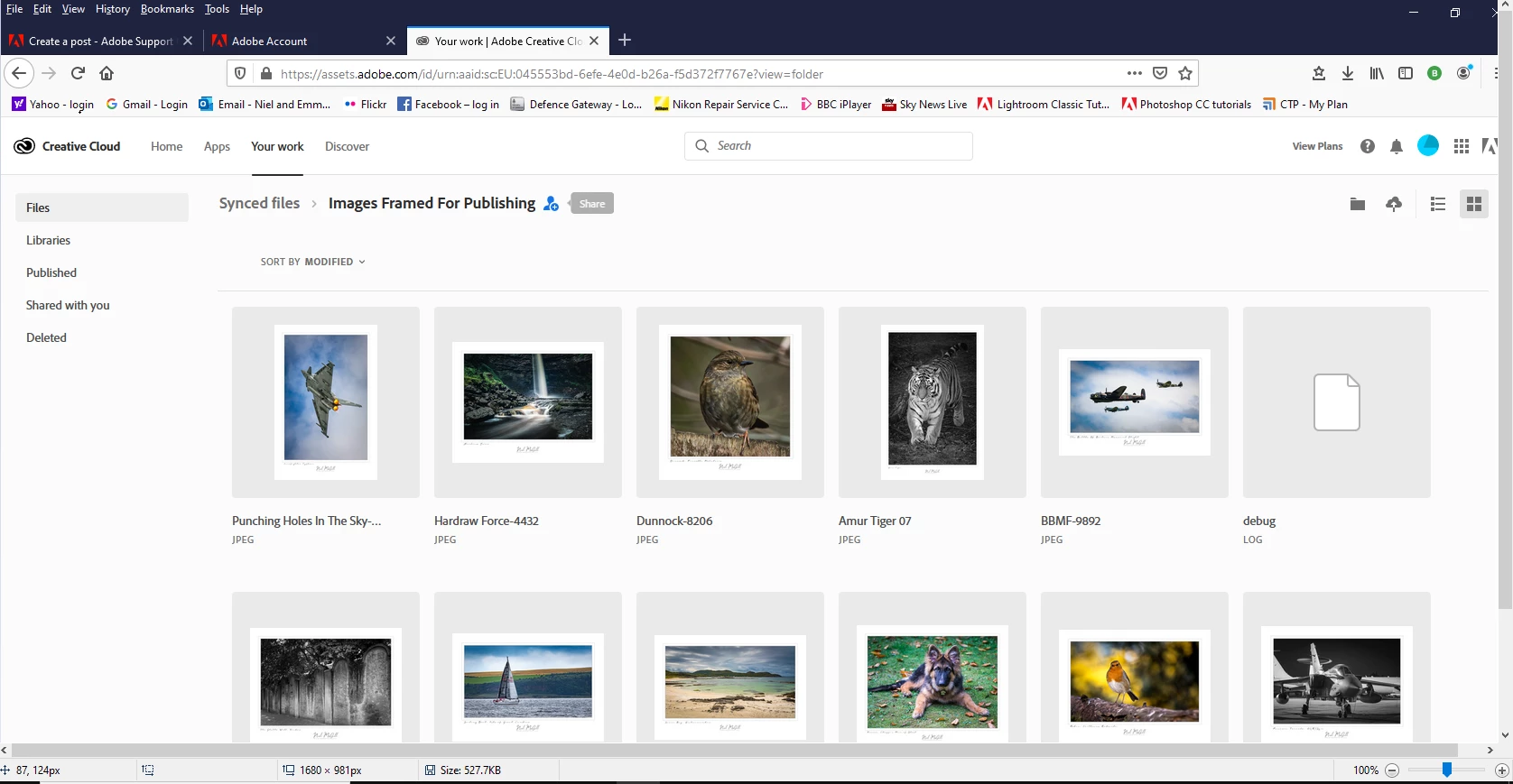
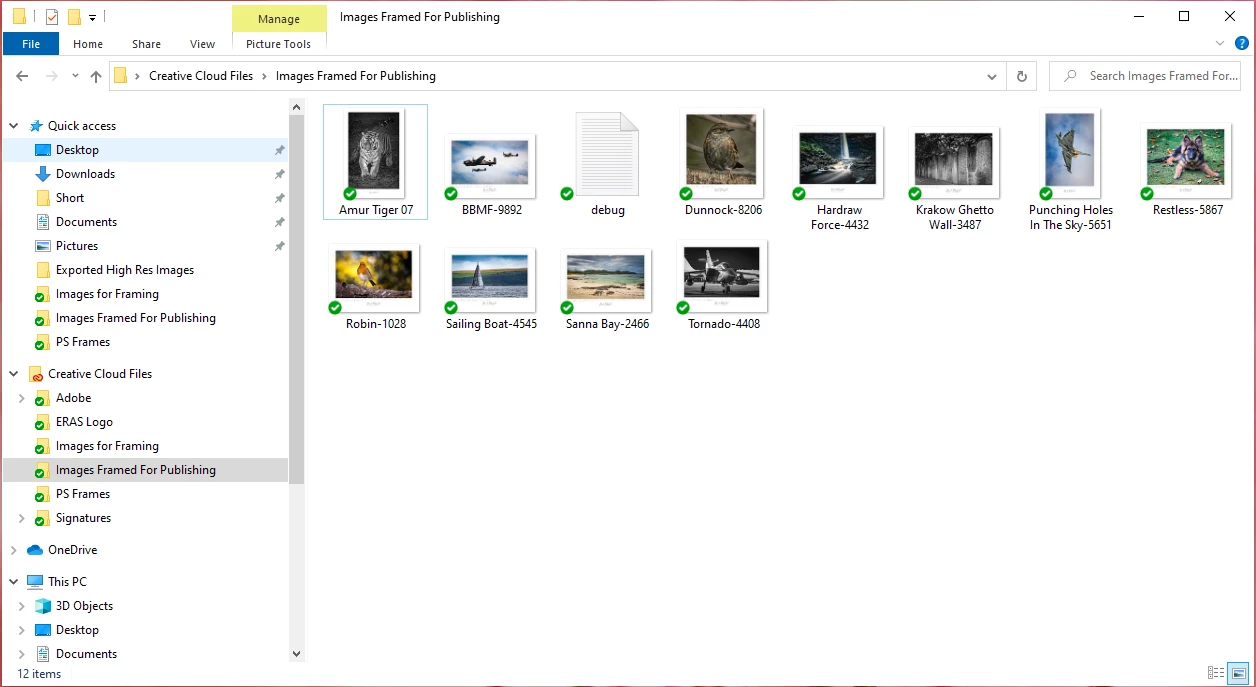
The Creative Cloud Libraries and images are correctly displayed in the Mobile CC App, the Laptop CC App and in the Desktop PC File Explorer but when you open the CC App installed on the desktop PC. despite it saying it has sync'ed correctly the libaries are correct but the images within are from +2 weeks ago.

I have tried completely uninstalling the Adobe CC Desktop App and associated programs and then reinstalling from scratch but no success it still says syncs and displays old library data.
This topic has been closed for replies.

1 reply

kglad
Community Expert
Community Expert
September 27, 2020

change your sync folder on the problematic pc.  that should force a re-download of the files on adobe's cc servers.

nielm75305285
Participant
September 27, 2020
I moved it twice with no joy. There is clearly a file somewhere on my
Desktop PC that refers the CC Desktop App to old data. The question is
where is the file located?
kglad
Community Expert
Community Expert
September 28, 2020

using a browser that allows popups and cookies, contact adobe support during pst business hours by clicking here, https://helpx.adobe.com/contact.html


click contact us (in the lower right)
in the chat field, type AGENT
be patient, it can take quite a while to reach a human